
Ready to bring your dream room to life but not sure where to start? Choosing the right interior design software for beginners can feel overwhelming, but it's the key to visualizing changes before you commit time, money, and effort. Whether you're a homeowner planning a renovation, an Airbnb host looking to boost bookings with stunning visuals, or a real estate agent wanting to stage a property virtually, the right tool makes all the difference. This guide cuts through the confusion to help you find the perfect platform for your project.
We've curated a list of the best and most accessible design tools available today. Forget spending hours trying to decipher complicated professional-grade software. Each option was selected for its user-friendly interface and practical application for real-world projects, from simple room refreshes in a small apartment to full-scale floor plan creations. We'll break down what makes each one unique, who it's best for, and what you can realistically achieve.
Inside this guide, you’ll find a detailed analysis of each software, including:
- Key Features: What sets each tool apart.
- Learning Curve: An honest look at how quickly you can get started.
- Pricing: Free, freemium, and paid options explained.
- Ideal Use-Cases: Helping you match the software to your exact needs.
- Pros & Cons: A balanced view to inform your decision.
Our goal is to empower you to move from inspiration to a tangible, workable plan, saving you from costly design mistakes and decision fatigue. Let's dive in and find the software that will turn your vision into a visual reality.
1. Interior Redesign AI
Best For: Rapid concept visualization, style experimentation, and AI-powered virtual staging.
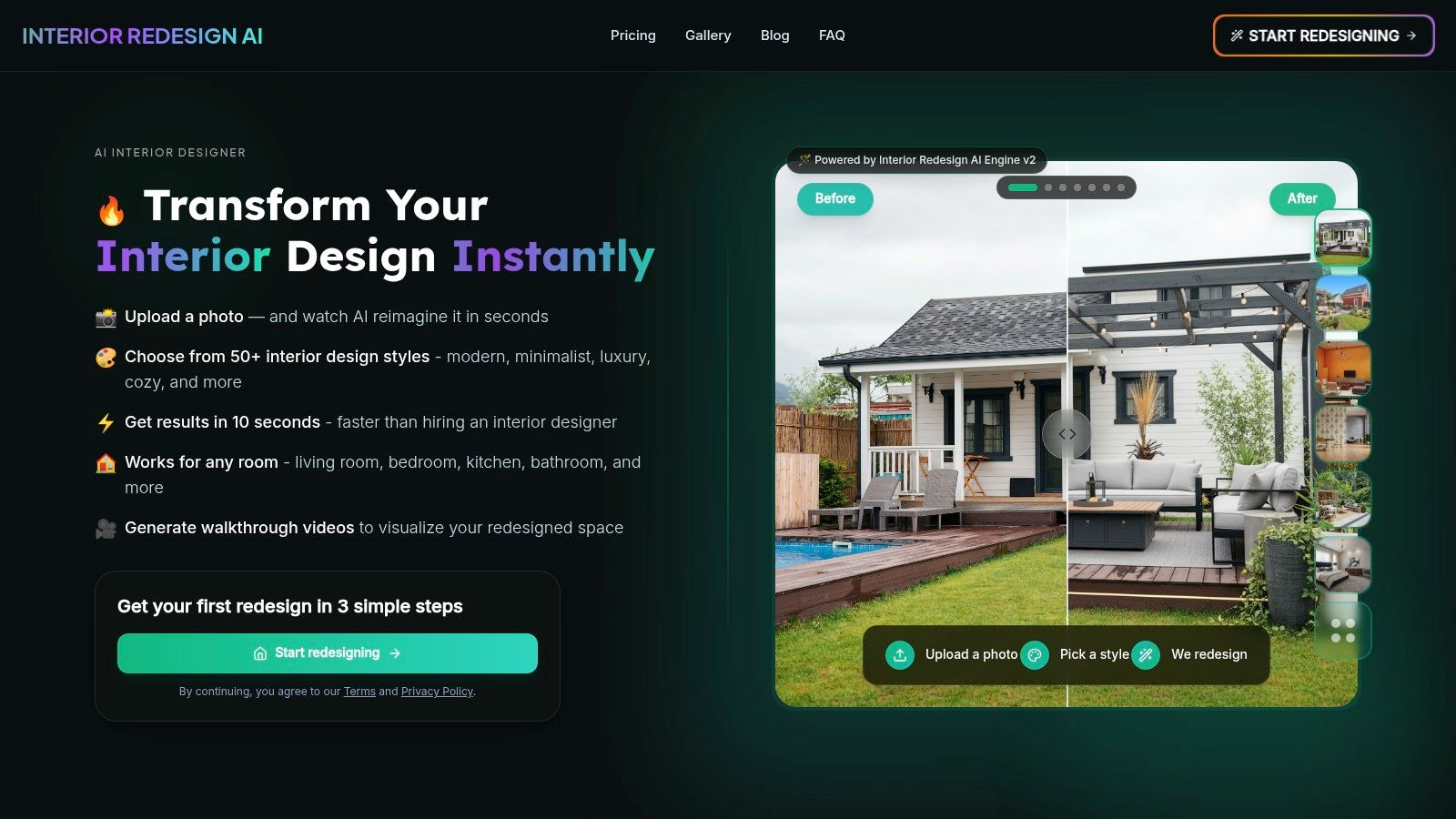
Interior Redesign AI is a top choice for interior design software for beginners because it replaces complex modeling with incredible speed and simplicity. Instead of building a room from scratch, you just upload a photo of your existing space or even a rough hand-drawn sketch. The platform’s powerful AI engine then generates professional, photorealistic redesigns in over 50 distinct styles within seconds. This makes it an indispensable tool for anyone who needs to visualize changes quickly and without a steep learning curve.
Why It Matters for Your Space
What truly sets this platform apart is its fusion of high-end visual quality with intuitive controls. The results feel tangible and realistic, which is crucial for making confident decisions about paint colors, furniture layouts, and material finishes. This is a game-changer for homeowners feeling stuck, real estate agents needing to stage a listing virtually, or Airbnb hosts looking to create more appealing photos. The ability to generate up to 4K resolution renders and video walkthroughs elevates a simple concept into a professional-grade presentation, helping you save money and reduce decision stress.
Key Features and Practical Examples
- Photo and Sketch Rendering: Upload a picture of your living room and instantly see it in a "Modern" or "Japandi" style (a blend of Japanese minimalism and Scandinavian function) before you buy a single item. This helps you avoid costly design mistakes.
- Canvas Editor: This unique brush-based tool offers pixel-precise control. If the AI changes your fireplace but you want to keep it, you can simply mask it out to preserve it in the final design. This feature offers a level of refinement rarely seen in AI-powered tools.
- Material and Style Controls: Beyond just picking a style, you can guide the AI to use specific materials like oak, marble, or brick. This is perfect for testing kitchen backsplash ideas or flooring options without guesswork.
- High-Quality Outputs: Generate stunning 4K images and video walkthroughs. For a real estate agent, this means creating a captivating virtual tour of a vacant property; for a homeowner, it means truly feeling what it's like to stand in your newly designed space.
Pricing and Access
While Interior Redesign AI doesn't list its pricing on the main homepage, it provides a clear "Try it" call-to-action and a dedicated pricing page. Users should visit the site to check for current plans and usage costs, as advanced features like 4K renders may be tied to paid tiers. You can find answers to common questions on the Interior Redesign AI FAQ page to learn more.
Website: https://www.interiorredesignai.com
2. SketchUp (Trimble)
Best For: Detailed 3D modeling and creating structurally accurate space plans.
SketchUp is a powerhouse in the 3D modeling world, long favored by architects and professionals, but its web-based version makes it one of the best choices for dedicated beginners. Unlike tools focused solely on decoration, SketchUp allows you to build a room, or an entire house, from the ground up with precise measurements. This makes it ideal for planning structural changes, custom built-ins, or complex furniture layouts where every inch matters.
Why It Matters for Your Space
SketchUp's strength lies in its precision. For a homeowner planning a kitchen remodel, you can create an exact model to ensure new cabinets fit perfectly and appliances have proper clearance. The platform shines with its massive 3D Warehouse, a library containing millions of free models of real-world furniture, appliances, and decor that you can drop directly into your project. This feature alone saves countless hours, allowing you to furnish a space with accurate models from popular brands.
Key Features and Practical Examples
- Scalable Learning Curve: You can start with simple floor plans on the free web app and gradually progress to highly detailed, professional-grade models.
- Massive Asset Library: The 3D Warehouse is an unparalleled resource for finding specific furniture and fixture models, crucial for creating a realistic representation of your design.
- Community and Support: Its long history means there are endless tutorials, forums, and plugins available to help you master any task, from designing a bathroom layout to planning a multi-room renovation.
Pricing
SketchUp offers several tiers, including a robust free version for personal use. Paid plans like SketchUp Go ($119/year) and SketchUp Pro ($349/year) add more advanced tools, unlimited cloud storage, and desktop application access.
Website: https://www.sketchup.com/plans-and-pricing
3. Floorplanner
Best For: Creating simple and accurate 2D and 3D floor plans quickly.
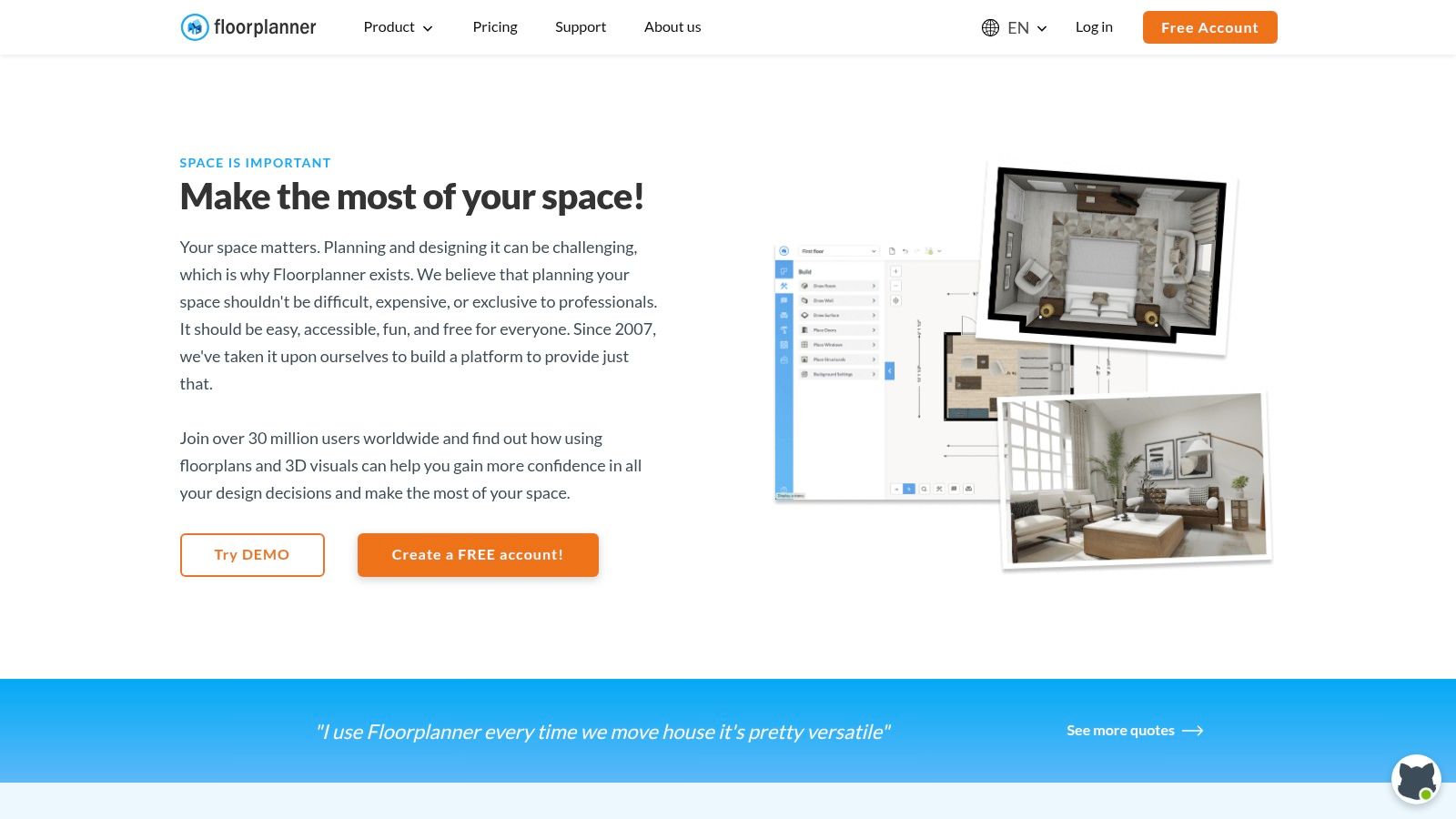
Floorplanner is one of the most accessible browser-based tools for creating 2D and 3D floor plans, making it a perfect starting point for anyone new to space planning. Its strength lies in its simplicity; you can quickly draw rooms, drag and drop furniture from a large library, and switch between 2D and 3D views with a single click. This makes it ideal for visualizing furniture arrangements in a rental apartment, checking clearances in a small bedroom, and sharing basic layouts without a steep learning curve.
Why It Matters for Your Space
Floorplanner helps you solve practical layout problems before you start moving heavy furniture. Want to see if a sectional sofa will overwhelm your living room? You can map it out in minutes. The platform operates on a unique model that is particularly friendly to casual users. The free plan allows you to create and save your projects indefinitely, which is perfect for a homeowner working on a single room. Instead of a mandatory subscription for high-quality visuals, Floorplanner uses a credit system, offering a low-commitment path to professional-looking results.
Key Features and Practical Examples
- Pay-Per-Export Model: The credit system is a standout feature, allowing users to access the core tools for free and only invest money when they need a high-quality visual for a presentation or mood board.
- Intuitive Interface: The drag-and-drop functionality and simple drawing tools make it one of the easiest platforms to learn. You can produce a viable floor plan for your kitchen or home office within minutes.
- Large Furniture Library: The built-in catalog contains a wide variety of generic and branded items, helping you create a realistic representation of your space without needing to model objects yourself.
Pricing
Floorplanner’s Basic plan is free and allows you to create up to five projects with standard-definition exports. To get higher-quality visuals, you can purchase credits or subscribe. Plus credits start at $5.99 for 5 credits, while the Pro subscription ($29/month) includes monthly credits and advanced features.
Website: https://floorplanner.com
4. RoomSketcher
Best For: Creating high-quality floor plans with professional visuals and interactive walkthroughs.
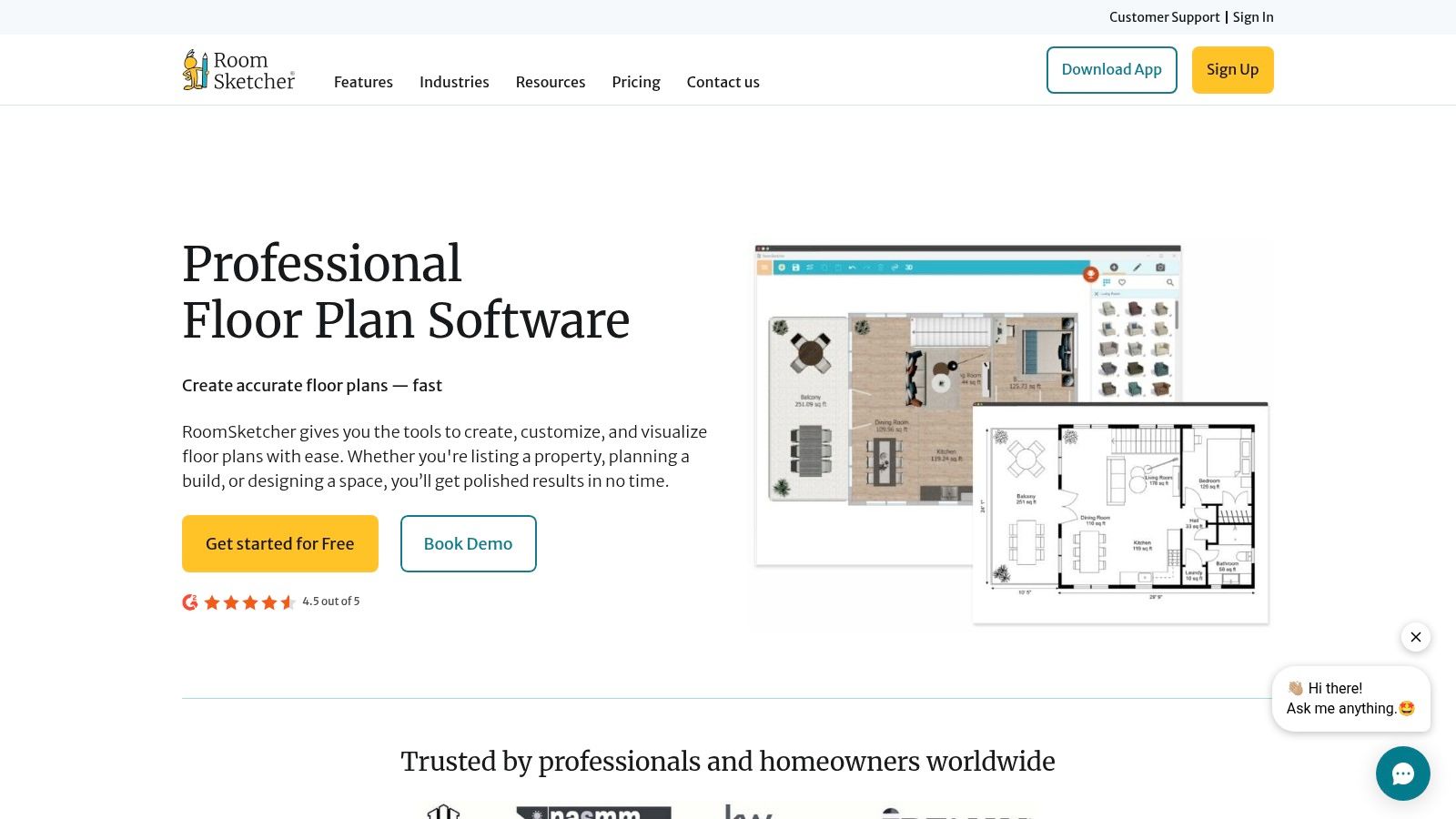
RoomSketcher excels at making the floor plan creation process intuitive and accessible for beginners. The platform allows users to easily draw 2D floor plans from scratch or upload a blueprint for their team to trace. From there, you can furnish the space with a large library of furniture and materials and instantly visualize the design in 3D. The output quality is a major highlight, with options to generate high-resolution 3D photos, 360-degree views, and interactive Live 3D walkthroughs.
Why It Matters for Your Space
This tool is particularly useful for homeowners and real estate professionals who need professional-looking visuals without a steep learning curve. An Airbnb host can create an interactive 3D walkthrough to give potential guests a real feel for the property, boosting its appeal. For a homeowner planning an extension, it helps visualize the flow between old and new spaces. While the free version is great for basic layouts, the paid plans unlock the high-quality renders that make this software stand out.
Key Features and Practical Examples
- Professional Outputs: Creates impressive 3D photos and 360-degree views that are perfect for real estate listings, or for a family to visualize a final design for a new living room.
- Intuitive Interface: The drag-and-drop functionality for drawing walls, adding windows, and placing furniture makes it one of the easiest tools to learn and use for any room, including bedrooms or outdoor spaces.
- Flexible Pricing Model: The combination of a free tier and a pay-as-you-go credit system for premium features offers a clear and scalable path for users on different budgets.
Pricing
RoomSketcher has a free plan with basic functionality. For more features, the Premium plan ($49/year) offers 3D photos and floor plans. The Pro plan ($99/year) is popular for small businesses, offering branding and print-to-scale options. High-resolution renders and services are purchased with "Credits" on a pay-as-you-go basis.
Website: https://www.roomsketcher.com
5. Planner 5D
Best For: Ease of use, cross-device flexibility, and achieving fast, attractive 3D visualizations.
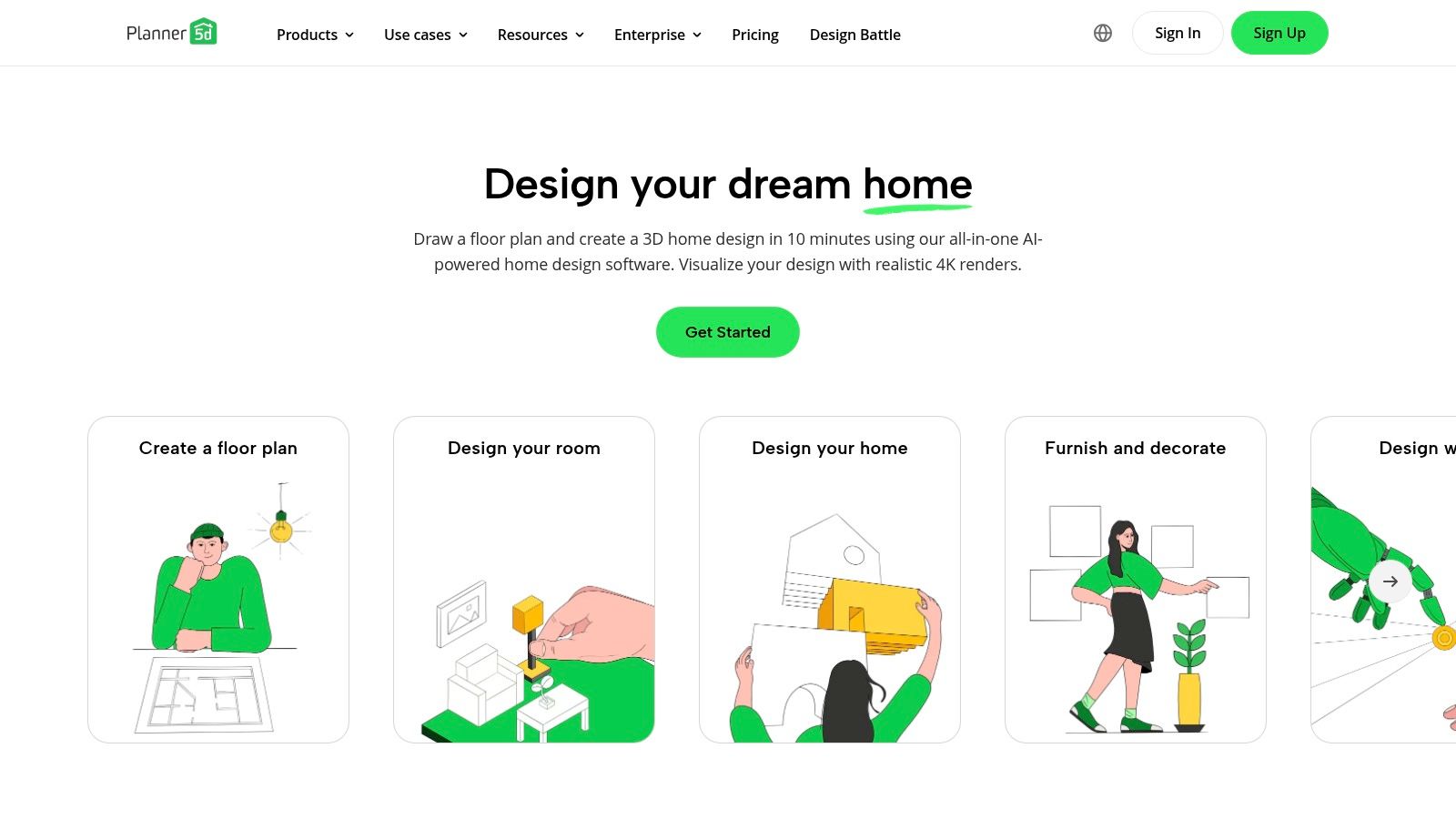
Planner 5D is an incredibly accessible and popular choice, celebrated for its intuitive interface that works seamlessly across web and mobile devices. It empowers beginners to quickly create 2D floor plans and visualize them in stunningly realistic 3D with a drag-and-drop system. This makes it perfect for first-timers who want to experiment with layouts, furniture, and materials without a steep learning curve or technical barriers, whether they're on a computer at home or a tablet on the go.
Why It Matters for Your Space
For busy homeowners or real estate agents, the cross-platform convenience is a huge benefit. You can start designing a kitchen layout on your desktop and then pull it up on your phone while at a hardware store to check materials. The platform boasts a massive catalog of over 8,000 items, and unique features like its AI-powered "Smart Wizard" can automatically generate a furnished room layout from your floor plan, providing instant inspiration when you're feeling stuck.
Key Features and Practical Examples
- Cross-Platform Convenience: Start a design on your desktop and continue tweaking it on your phone or tablet, making it ideal for designing on the go.
- AI-Powered Assistance: The Smart Wizard can give you an instant furnished layout for a bedroom or living room, offering a fantastic starting point when you're unsure where to begin.
- Large and Varied Catalog: With thousands of customizable items, you can create a detailed and personalized vision of your space, similar to the diverse styles seen in our design inspiration gallery.
Pricing
Planner 5D offers a free version with access to basic features and a limited catalog. To unlock the full item catalog (8,000+ items) and HD renders, you can subscribe to a premium plan, which is typically offered with monthly or yearly billing options (e.g., around $24.99/year or with lifetime access options).
Website: https://planner5d.com
6. Homestyler
Best For: Creating high-quality, photorealistic renderings without a steep learning curve or high cost.
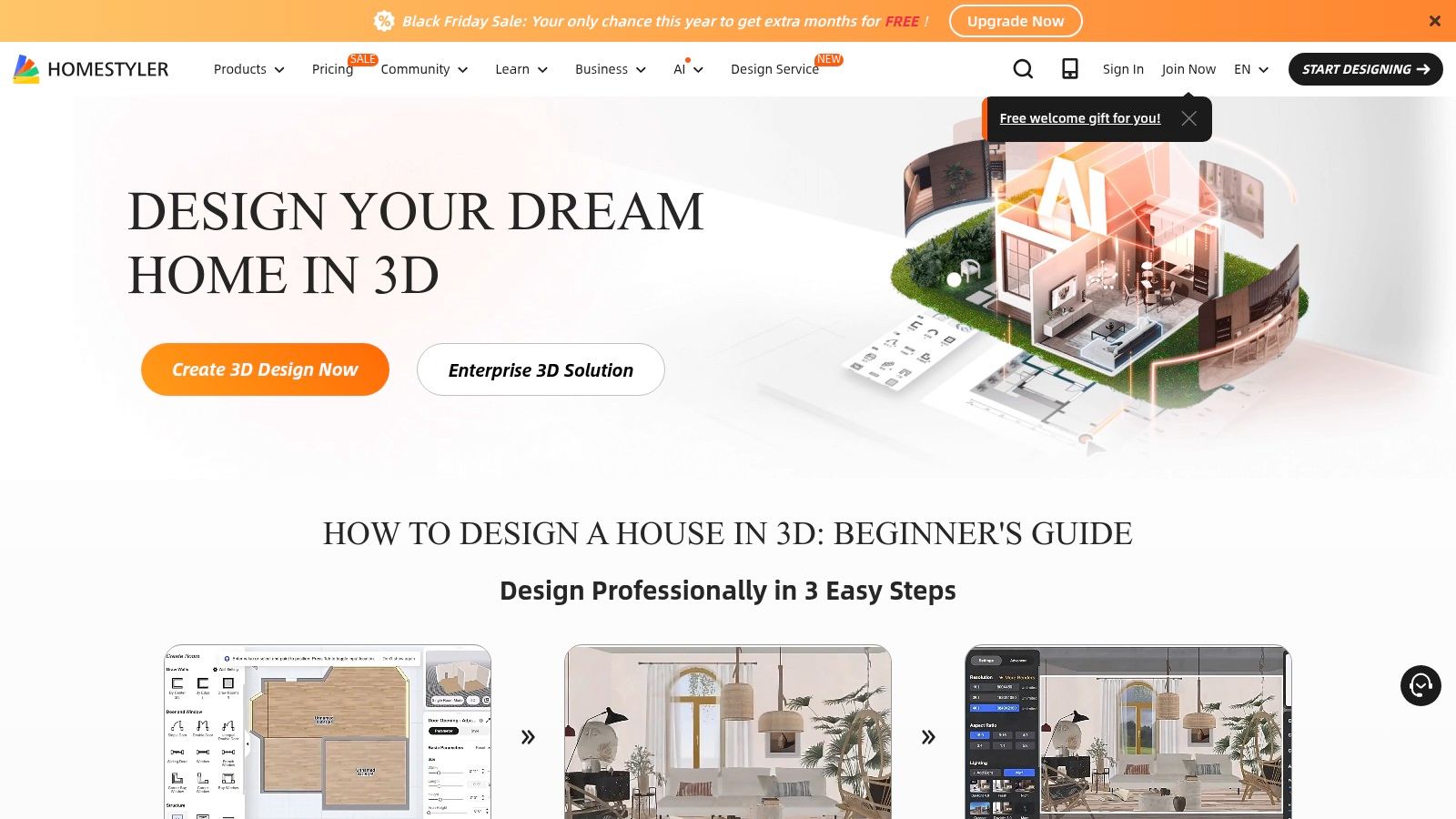
Homestyler is a powerful, cloud-based interior design platform that excels at producing high-quality, photorealistic renderings without requiring expensive hardware. It strikes an excellent balance between user-friendliness and professional-grade output, making it a top contender for beginners who want their final images to look as realistic as possible. Its drag-and-drop interface, combined with an extensive library of real-world furniture and materials, simplifies the process of bringing a design vision to life.
Why It Matters for Your Space
The platform is especially generous with its free plan, offering unlimited standard-definition renders, which is more than enough for most homeowners to plan a room makeover. For those needing higher-quality visuals, like an aspiring designer building a portfolio or a real estate agent staging a property, the paid tiers unlock stunning 2K and 4K renders. This means you can create marketing materials that truly pop or get a hyper-realistic preview of your bathroom renovation before committing.
Key Features and Practical Examples
- Exceptional Rendering Quality: The rendering engine produces impressive, lifelike images that help you accurately visualize how new kitchen cabinets, living room lighting, or bedroom textures will look in reality.
- Massive Model Library: The platform features a vast library of 3D models and materials from real brands, making it easy to create an accurate and shoppable design.
- Generous Free Access: The ability to create unlimited 1K renders for free makes it one of the most accessible yet powerful tools for personal projects on a budget.
Pricing
Homestyler operates on a freemium model. The Basic plan is free. Paid plans like Pro (from $4.9/month) and Master (from $9.9/month) add features like 2K/4K rendering, video creation, and removal of watermarks. Some advanced features may require purchasing credits separately.
Website: https://www.homestyler.com
7. Sweet Home 3D
Best For: A comprehensive, no-cost tool for creating detailed 2D and 3D floor plans.
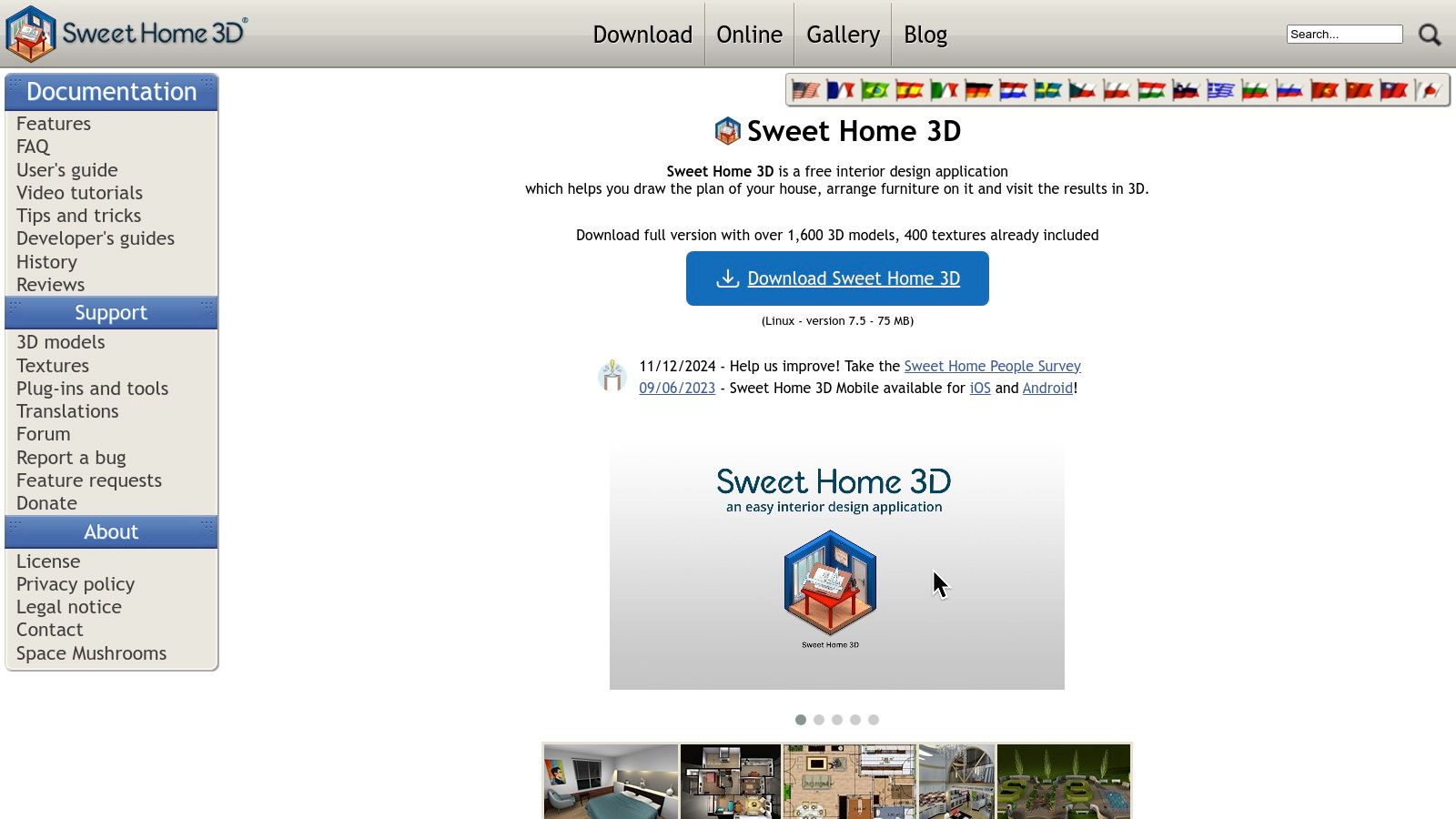
Sweet Home 3D is a powerful, open-source interior design software that gives beginners detailed planning tools without any cost. Unlike purely web-based platforms, it can be downloaded and run offline, making it a robust free option for detailed home layouts. It’s excellent for those who want to learn the fundamentals of 2D floor planning and see their creations come to life in a simultaneous 3D view, which is incredibly helpful for understanding spatial relationships.
Why It Matters for Your Space
Because it's completely free, Sweet Home 3D is perfect for anyone on a tight budget who still needs precision. You can plan the layout of an entire apartment or a single room with exact dimensions. The platform operates with a practical split-screen view: you draw walls and place objects on a 2D grid, and a 3D preview updates in real-time. While its interface may feel slightly dated, its functionality is deep, offering features typically found in paid software.
Key Features and Practical Examples
- Completely Free and Open Source: There are no subscriptions or hidden fees. It provides powerful features to everyone, making it perfect for learning without financial commitment.
- Dual 2D/3D View: See your 2D floor plan for a kitchen render in 3D simultaneously. This is incredibly helpful for visualizing how a new island or appliance will fit as you work.
- High Customization: Users aren't limited to the default library. You can import additional 3D models from external websites to find the exact furniture or decor item you need for your bedroom or living room makeover.
Pricing
Sweet Home 3D is completely free to download and use as an open-source application. It is also available as a paid version on the Mac App Store and Microsoft Store, which is a way to support the project's development.
Website: https://www.sweethome3d.com
8. Live Home 3D (BeLight Software)
Best For: A powerful, multi-platform tool with flexible, non-subscription pricing options.
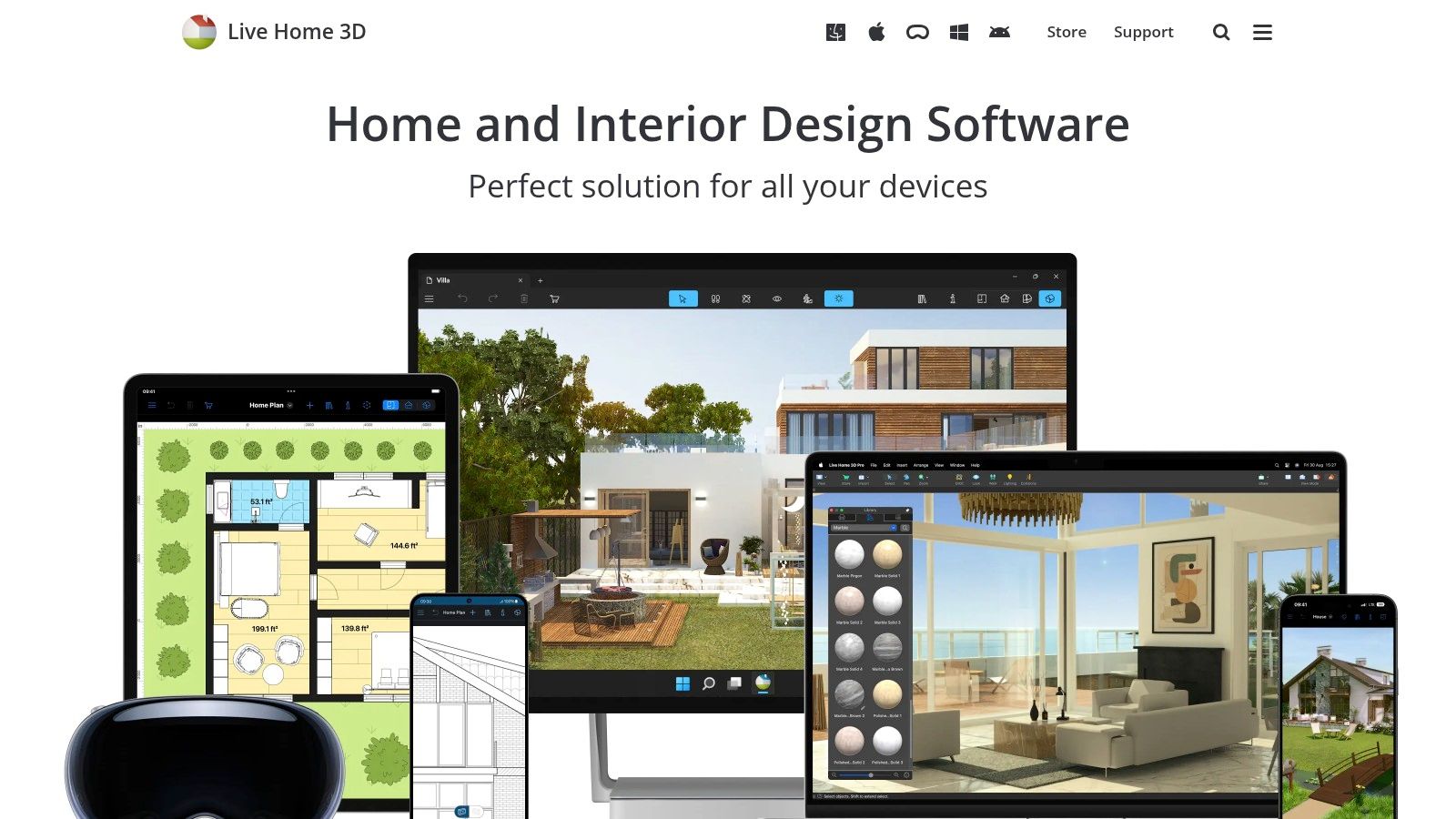
Live Home 3D offers a polished and intuitive experience that bridges the gap between simple room planners and complex professional software. It’s an excellent choice for beginners who want a powerful tool that works across multiple devices, including Mac, Windows, and even on the go with iOS and Android. The software allows you to easily draw 2D floor plans and then instantly view them in a beautifully rendered 3D environment, making visualization effortless.
Why It Matters for Your Space
The flexible purchasing model is a huge plus for homeowners who don't want another monthly subscription. You can start with a capable free version and later choose a one-time lifetime license. With features like multi-story support, terrain editing for landscapes, and AR walkthroughs on mobile, it scales well from planning a single room refresh to designing an entire property, including outdoor spaces.
Key Features and Practical Examples
- One-Time Purchase Option: Unlike many competitors, Live Home 3D offers lifetime licenses, providing excellent long-term value for someone planning multiple projects over time.
- True Cross-Platform Functionality: Start a project on your desktop and continue tweaking it on your tablet, using AR features to visualize a new sofa in your actual living room.
- Intuitive Workflow: The process of switching between 2D drafting and 3D visualization is seamless, helping beginners understand how floor plans translate into real-world spaces.
Pricing
Live Home 3D provides a free version for basic projects. For more features, you can upgrade to Standard ($29.99 lifetime) or Pro ($49.99 lifetime) on Mac and Windows, with separate pricing for mobile apps. Subscriptions are also available for those who prefer them. Optional content packs with additional furniture and materials are available as in-app purchases.
Website: https://www.livehome3d.com
9. HomeByMe (Dassault Systèmes)
Best For: Planning your space using real, purchasable furniture and generating high-quality, realistic renders.
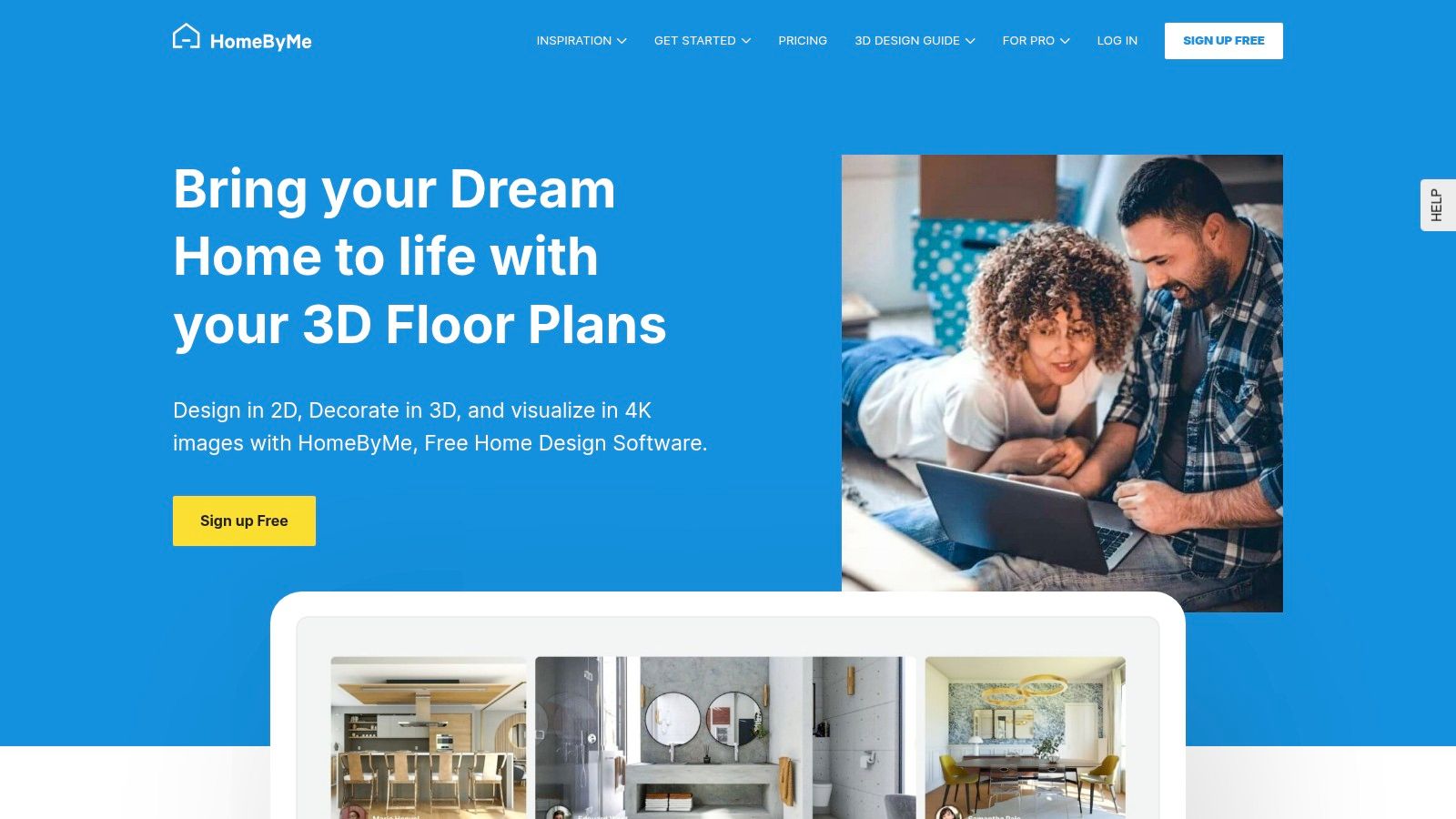
HomeByMe stands out as a highly accessible, user-friendly platform designed for homeowners who want to see their ideas come to life with real-world products. The tool simplifies the process of drawing a floor plan and furnishing it from extensive, branded catalogs, making it easy to create a space that is both aspirational and shoppable. This is perfect for anyone who wants to ensure their design is practical and within budget.
Why It Matters for Your Space
The major appeal of HomeByMe is its integration of real furniture and decor from brands like Crate & Barrel and West Elm. As you design your living room or bedroom, HomeByMe automatically generates a shopping list, allowing you to budget your project accurately. The ability to switch between 2D, 3D, and a first-person "walking" view provides a comprehensive understanding of your layout, helping you avoid buying furniture that doesn't fit the space or your style.
Key Features and Practical Examples
- Branded Product Catalogs: Furnish your design with thousands of actual products from popular retailers, complete with links to purchase, which simplifies budgeting and sourcing.
- High-Quality Renders: The platform allows you to create stunning, photorealistic images of your design, a feature often reserved for more complex, professional software.
- User-Friendly Interface: The intuitive controls make it incredibly simple for absolute beginners to create detailed 2D floor plans and 3D models for any room in their home.
Pricing
HomeByMe offers a generous Free plan that includes your first 5 projects and 5 realistic images. The Essentials plan ($24.99/month) provides unlimited projects and 30 realistic images per month. The Pro plan ($59.99/month) removes watermarks and adds unlimited 4K images and 360° views.
Website: https://home.by.me
10. magicplan
Best For: A fast, accurate, and easy way to create a digital floor plan directly from your physical space.
magicplan takes a unique, mobile-first approach by starting with the most critical step: accurately capturing your space. Instead of manual measurements, you use your phone or tablet's camera to scan a room, and the app instantly generates an accurate 2D floor plan. This makes it an invaluable tool for anyone needing a precise blueprint before jumping into a more visual design platform, ensuring your furniture selections and layouts will actually fit.

Why It Matters for Your Space
This app saves a massive amount of time and eliminates measurement errors, which is a common frustration for beginners. For a real estate agent, it means creating a floor plan for a new listing in minutes. For a homeowner, it provides a perfect starting point for planning a furniture layout in a new apartment. While its primary function is measurement, magicplan also allows you to add objects and notes, and export these plans to use with other interior design software.
Key Features and Practical Examples
- Effortless Room Capture: Using your device's camera to create a floor plan in minutes removes the guesswork and hassle of manual measuring.
- Professional-Level Exports: The ability to export plans into multiple formats makes it a great bridge tool, allowing you to take your accurate measurements into more advanced 3D modeling software.
- On-Site Annotation: You can add photos, notes, and even cost estimates directly within the app, creating a comprehensive project document rather than just a simple layout.
Pricing
magicplan offers a free plan to get started. Paid plans include Sketch ($9.99/month), Report ($29.99/month), and Estimate ($89.99/month), which add features like advanced reporting, cost estimation, and team collaboration.
Website: https://www.magicplan.app
11. IKEA Kreativ (IKEA US Home Design)
Best For: Planning a space primarily with IKEA products and getting a realistic preview before purchasing.
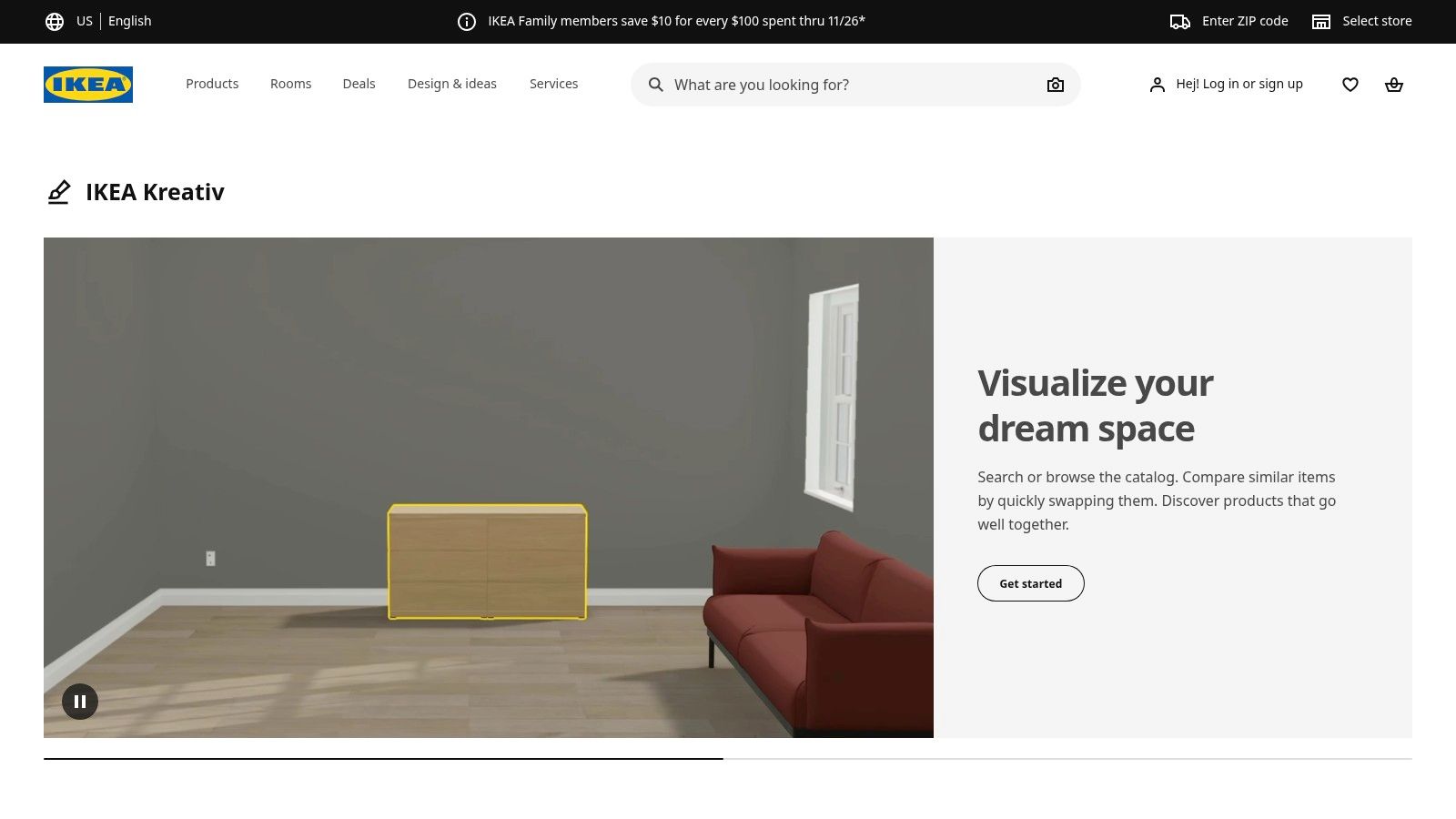
IKEA Kreativ is the ultimate planning tool for anyone committed to furnishing their space with IKEA products. This free, user-friendly platform allows you to design your room in 3D using an exact digital catalog of IKEA furniture and decor. It brilliantly bridges the gap between online browsing and real-world application, letting you virtually place that MALM dresser or KIVIK sofa in your room to see how it fits and looks before you commit to buying.
Why It Matters for Your Space
The platform is designed for practicality and is especially useful for those working with small homes or rental apartments where every inch counts. Its "try-before-you-buy" functionality is its strongest feature, removing the guesswork from furniture shopping and helping you avoid costly mistakes. Once your design for a kitchen, bedroom, or living room is complete, Kreativ generates a shopping list, making the transition from planning to purchasing seamless and stress-free.
Key Features and Practical Examples
- Retail Integration: Every item you place in your design is a real, purchasable IKEA product, allowing you to create an accurate budget and shopping list directly from your plan.
- Simple Visualization: The tool is incredibly intuitive for basic layouts, making it easy to test different furniture arrangements and styles in a specific room.
- Mixed-Reality Features: The mobile app component lets you use augmented reality (AR) to place 3D models of furniture directly into your physical space using your phone’s camera.
Pricing
IKEA Kreativ is completely free to use with an IKEA account. It is fully integrated into the main US retail website and mobile app.
Website: https://www.ikea.com/us/en/home-design/
12. IMSI Design – FloorPlan / TurboFloorPlan
Best For: A one-time purchase for a powerful, traditional desktop application for detailed home and landscape design.
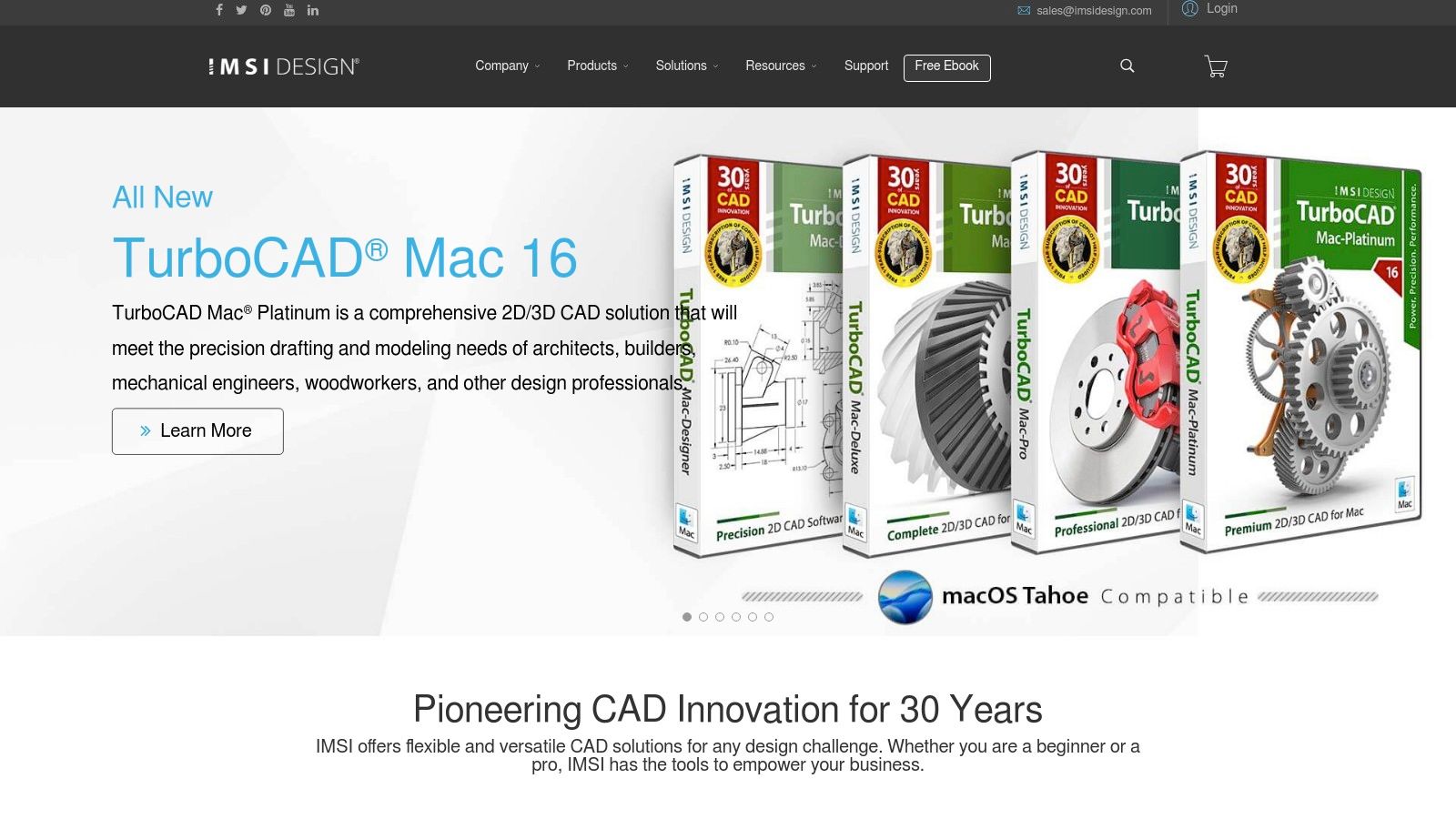
IMSI Design offers a classic, downloadable software approach with its FloorPlan and TurboFloorPlan products. Unlike modern web apps that rely on subscriptions, this is a one-time purchase, making it an attractive option for users who prefer to own their software. It provides a comprehensive suite of tools that go beyond simple interior decorating, allowing you to design everything from a single room to an entire home, complete with landscaping and deck planning for your outdoor spaces.
Why It Matters for Your Space
This software is powerful and great for those planning significant home renovations or new builds. It features extensive object libraries, pre-made templates to get started quickly, and tools for creating precise 2D plans and 3D visualizations. While its interface may feel more traditional, it's a robust tool that provides long-term value for a single payment.
Key Features and Practical Examples
- One-Time Purchase Model: A significant advantage for those who want to avoid recurring monthly or annual subscription fees.
- Comprehensive Toolset: It includes tools for not just interiors but also electrical, plumbing, HVAC, and landscaping, making it suitable for whole-home projects.
- Structured Upgrade Path: Users can start with a more affordable version like Deluxe and upgrade to Pro only when they need more advanced features.
Pricing
IMSI Design software is sold as a one-time purchase. Prices vary based on the version, with frequent sales and bundle deals. TurboFloorPlan Home & Landscape Deluxe 2021 is often available for around $49.99, while the more advanced Pro version is typically priced at $99.99.
Website: https://imsidesign.com
Top 12 Beginner Interior Design Tools Comparison
| Tool | Core features | UX & output | Best for | Pricing / value |
|---|---|---|---|---|
| Interior Redesign AI | AI photo/sketch redesigns; 50+ styles; Canvas Editor; 4K & walkthroughs | Ultra-fast (1–10s); photoreal renders; privacy-conscious | Homeowners, designers, real‑estate pros, architects | Try CTA; freemium/paid plans (check site) |
| SketchUp (Trimble) | Web/iPad/Pro 3D modeler; huge model library; extensions; AR viewers | Flexible from quick mockups to detailed models; needs plugins for photoreal | Designers, architects, pro workflows | Free tiers; Pro subscription (paid) |
| Floorplanner | 2D/3D floorplans; drag‑and‑drop; large catalog; credit-based HD exports | Fast, easy layouts; SD free with watermark | Beginners, quick layouts, listings | Free (5 projects); pay-per-export credits or subs |
| RoomSketcher | 2D/3D plans, 3D snapshots, Live 3D walkthroughs; redraw service | Beginner-friendly; measurement & print-to-scale | DIYers, small pros needing floorplans & prints | Free + Pro plans; credits for hi‑res exports |
| Planner 5D | AI Designer; 8,000+ items; moodboards; cross‑platform | Very approachable; templates and mobile support | First‑timers and casual designers | Freemium; Pro subscription for advanced tools |
| Homestyler | Large model/material library; strong rendering; portfolio/marketplace | Good render quality at low cost; generous free renders | Beginners wanting high-quality images affordably | Free (1K renders); paid tiers for 2K–4K & video |
| Sweet Home 3D | Open‑source 2D/3D planner; imports/exports; plugins | Free and powerful; UI feels CAD-like; output depends on hardware | Hobbyists, learners, budget users | Free (GPL) |
| Live Home 3D (BeLight) | 2D/3D, multi‑story, AR, content packs; lifetime license option | Polished, easy to use; clear upgrade paths | Mac/Windows users wanting one-time or subs | Free + Standard/Pro; one‑time licenses available |
| HomeByMe (Dassault) | Branded product catalogs; shopping lists; HD/360 exports | High‑quality renders; clear plan tiers and support | Consumers wanting shopping-integrated designs | Starter free (2 projects); Essentials/Pro paid tiers |
| magicplan | Mobile photo capture to floorplans; 360° tours; pro exports | Very fast room digitizing; mobile-first workflow | Contractors, surveyors, pros who measure on-site | Per-project pricing; monthly options with rollover |
| IKEA Kreativ (IKEA US) | 3D planning, AR try-on, interactive showrooms | Free, easy furniture placement; product links to store | IKEA shoppers and beginners planning purchases | Free |
| IMSI Design – FloorPlan / TurboFloorPlan | Tiered desktop editions; interior/landscape templates; rendering plugin | One-time purchase feel; steeper learning curve than web apps | Users preferring desktop one-time licenses | One-time purchases / upgrade bundles |
Final Thoughts
Navigating the world of interior design software for beginners doesn't have to be complicated. This guide was designed to provide a clear roadmap to the digital tools that can truly transform your design process, whether you're revamping a single room in your apartment or staging an entire property for sale.
We've explored a wide spectrum of platforms, from the robust 3D modeling power of SketchUp to the user-friendly simplicity of Floorplanner. The key takeaway is that there is no single "best" software; there is only the best software for you and your specific project.
How to Choose Your Perfect Design Partner
Making the right choice comes down to your goals. Before you commit to a platform, ask yourself a few critical questions:
- What is my primary objective? Am I looking for quick stylistic inspiration, like testing a "Japandi" theme in my living room? Or do I need to create precise floor plans for a contractor? For rapid visualization and style exploration, an AI tool like Interior Redesign AI is unmatched. For detailed construction planning, a program like SketchUp offers the necessary precision.
- How much time can I invest in learning? Be realistic about your schedule. Tools like Planner 5D are designed for you to jump in and start creating almost immediately. In contrast, mastering a more powerful tool like SketchUp requires a more significant time commitment.
- What is my budget? Many excellent free tools are available, such as IKEA Kreativ or the basic tiers of Homestyler. These are perfect for homeowners on a tight budget. However, for a real estate agent or professional designer, investing in a paid plan often unlocks crucial features like high-resolution rendering and commercial usage rights that provide a significant return on investment, boosting listing appeal.
From Digital Blueprint to Real-World Beauty
Ultimately, the goal of any interior design software for beginners is to bridge the gap between imagination and reality. These tools empower you to make confident decisions, preventing costly mistakes like buying a sofa that overwhelms your small living room or painting a room a color you end up disliking. They allow you to experiment fearlessly with layouts, materials, and styles without spending a dime or moving a single piece of heavy furniture.
AI-powered tools like Interior Redesign AI are particularly powerful for this, as they let you instantly visualize different ideas before buying anything. However, it's important to be honest about AI's limitations. While it provides incredible inspiration, always combine AI-generated ideas with your own personal taste. For major structural changes, it's wise to consult a professional designer.
The right software demystifies the design process, making it accessible, enjoyable, and incredibly effective. Embrace the technology, play with the possibilities, and watch as your digital drafts evolve into beautifully designed, functional spaces you'll love.
Ready to skip the steep learning curve and see your design ideas come to life instantly? Upload a photo or sketch of your room to Interior Redesign AI and let our advanced AI generate stunning, photorealistic concepts in over 50 different styles. Start your instant room makeover today