Ever stood in a room, completely stuck on where to begin? Or maybe you have a dozen ideas but are terrified of making an expensive mistake. That's where AI for room design comes in. It’s like having a friendly interior designer on call, ready to generate fresh ideas in minutes from just a photo of your space. It lets you visualize what’s possible before you lift a paintbrush or buy a single piece of furniture.
Visualize Your Dream Room in Minutes
We’ve all been there: drowning in paint swatches, endlessly scrolling furniture websites, and battling "decision paralysis." This is the exact problem AI for room design solves, bridging the frustrating gap between the ideas in your head and the reality of your room.
Instead of just wondering how a "Japandi" style—that cool mix of Japanese minimalism and Scandinavian warmth—would look in your living room, you can actually see it. With a tool like Interior Redesign AI, you can test bold color combinations, try different furniture layouts, and even preview new flooring, all from your laptop or phone. This isn't complex software for architects; it's a simple, intuitive tool for everyone.
From Blank Space to Inspired Place
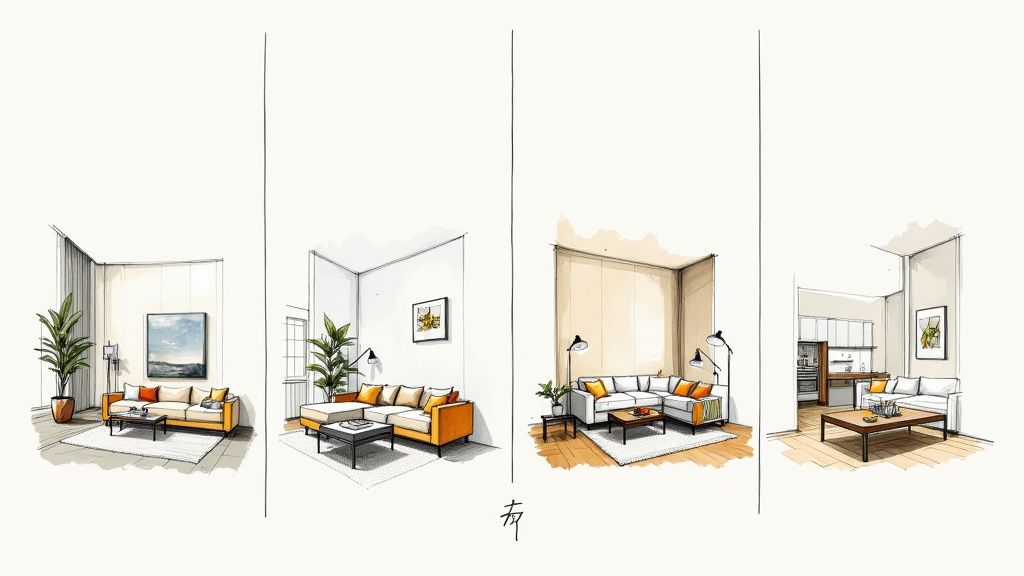
The concept is brilliantly simple. You upload a photo of your room, and then describe the look you’re going for. This is a game-changer for so many people.
- For Homeowners: Finally figure out that perfect nursery theme or see if that dark, moody accent wall you've been dreaming of will actually work in your small bedroom. This helps you get it right the first time, saving money and avoiding painter's regret.
- For Airbnb Hosts: Make your listing pop with professionally styled photos. An inviting space looks more welcoming online and can help you stand out from the competition, boosting your bookings.
- For Real Estate Agents: Take an empty, lifeless property and virtually stage it. Helping potential buyers visualize themselves in a furnished home can make all the difference for a faster sale.
The real magic of AI design is how it removes financial risk and creative guesswork. You can explore dozens of styles without spending a dime on paint, furniture, or a designer.
This technology puts you in the driver's seat. You can browse countless inspiring redesigns in our gallery to see how others have transformed their homes. A tool like Interior Redesign AI becomes your creative co-pilot, turning what felt like a stressful chore into a fun, exciting journey.
How AI Interior Design Actually Works
Ever wonder what’s happening behind the scenes when you ask an AI to redesign your room? It’s not magic—it's clever technology. Imagine an interior designer who has studied millions of photos of beautiful rooms. They’ve learned what makes a "Modern Farmhouse" kitchen feel right or what details pull together a "Bohemian" bedroom. That’s essentially what the AI does.
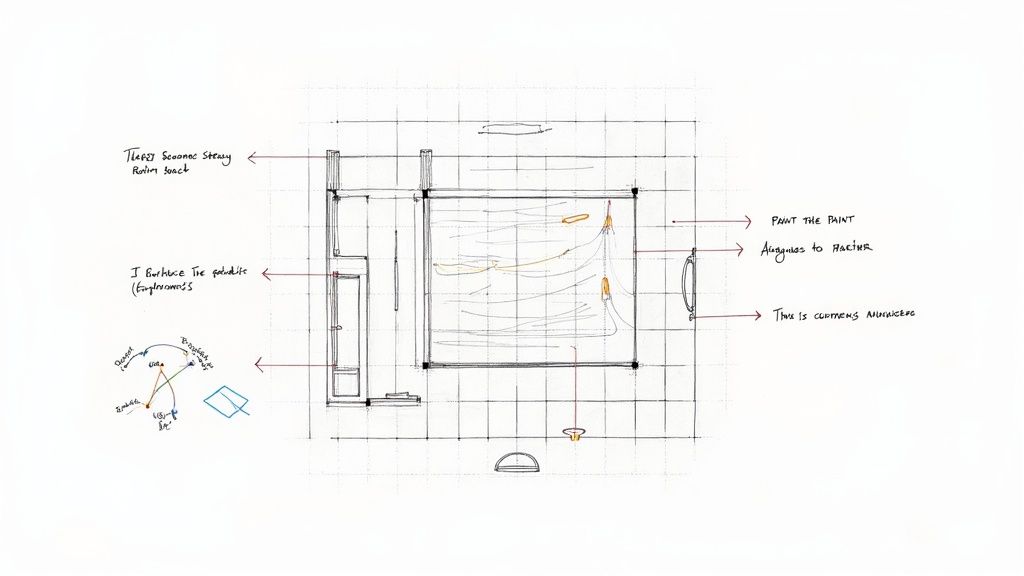
When you upload a photo, the AI analyzes the room's structure—the walls, windows, doors, and even how the light falls. It uses this information to create a digital map that respects your room's real-world dimensions and architectural features.
This isn't just a niche tool; it's a booming industry. The global AI in interior design market was valued at about $829 million in 2023 and is projected to explode to over $7 billion by 2033. The fact that software solutions make up over 65% of this market shows how many homeowners and professionals are embracing this technology.
The Creative Process: From Photo to Design
Once the AI understands your room, the fun part begins. You get to be the creative director. Here’s how it works:
- Understanding Your Vision: First, the AI reads your prompt. If you type "cozy living room with a large sectional and warm lighting," it isolates the core concepts: the style ("cozy"), key furniture ("large sectional"), and mood ("warm lighting").
- Applying the Style: Next, it pulls from its massive visual database to find elements that match your request. It knows which textures, color palettes, and furniture shapes create a "cozy" feel.
- Generating the Image: Finally, the AI digitally "repaints" your room, placing new furniture and decor into your photo while respecting its original perspective and lighting. The goal is to make the new items look like they truly belong there.
A tool like Interior Redesign AI does all of this in seconds, often giving you multiple options at once. This means you can see your living room as both a sleek Minimalist haven and a rugged Industrial loft in the time it takes to make coffee.
Why AI Respects Your Room’s Bones
A common concern is, "Will the AI suggest I knock down a wall?" Thankfully, no. Smart AI design tools work with your existing architecture, not against it.
The AI’s job is to reimagine the decor, not the structure. It’s a master of surfaces, furniture, and lighting, making it perfect for renters or homeowners working with the space they have.
Got an awkward radiator? The AI will design around it, suggesting clever ways to integrate it into the new look. This focus on realistic redecoration is what makes AI for room design so practical. For anyone new to this, our guide on interior design software for beginners offers a great starting point.
Ultimately, this technology gives you the freedom to experiment without fear, turning daunting design decisions into an exciting, stress-free way to explore your home's true potential.
Top Benefits of Using AI for Your Redesign
So, why bother using AI for room design? It’s not just about creating pretty pictures. It's about making smarter, faster, and more confident decisions for your space, whether you're a homeowner, a renter, or a real estate pro.
At its core, AI for room design is your best defense against expensive mistakes. We've all been there—you buy a sofa that looked perfect in the showroom but completely swallows your living room. AI acts as a financial safety net, letting you "try before you buy" without ever leaving home.
Table: Traditional Design vs. AI-Powered Design
Let's compare the old way of doing things with the new AI-powered approach to see the difference in time, cost, and flexibility.
| Factor | Traditional Design Process | AI for Room Design |
|---|---|---|
| Time | Weeks or months of planning, sourcing, and revisions. | Minutes or hours to generate dozens of concepts. |
| Cost | Can run from hundreds to thousands of dollars for consultations and samples. | A small fraction of the cost, often a low subscription fee. |
| Revisions | Time-consuming and can be costly; often involves re-drawing plans. | Instantaneous. Don't like it? Generate a new design in seconds. |
| Accessibility | Often limited to those who can afford professional designers. | Accessible to anyone with a smartphone or computer. |
| Visualization | Relies on mood boards, 2D floor plans, and imagination. | Provides photorealistic renderings of your actual room. |
This isn't to say traditional designers are obsolete—they offer invaluable expertise! But AI tools have changed the game, making high-quality design accessible to everyone.
Avoid Costly Mistakes and Buyer's Remorse
Instead of buying three different sample pots of paint and making a mess on your wall, you can see a dozen shades applied perfectly in seconds. It saves you time, money, and a whole lot of cleanup.
The real value of AI is how it removes financial risk from the creative process. You can test a bold idea—like a dark accent wall or expensive marble countertops—and see the result instantly without spending a penny.
This visual confirmation is incredibly powerful. It helps you commit to a design with confidence because you've already seen it work. This is a huge deal for big-ticket items like sofas, rugs, and cabinets, where a bad choice can be a painful regret. The report on the booming AI design market highlights this growing trend among homeowners.
Overcome Decision Fatigue and Get Inspired
Staring at a blank room can be paralyzing. An AI interior designer like Interior Redesign AI is the perfect tool to break through that creative block. Instead of just trying to imagine different styles, you can generate multiple finished concepts side-by-side.
You can see your own bedroom transformed in ways you might never have considered:
- Minimalist: Clean lines, calm neutral colors, and a focus on open space.
- Bohemian: Rich textures, eclectic patterns, and a cozy, lived-in feel.
- Industrial: Exposed brick, raw metal accents, and a cool, urban vibe.
This rapid experimentation makes the decision-making process fun instead of stressful.
Boost Appeal for Rentals and Real Estate
If you're an Airbnb host or a real estate agent, you know visuals are everything. Empty rooms look smaller and less inviting.
AI-powered virtual staging solves this. You can snap a photo of a vacant room and instantly fill it with stylish furniture that highlights its best features. A beautifully staged photo can dramatically increase interest and perceived value. For short-term rentals, an inviting, professionally styled space looks more "Instagrammable" and can help you increase your Airbnb bookings. Best of all, it’s a fraction of the cost and hassle of physical staging.
Your Step-by-Step Guide to Redesigning a Room
Ready to turn your ideas into something you can actually see? Using an AI for room design is refreshingly simple. Let's walk through the process, from snapping a picture to tweaking the final design. You don't need to be a tech wizard—all you need is a photo and an idea.
Step 1: Capture Your Current Space
The quality of your AI-generated designs depends on your starting photo. A good photo gives the AI the best information to work with, ensuring the final renders look realistic.
For the best results, follow these simple tips:
- Use Natural Light: Open the curtains and take your photo during the day. Bright, even lighting helps the AI see the room's colors and dimensions accurately.
- Stand in a Corner: Shooting from a corner gives you a wider, more complete view of the room.
- Clear the Clutter: Tidy up as much as you can. A clear space helps the AI focus on the room's structure, not the mess.
- Keep it Straight: Hold your phone level to prevent distorted angles that make walls look like they’re leaning.
Think of your photo as the canvas. A clean, well-lit, and straight shot provides the perfect foundation for the AI to start painting its design ideas.
Once you’ve got your photo, you’re ready for the fun part.
Step 2: Craft Your Perfect Prompt
Your prompt is your creative brief for the AI. The more descriptive you are, the better the results will be. A great prompt usually includes the room type, the desired style, and a few specific details.
Here are a few practical examples to get you started:
- Living Room: "Redesign my living room in a mid-century modern style with a leather sofa, bold accent colors, and a large abstract art piece above the fireplace."
- Bedroom: "Create a serene bedroom with a minimalist design, a neutral color palette of beige and white, and natural textures like linen and wood."
- Kitchen: "Show me a modern farmhouse kitchen with white shaker cabinets, a large wooden island, and black matte hardware."
- Bathroom: "Design a small bathroom to feel larger with light-colored tiles, a floating vanity, and a large mirror."
- Outdoor Patio: "Transform this outdoor space into a cozy bohemian patio with string lights, comfortable floor cushions, and lots of potted plants."
Don't be afraid to experiment! If the first design isn't quite right, just tweak your prompt. Swapping "bold accent colors" for "earthy tones" can give you a brand-new visual to consider.
Step 3: Generate and Refine Your Designs
With your photo uploaded and your prompt ready, hit "generate." A tool like Interior Redesign AI will create one or more design concepts in seconds. This is where you can start comparing different aesthetics side-by-side.
Think of these first designs as a starting point. Now you can refine them. Maybe you love the furniture layout in one concept but prefer the color scheme from another. Generate new versions with specific tweaks.
For example, you could follow up with, "Keep this layout, but change the wall color to a dark, moody green." If you need help picking shades, our article on how to choose paint colors for rooms has practical tips. This back-and-forth process helps you zero in on the perfect look without lifting a paintbrush.
Real-World AI Design Transformations
It’s one thing to talk about theory, but seeing AI for room design in action is where it gets exciting. These tools are helping people solve real, everyday design problems—from turning a messy spare room into a peaceful home office to making a property pop on the real estate market.
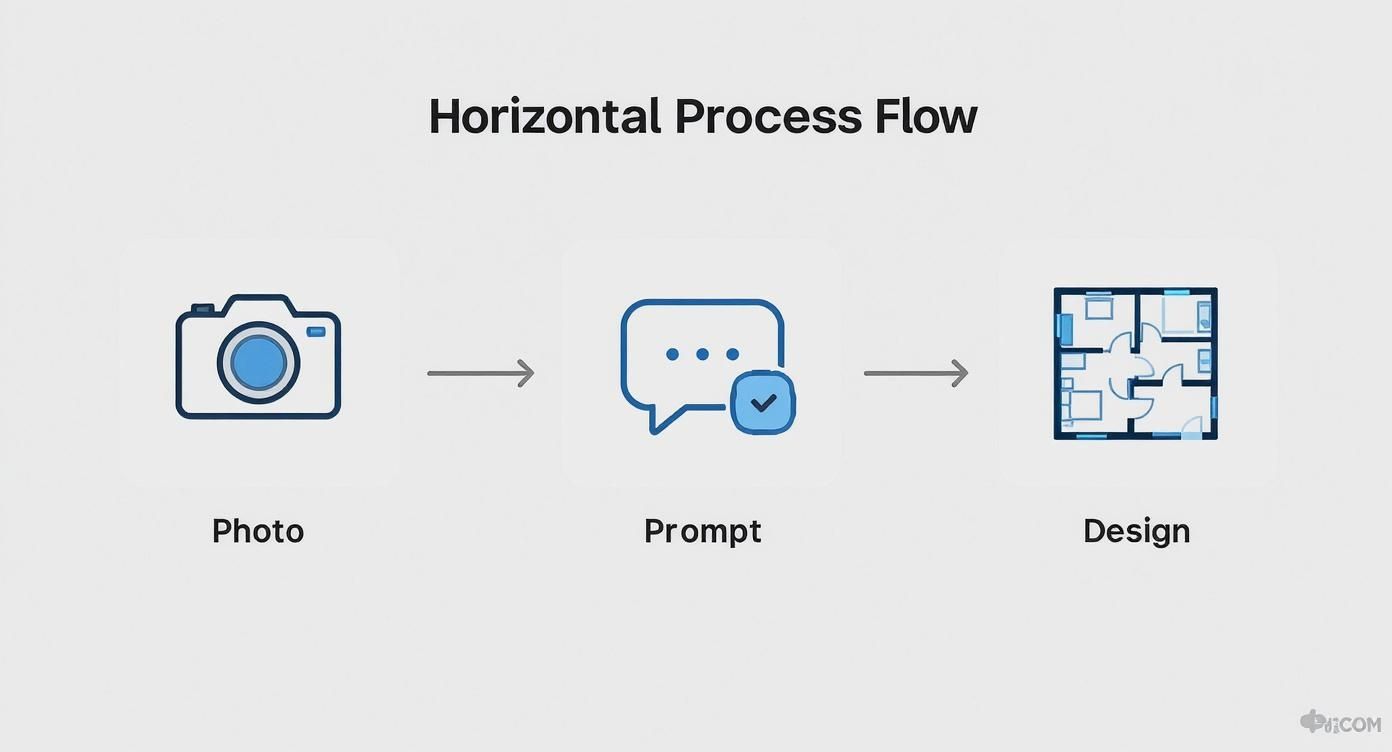
The process is incredibly simple: start with a photo, give the AI some direction, and get back a finished design.
Here are a few examples of how it works in real life.
Case Study: The Homeowner’s Home Office
Sarah had a spare room that had become a dumping ground for old furniture. Her challenge was to turn it into an inspiring home office without a huge budget.
She snapped a photo, uploaded it to Interior Redesign AI, and wrote a simple prompt:
- Initial Prompt: "Redesign this room as a modern home office with a minimalist aesthetic, a large wooden desk, and plenty of natural light. Add some indoor plants."
The AI returned several layouts. Sarah liked one that put the desk under the window but felt the colors were too cold. She refined her request: "Keep this layout but use a warmer, earthy color palette with a sage green accent wall."
The final render gave her a clear vision and a ready-made shopping list, saving her from weeks of second-guessing.
Case Study: The Airbnb Host’s Guest Suite
Michael, an Airbnb host, noticed his bookings were dipping. His guest room was clean but lacked personality. He needed to create an "Instagrammable" space to make his listing stand out.
He used an AI design tool for a fast, budget-friendly refresh.
- Initial Prompt: "Make this bedroom a cozy and inviting guest suite in a Bohemian style. Include textured bedding, a rattan headboard, and warm accent lighting."
The results were full of creative ideas. Michael used these images as a shopping guide, focusing on a few key pieces to get the most impact. After updating his listing with new photos, he saw a significant increase in bookings that same month.
Case Study: The Real Estate Agent’s Vacant Listing
Maria, a real estate agent, was struggling to sell a vacant property. Empty rooms often look smaller and feel sterile. Physical staging was too expensive and slow.
Instead, Maria used AI for virtual staging. She took photos of each empty room and got to work.
- Initial Prompt: "Virtually stage this empty living room with contemporary furniture. Add a comfortable sectional sofa, a coffee table, a large area rug, and neutral wall art to make it feel like a home."
She did the same for the main bedroom and dining area. The AI-generated images completely transformed the online listing, showing off the property's potential. Shortly after the new photos went live, the home received multiple offers.
Combining AI with Your Personal Style
While AI for room design is a fantastic brainstorming partner, remember that you are the creative director of your home. The best results come from using these tools as a launchpad for your ideas, not as a final command.
Think of the AI as your tireless assistant. It can generate endless concepts for you to review, remix, and refine. But it's important to be honest about its limitations. An AI doesn’t understand the sentimental value of your grandmother’s armchair or that a certain layout won't work for your family with small children. Its job is to provide inspiration, not to replace your personal connection to your home.
You Are the Editor
The most successful AI-driven redesigns happen when you treat the generated images as a first draft. The AI provides the raw material; you provide the soul. Your job is to sift through the concepts, pull out the elements you love, and blend them with your own taste and practical needs.
Here’s how to put that into practice:
- Identify What Works: Look at an AI design and pinpoint what you love. Is it the bold accent wall? The new sofa placement? The mix of textures?
- Acknowledge What's Missing: Notice what the AI overlooked. Maybe it removed a beloved piece of art or suggested a layout that blocks a high-traffic path.
- Create a Hybrid Plan: Blend the best AI suggestions with your non-negotiables. For example, use the AI’s suggested color palette but apply it to your current furniture arrangement.
An AI can suggest a trendy sofa, but it can’t tell you if it’s comfortable for family movie nights. The final design should always be a conversation between technology’s suggestions and your real-life needs.
Keeping Realistic Expectations
One of the biggest pitfalls is expecting a perfect, one-click solution. AI renderings can sometimes look a little too perfect, or suggest a piece of furniture that's wildly out of proportion.
This is where your judgment is crucial. Use the AI to discover new styles—our Interior Design Styles Guide is a great resource for exploring different aesthetics. Then, adapt those concepts to fit your budget, your space, and your life. This balanced approach ensures the final result is a space that truly feels like your own.
Ready to stop guessing and start visualizing? Instantly reimagine your room from a photo or sketch with Interior Redesign AI.
Common Questions About AI Room Design
Dipping your toes into new technology always brings up a few questions. Let's tackle some common ones about using AI for interior design so you can get started with confidence.
Is this actually easy for a beginner to use?
Absolutely. Modern tools like Interior Redesign AI were built for everyday users, not just designers. If you can upload a photo from your phone and type a simple description, you have all the skills you need. The whole point is to make the process intuitive and fast.
How realistic are the designs?
They can be stunningly realistic. However, it's best to think of them as high-quality concept images, not perfect photographs of a finished room. Their real power lies in showing you what’s possible in your exact space, serving as a visual guide to help you make confident, real-world decisions.
Can AI really help me stay on budget?
Yes, and this is one of its biggest practical benefits. By letting you experiment virtually, AI helps you avoid costly mistakes.
- Avoid Buyer's Remorse: See how that expensive sofa or daring wallpaper will look before you buy it.
- Nail the Paint Color: Test dozens of shades in seconds to find the perfect one on the first try.
- Perfect Your Layout: Make sure that new sectional or dining table actually fits and feels right in the room before you do any heavy lifting.
What makes a good "before" photo?
Your starting photo is everything. A clear, well-lit picture taken during the day will give you the best results. For a great shot, stand in a corner to get the widest possible view. Try to keep your phone level to avoid weird angles, and a quick tidy-up helps the AI focus on the room's architecture.
Ready to stop guessing and start seeing what your space could be? Try Interior Redesign AI to instantly reimagine your room from a photo or sketch. Start your redesign at InteriorRedesignAI.com.