
Have you ever stood in a room, wishing you could just see how that new paint color or a different furniture setup would look—without all the heavy lifting? Free AI home design tools make that possible, letting you turn your ideas into stunningly realistic visuals in seconds. Whether you're a homeowner, Airbnb host, or real estate agent, this guide will show you exactly how to redesign your space with total confidence.
Visualize Your Dream Room with Free AI Home Design
It’s easy to feel stuck when you’re staring at a blank wall or an outdated living room. The fear of making a costly mistake is real—what if you hate that bold paint color? What if that beautiful sofa you ordered online completely swallows your small apartment? That’s where AI-powered design tools come in. Think of them as your personal creative partner, here to take the guesswork out of the process.
These apps let you snap a photo of your room and watch it transform right before your eyes.
- For homeowners, this means you can finally preview that dramatic, dark green accent wall you've been dreaming of before you even pick up a paintbrush.
- For an Airbnb host, it’s a brilliant way to experiment with different decor themes (like "Coastal" or "Bohemian") to figure out which one feels most welcoming and will attract more guests.
The biggest win here is sidestepping decision stress and financial risk. Instead of shuffling heavy furniture around for hours or buying a dozen paint samples, you can cycle through countless options digitally. It's an incredibly effective way to find a look you love and feel great about your choices.
Why Visualizing First Matters for Your Space
Seeing your ideas come to life before committing to any real-world changes is a total game-changer, especially when it comes to your budget and time. Here’s why it’s so important:
- Avoids Costly Mistakes: Experimenting in a digital sandbox means you won't spend money on paint, furniture, or decor that just doesn't work in your actual space.
- Saves Time and Energy: You can test different layouts and styles in minutes. No more dragging the couch across the room "just to see."
- Boosts Real Estate Appeal: Real estate agents use AI for virtual staging, showing potential buyers how an empty or dated house can be transformed into a warm, inviting home. This helps properties sell faster.
- Enhances Rental Listings: As an Airbnb host, you can generate gorgeous, aspirational images that make your listing pop, attracting more eyes and bookings. For more on this, check out our complete guide on using https://interiorredesignai.com/blog/ai-for-room-design.
This simple workflow shows how AI acts as a bridge between a rough idea and a fully realized design plan.
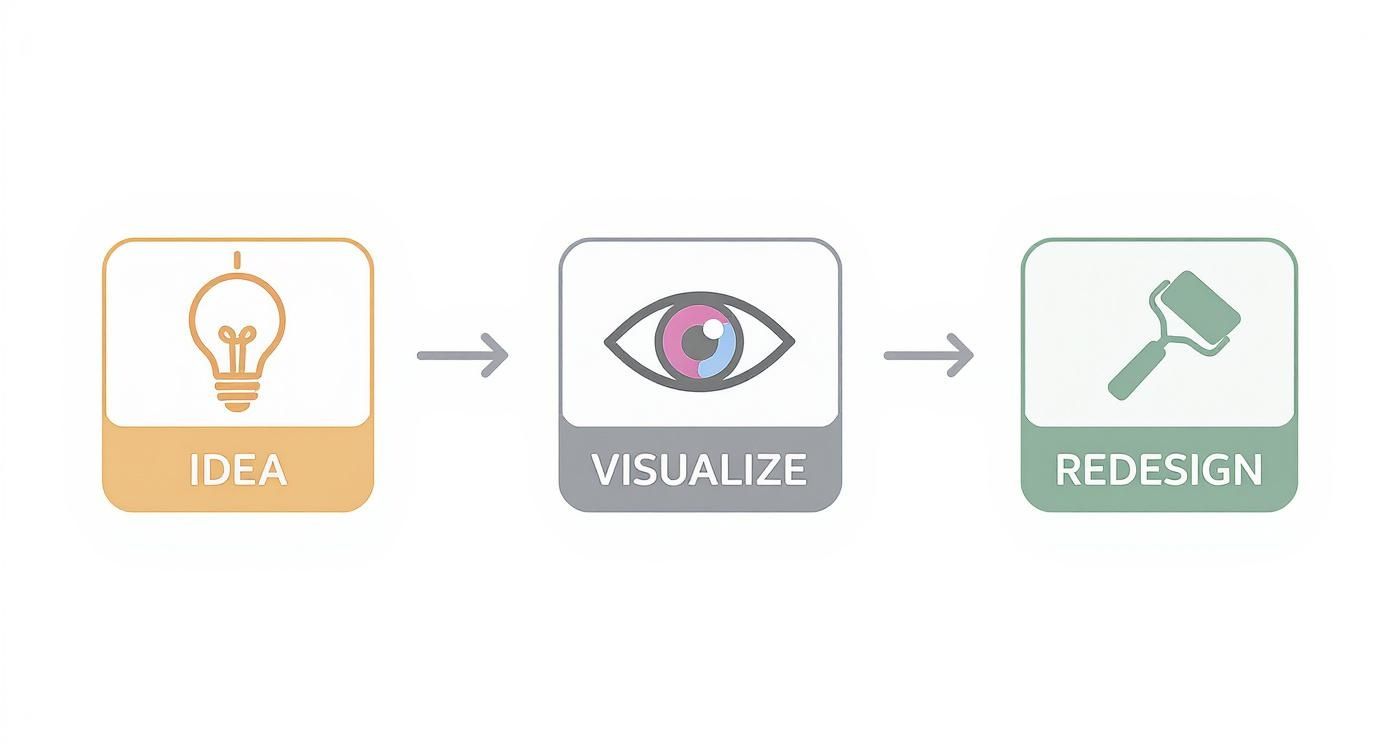
It’s all about closing that gap between what’s in your head and what's possible in your home, making high-quality design visualization something anyone can do.
Comparing Free AI Home Design Tool Features
Not all free tools are created equal. Some are simple style applicators, while others offer more robust features. This table gives you a quick rundown to help you pick the right one for your project.
| Tool Type | Best For | Typical Free Limitations |
|---|---|---|
| Simple Image Redesigners | Quick style inspiration, exploring different color palettes, and testing decor themes in your actual room. | Low-resolution outputs, watermarks, limited number of free renders, fewer style options. |
| AI Image Generators | Creating entirely new, conceptual room designs from a text description (great for brainstorming). | Requires detailed prompting, may produce unrealistic results, not based on your actual space. |
| Basic 3D Modelers | Rough space planning and furniture layout to get a sense of scale and flow. | Steep learning curve, less focus on aesthetics, clunky user interfaces. |
The best starting point really depends on your goal. If you want to see your room in a new light, an image redesigner like AI Interior Designer is your best bet. If you're just brainstorming from scratch, an AI image generator can be a fun source of inspiration.
Ultimately, using a free AI home design tool is about empowering yourself to make better decisions. Once you know what you want from your space, you can use these tools to explore the possibilities. If you need a little help clarifying that vision first, take a look at these expert tips on planning your room layout.
Preparing Your Space for Its AI Makeover
Think of it this way: the AI is your design assistant, and like any good assistant, it needs clear instructions. A cluttered room or a dark, grainy photo is like giving it a mumbled command—the results will be less than ideal. To get realistic design ideas you can actually use, your first job is to set the stage.
Giving the AI a clean slate and good lighting is the single best thing you can do to get useful results. A clear photo means the AI can focus on generating creative ideas instead of guessing what your room looks like.
First, let's talk about photos. You want to give the AI the best possible view of your space. Flood the room with as much natural daylight as you can by opening all the blinds and curtains. Only flick on overhead lights to fill in dark corners or heavy shadows.
When you're ready to shoot, keep these practical tips in mind:
- Shoot from eye level. This gives the AI a realistic sense of scale and prevents the weird, distorted angles you get from shooting too high or too low.
- Clear the decks. Remove small, distracting items from surfaces. The goal is for the AI to see the room's architecture—the walls, floors, and windows—not your collection of coffee mugs. This is especially important for rentals or real estate listings.
- Find the right angle. Taking photos from a corner or doorway is a great trick. It provides a sense of depth and helps the AI understand the room's dimensions.
- Keep it steady. A blurry photo is a useless photo. Prop your phone on a stable surface to ensure every shot is sharp.
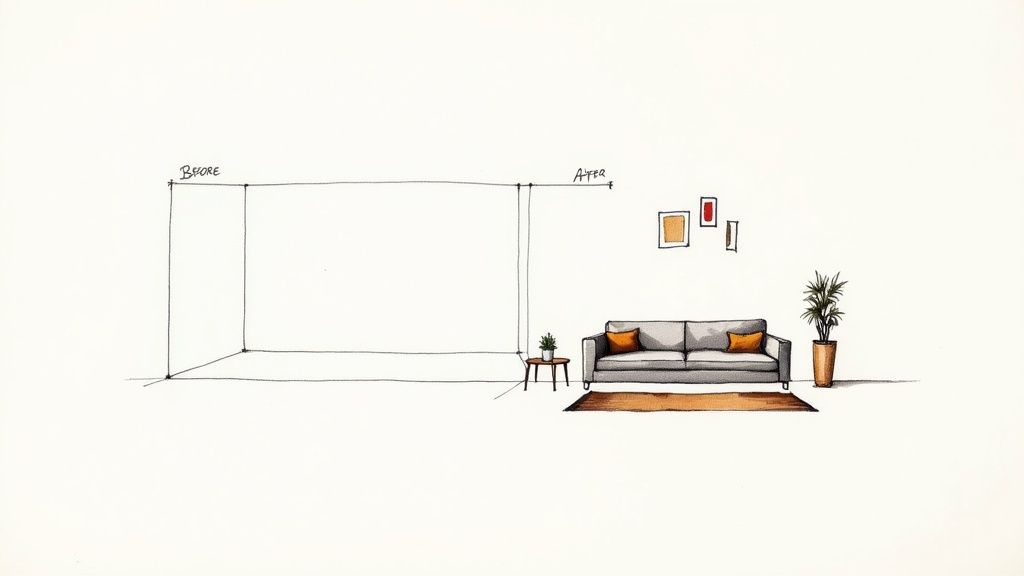
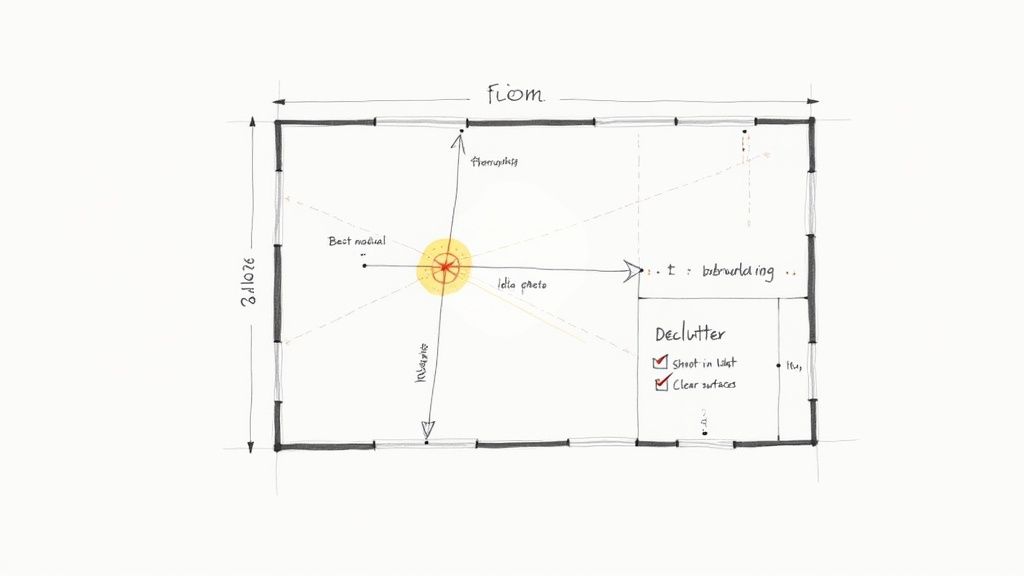
While not always necessary, a simple floor plan sketch can be a game-changer for more complex projects. You don't need to be an architect. Just grab a piece of paper, mark down the wall lengths, and note where the doors and windows are. This gives the AI a blueprint to work from.
Sketching A Readable Floor Plan
A good sketch is all about clarity. Use straight lines for walls and create a simple key for elements like windows and doors. The most important part? Label each wall with its actual measurement. This helps the AI understand the scale it's working with so it doesn't suggest a sofa that won't fit through your door.
As you draw, make sure to:
- Use a ruler to keep your lines straight.
- Mark any fixed features you can't move, like radiators, fireplaces, or built-in shelves.
- Outline the main open areas where you envision furniture going.
This simple diagram acts as a guide, telling the AI the "rules" of your space.
Prepping Different Room Types: Practical Examples
Every room has its quirks, and a little forethought goes a long way.
- Small Apartments & Bedrooms: Emphasize vertical space and shoot from corners. This helps the AI come up with clever, space-saving layouts, like using taller bookshelves or wall-mounted nightstands.
- Kitchens: You need unobstructed views of the countertops and cabinet lines so the AI can accurately swap out materials and colors for your kitchen makeover.
- Outdoor Spaces: Photograph your patio or balcony in the middle of the day. You’ll get minimal shadows and the most vibrant colors, which is great for visualizing new plants or outdoor furniture.
- Bathrooms: These can be tricky with their tight angles. Take a few extra shots to capture the areas around the vanity, mirror, and shower to get a complete picture.
Taking the time for these prep steps essentially cuts the design guesswork for the AI, which means better quality results, faster.
Crafting Prompts That Bring Your Vision to Life
Once you have a clean photo or a simple sketch ready, your text prompt becomes your most powerful tool. Think of it as having a direct line to your AI designer—the more specific and descriptive you are, the better it will understand what you're picturing.
Just typing "modern living room" is a starting point, but it leaves too much to the AI's imagination. You'll get something modern, sure, but it probably won't be your version of modern. This is why learning to write a good prompt saves you so much time and frustration.
The real magic happens when you layer in the details. Moving from a vague idea to a descriptive prompt is what separates a generic render from a design that genuinely helps you envision your space. It puts you in the driver's seat.
From Vague Ideas to Specific Instructions: Room Examples
So, how do you build a prompt that actually works? The best method is to start with the room and style, then add details about materials, mood, and specific features. This approach works for any room in the house.
Here are a few practical examples:
- Kitchen: Instead of just "modern kitchen," get specific. Try: "A bright Scandinavian kitchen with white oak cabinets, a quartz waterfall island, and matte black hardware." This paints a much clearer picture.
- Living Room: Don't just ask for a "cozy living room." A much better prompt is: "A Japandi-style living room with a cream-colored bouclé sofa, light wood accents, and plenty of natural light." Japandi, by the way, is a beautiful hybrid style that blends the simplicity of Japanese design with the warmth of Scandinavian decor.
- Bedroom: "Relaxing bedroom" is too broad. Go for: "A moody, dark academia bedroom with deep green walls, a vintage Persian rug, and a dark wood four-poster bed."
- Bathroom: Instead of "bathroom remodel," try: "A modern spa-like bathroom with a floating oak vanity, large-format gray tiles, and a backlit mirror."
- Outdoor Space: Instead of "patio," describe the vibe: "A bohemian-style patio with a rattan sectional, patterned outdoor rug, and hanging string lights for a warm evening glow."
Getting a handle on the language of different design styles will dramatically improve your results. If you're not sure where to start, our comprehensive interior design styles guide is a great resource to help you find an aesthetic you love.
The Art of Adding Details
Beyond the main style, you can refine your vision even further with a few extra keywords. This is where you can dial in the look and feel, which is especially useful for real estate agents or Airbnb hosts trying to create a specific atmosphere.
Think about incorporating details like these into your prompts:
- Lighting: "Warm ambient lighting," "dramatic pendant light," "sun-drenched."
- Mood: "Serene and calm," "energetic and vibrant," "sophisticated and elegant."
- Key Furniture: "Velvet armchair," "live-edge dining table," "built-in window seat."
- Textures: "Linen curtains," "exposed brick wall," "plush shag rug."
Remember, the AI is a visualization tool, not a mind reader. The more precise your prompt is, the less guesswork it has to do. That means you get a design that actually reflects your taste. While AI is a powerful assistant, always trust your own gut—if a suggestion doesn't feel right for your family or lifestyle, don't be afraid to try another prompt.
With a tool like Interior Redesign AI, you can instantly see your detailed vision come to life from a simple photo, making the whole process faster and more creative.
What to Expect from Free AI Design Tools
Free AI home design tools are an amazing way to get your creative gears turning. Think of the free version as a test drive—it lets you explore what's possible without having to pull out your credit card. This is perfect for initial brainstorming or a small weekend project.
That said, "free" almost always comes with a few trade-offs. The most common one is a limit on how many designs you can create per day or month. For a casual user, that's usually no big deal. But if you’re an interior designer or real estate agent trying to generate multiple options for a client, those limits can slow you down.
Knowing the Common Trade-Offs
When you're using a free tool, you'll run into a few common limitations that directly affect how you can use the final images. If you know what they are ahead of time, you can work around them.
Here are the usual suspects:
- Watermarked Images: Nearly all free designs will have the company’s logo on them. This is perfectly fine for your personal mood board, but it's not ideal if you're a realtor creating virtual staging concepts or a designer showing a client a quick mock-up.
- Lower Resolution: Free versions typically produce lower-quality images. They look great on a phone, but blow them up on a big monitor, and they can get blurry. This makes it tough for a contractor or painter who needs to see the finer details.
- Fewer Style Choices: You’ll likely get a good selection of the most popular design styles (think Modern, Farmhouse, Scandinavian), but more unique or niche aesthetics are often reserved for paid users.
These limitations are there for a reason: to give you a compelling taste of the software's power, hoping you'll see the value in upgrading for a serious project that requires professional-grade results. If you want to see how different tools compare, we've broken it all down in our guide to the best free interior design apps.
A Quick Word on Data Privacy
Anytime you upload a picture of your home to a website, it’s smart to think about privacy. Most reputable tools are upfront about this, but it’s always worth taking 60 seconds to skim their terms of service to see how they handle your photos. Are they stored securely? Are they used to train their AI? A trustworthy service will be transparent about its practices.
Ultimately, understanding these trade-offs lets you use free tools for their greatest strength—generating fast, fun, low-stakes ideas. Once you're ready to create high-resolution, watermark-free visuals for a real-world project, you'll know it's time to consider a paid tool.
From Digital Dream to Real-World Room
So, you’ve done it. After playing with prompts and styles, you have an AI-generated image of your dream room. Now what? This is where the real fun begins—turning that spark of inspiration into a space you can actually live in, on a realistic budget.
It’s crucial to see the AI image as a creative starting point, not a strict blueprint. Think of it as a personalized roadmap for your redesign. Your job is to pull out the core ideas and adapt them to fit your actual room, budget, and lifestyle. For example, the AI might not know you have kids or pets, so you'll need to choose durable, family-friendly fabrics.
Breaking Down the AI Design
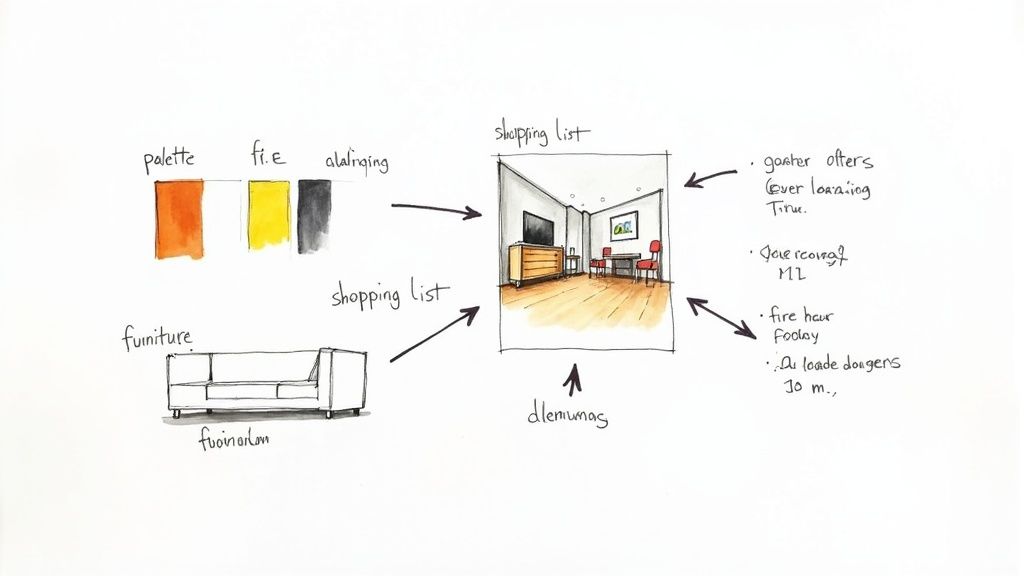
Let's look at the image with a designer's eye. Instead of seeing one perfect, overwhelming picture, break it down into individual elements. This makes the whole project feel so much more approachable.
Zero in on these key components:
- Color Palette: What are the main colors? Pinpoint the shades on the walls, the furniture, and even smaller accent pieces like pillows or artwork.
- Furniture Style: Is the furniture modern and sleek, or more traditional? Identify the big-ticket items—the sofa, coffee table, and chairs—and note their general shape and material.
- Layout: How is everything arranged? Notice how the negative space (the empty areas around furniture) is used. This is what creates a balanced, uncluttered feel, which is especially important in small apartments.
- Textures and Materials: Look closer at the details. Do you see a rough jute rug, plush velvet cushions, a smooth marble tabletop, or light oak wood? These are the elements that give a room depth and character.
Once you’ve got this list, you've basically created your project plan. You now have a much clearer vision of what to hunt for when you start shopping or planning DIY projects.
From Pixels to Purchases: Making it Real
With your design elements identified, you can start the treasure hunt for the real-world items. This is your chance to get creative and work within your budget. The AI might have rendered a designer sofa that costs a fortune, but your goal is to find one with a similar silhouette and color that you can actually afford.
This is a powerful strategy for real estate agents and Airbnb hosts. You can use an AI concept to stage a property with a high-end feel for a fraction of the cost, making it more appealing to buyers or renters. Don't forget, you can also explore options for styling your home with high-end designer finds at consignment stores to get that luxury look for less.
Remember, an AI doesn't know the quirks of your actual home. It might suggest a layout that blocks a doorway or furniture that’s way too big for your apartment. Always, always measure your space before you buy anything. Our guide on how to plan home renovation can walk you through these essential practical steps.
The best designs are a mix of AI-driven inspiration and your own unique taste. The AI is a fantastic tool for generating ideas, but you are the expert on your own home. Don't be afraid to swap out an element you don't absolutely love or add in a personal heirloom that makes the space truly feel like yours.
Got Questions About AI Home Design? We've Got Answers
Diving into AI for your home design is exciting, but it's natural to have a few questions. Whether you're a homeowner dreaming up a new look or a realtor staging a property, a little clarity goes a long way. Let's walk through some common questions.
Are "Free" AI Home Design Tools Actually Free?
Yes, many excellent AI platforms offer genuinely free plans that let you get your feet wet without pulling out your credit card. They're perfect for casual brainstorming and exploring different styles to see what you like.
Of course, there are usually a few trade-offs. The "free" experience typically means you'll run into:
- Limits on how many designs you can create.
- Watermarks on your finished images.
- Lower-resolution outputs, which are great for a quick look but not for professional use.
Think of the free tier as your creative sandbox. It's fantastic for finding inspiration. Once you're ready to get serious with a big project, upgrading to a paid service for unlimited, high-res, watermark-free images is often the logical next step.
Do I Need Any Design Experience to Use These Tools?
Absolutely not, and that’s the real beauty of it. These tools are designed to be intuitive, breaking down the barriers that used to make design software intimidating for everyday users.
If you can snap a picture of your room and describe what you're imagining—think "mid-century modern living room with a leather sofa"—you've got all the skills you need. The tips in this guide for prepping your photos and writing prompts will make your results even better.
Can AI Help Me with My Small or Awkwardly Shaped Room?
This is where AI really shines. We all have those tricky spaces: the tiny bedroom in an apartment, the weird corner under the eaves, or the long, narrow living room. It's tough to visualize what's possible, but an AI can be your secret weapon.
Just upload a photo of that difficult space and let the AI propose layouts you'd never have thought of. AI Interior Designer is brilliant at finding clever ways to maximize every inch, making a compact room feel airy or finally giving that awkward nook a real purpose. It turns a design headache into a fun challenge.
How Realistic Are the Furniture and Decor Suggestions?
It’s best to view the furniture in an AI-generated image as visual inspiration, not a shopping list. The AI isn't pulling from a live inventory of products; its job is to show you a cohesive look—the right style, color palette, and arrangement.
Use the image as your roadmap. Love that sofa? Now you know to look for a "boucle curved sectional" from your favorite retailers. The AI gives you the vision, and you get to have the fun of finding real-world pieces that match your taste and budget. It’s a great way to combine AI efficiency with your own personal touch.
Ready to see what's possible for your space? Try Interior Redesigne AI to instantly reimagine your room from a photo or sketch