
Planning a room refresh, a full-scale renovation, or even staging a property for sale can feel overwhelming. The biggest fear? Making a costly mistake, like buying a sofa that won’t fit through the door, choosing a paint color you end up hating, or committing to a kitchen layout that just doesn't work. The good news is that powerful technology now puts professional planning tools right in your hands—for free.
The best free interior design apps are like a digital sandbox for your home. They let you experiment with layouts, colors, and furniture without any financial risk or physical effort.
- For homeowners and renters, this means making confident decisions that save time and money.
- For Airbnb hosts and real estate agents, it means creating stunning virtual stagings that attract more bookings and higher offers.
In this guide, we'll walk you through the top free apps that transform your design process from a guessing game into a clear plan. We'll explore each platform's strengths, who it's best for, and its real-world limitations. We'll also show you how pairing these tools with an AI-powered tool like Interior Redesign AI can help you instantly visualize your ideas in dozens of styles, taking the stress out of your home makeover.
1. Floorplanner
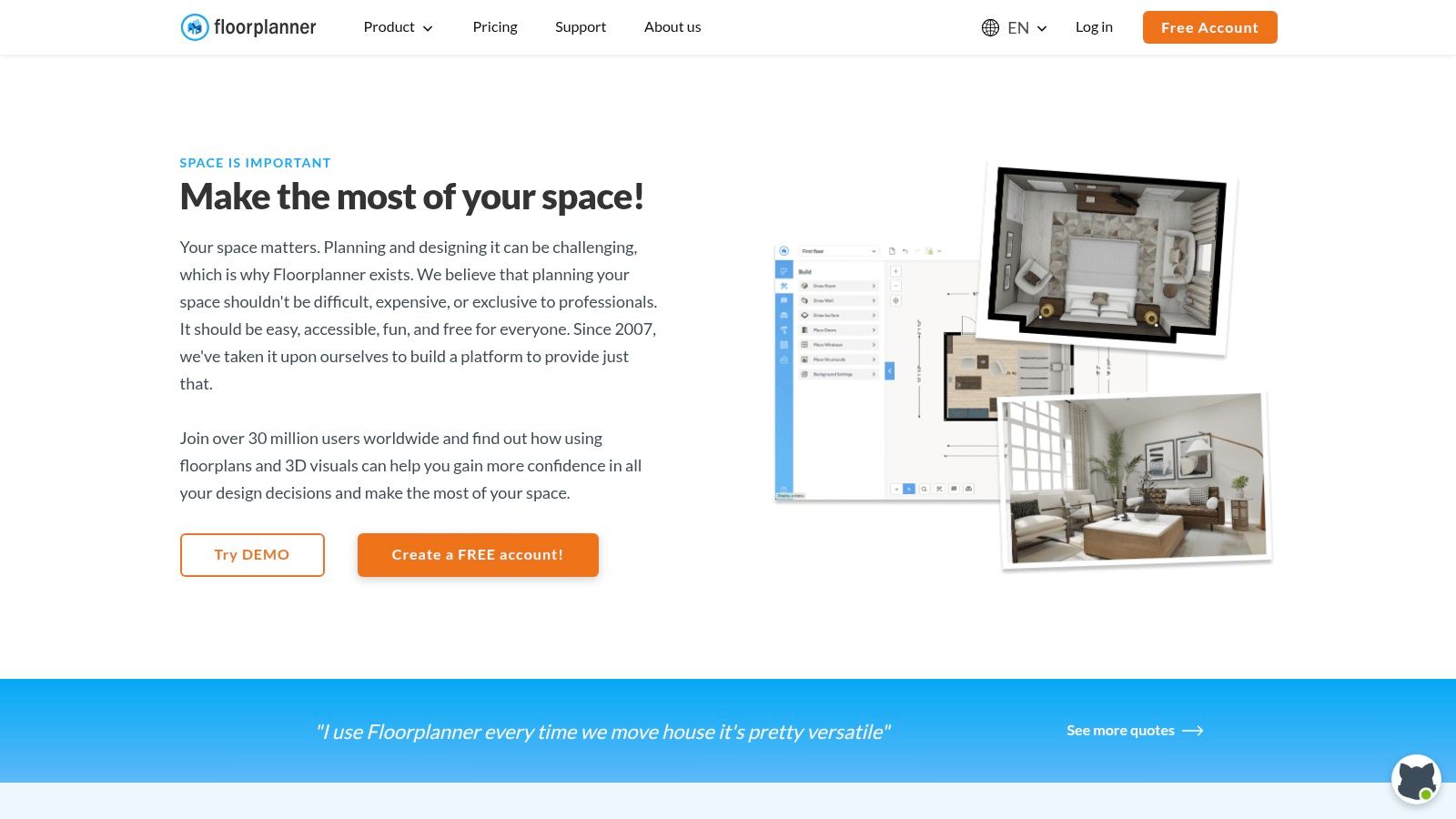
Floorplanner earns its top spot as one of the best free interior design apps because it’s powerful, easy to use, and runs directly in your web browser—no installation needed. It strikes an excellent balance between user-friendliness for homeowners and robust features for professionals, making it a fantastic starting point for any project.
The platform allows you to draw rooms from scratch or upload an existing plan, then furnish them from an extensive library of 3D models. The "Magic Layout" feature is a huge time-saver; it automatically arranges furniture in a room to give you an instant starting point. This is perfect for quickly testing different layouts for a living room or figuring out the best placement for appliances in a kitchen remodel.
Why It's Great for Real Spaces
Floorplanner’s free plan is impressively capable. You can work on up to five projects at once, even with multiple floors. You can switch between 2D and 3D views instantly to check if your layout feels open and easy to navigate. While the free 3D images have a watermark, they are perfect for initial planning and sharing ideas with a partner or contractor.
- Platform: Web browser
- Pricing: Free plan available; one-off credits can be purchased for high-quality (HD/4K) renders and watermark removal.
- Best For: Homeowners, real estate agents, and amateur designers needing a powerful, no-install tool for space planning.
Pro Tip: Use Floorplanner to create a precise 2D layout of your space. Take a screenshot of the 3D view and upload it to Interior Redesign AI to instantly visualize that layout in dozens of different styles, from Minimalist to Modern Farmhouse. This combination of structural planning and aesthetic exploration is also a key strategy discussed in our guide to the best home renovation apps.
2. Homestyler
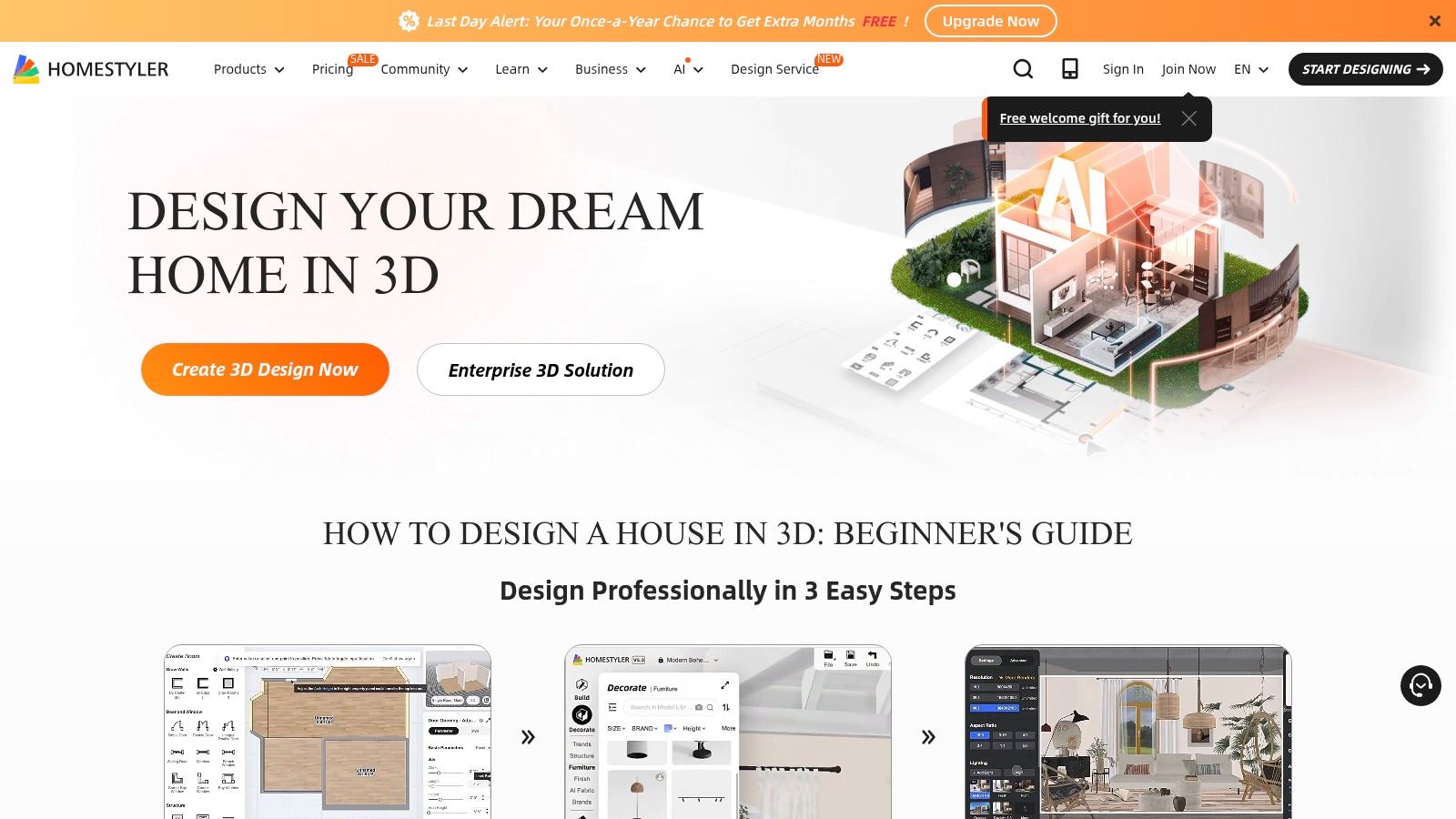
Homestyler excels as one of the best free interior design apps for creating high-quality, photorealistic images without a steep learning curve. This cloud-based platform is perfect for homeowners and aspiring designers who want to produce polished visuals. A major plus is its extensive library of furniture and decor from actual brands, helping you see how real products will look in your room.
The platform streamlines the process of turning a 2D floor plan into a fully furnished 3D scene. Its free tier is particularly generous, providing unlimited standard-quality renders, which is perfect for rapid experimentation. You can quickly test different layouts for a bedroom, try out various materials for a kitchen backsplash, or see how different lighting schemes affect the mood—all before spending a dime.
Why It's Great for Real Spaces
Homestyler's free Basic plan gives you access to over 100,000 3D models and allows for unlimited 1K renders—a feature that sets it apart. The community feed and design challenges are fantastic for getting new ideas, especially if you're stuck. While the highest quality renders require a subscription, the free version offers more than enough power to create beautiful and comprehensive room designs.
- Platform: Web browser, iOS
- Pricing: Free Basic plan available; subscriptions or credits are needed for 2K/4K renders, watermark removal, and advanced features.
- Best For: Homeowners and design enthusiasts who want to create photorealistic renders and draw inspiration from a creative community.
Pro Tip: Use Homestyler to build a detailed 3D model of your living room with specific furniture you're considering. Once you have a layout you like, take a clear screenshot. You can then upload this image to Interior Redesign AI to explore how that exact furniture arrangement would look in dozens of completely different styles, from Industrial to Coastal, helping you finalize a style direction with confidence.
3. Planner 5D
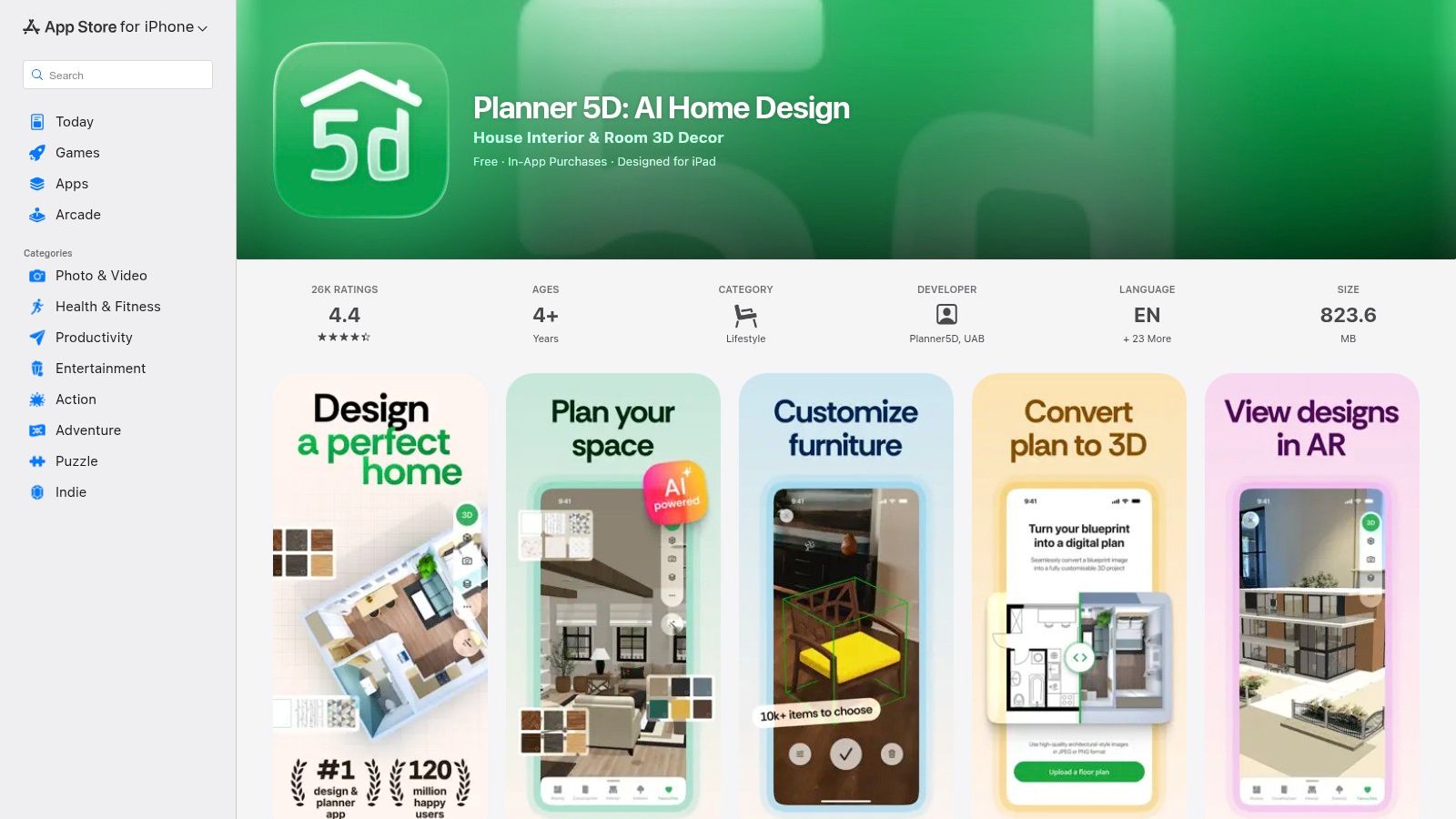
Planner 5D stands out as one of the best free interior design apps for its exceptional mobile convenience and impressive photorealistic rendering. It’s designed for users who want to create and visualize their dream home quickly, whether on a tablet, phone, or computer. The app’s intuitive interface and huge item catalog make it a go-to for rapid room makeovers without a steep learning curve.
Its cross-platform synchronization is a major advantage. You can start a design on your iPad during your commute and seamlessly continue on your desktop at home. The AI-assisted room generation feature can instantly furnish a space for you, providing a great starting point when you're short on ideas. While the free version offers core functionality, many of the more desirable furniture items require a subscription.
Why It's Great for Real Spaces
Planner 5D’s strength is its balance of simplicity and visual quality. The free plan provides access to the basic editor and a limited but functional catalog. The "Snapshot" feature lets you create high-quality, photorealistic images of your designs, which is perfect for sharing concepts with family or clients to get everyone on the same page. This is incredibly helpful for reducing decision stress during a renovation.
- Platform: iOS, macOS, visionOS, Android, Windows, Web browser
- Pricing: Free plan with limited catalog access; subscriptions unlock the full catalog and premium features like HD snapshots.
- Best For: Homeowners and renters who prioritize mobile access and high-quality visuals for sharing their design ideas.
Pro Tip: Use Planner 5D to generate a quick AI-assisted room layout, then take a screenshot of the 3D view. Upload this image to Interior Redesign AI to explore dozens of professionally curated styles instantly. This powerful workflow lets you combine structural planning with aesthetic discovery, a key advantage when using AI for room design.
4. Home Planner (formerly Room Planner)
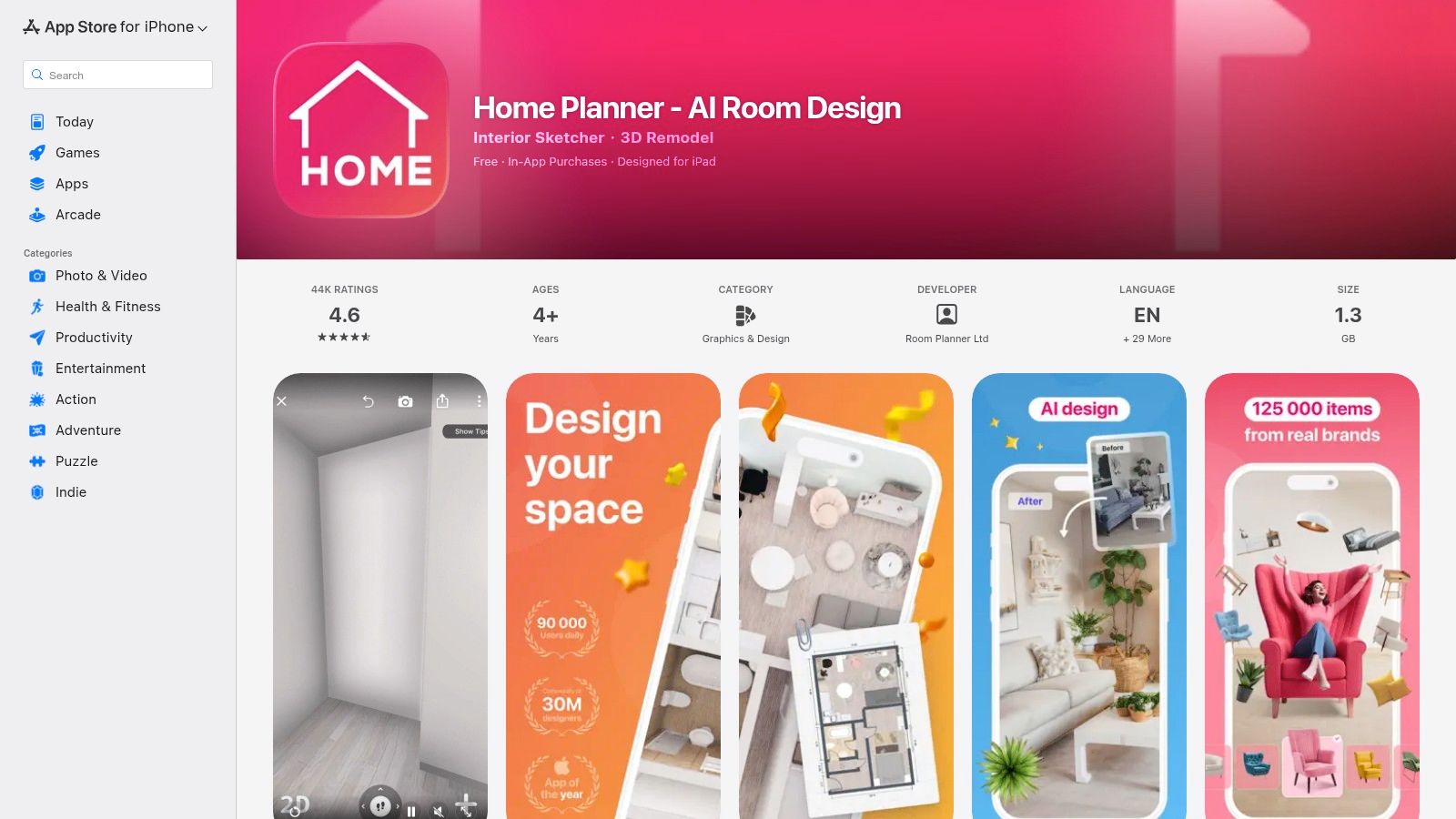
Home Planner carves out its niche as one of the best free interior design apps with its mobile-first approach. Designed for quick, on-the-go planning, it’s perfect for those who prefer to design on a phone or tablet. Its standout feature is the ability to use your device's camera to scan and measure a room, providing an accurate digital foundation for your project without touching a tape measure.
This app is ideal for rapid "what-if" scenarios, especially for apartment dwellers or those with small spaces. You can quickly draft a layout and experiment with furniture from its extensive catalog while you're physically in the room. This makes it simple to visualize a new furniture arrangement or color scheme on the spot, helping you avoid buying pieces that won't fit your space.
Why It's Great for Real Spaces
Home Planner’s free version offers a solid starting point for single-room projects, but unlimited projects and higher-quality renders are behind a subscription. While some users find the paywalls limiting, the core functionality is sufficient for simple planning. Its large user community also provides a gallery of inspiration you can browse for ideas for your own home.
- Platform: iOS, Android, and Web
- Pricing: Free version available; premium subscriptions unlock unlimited projects, higher-quality renders, and the full furniture catalog.
- Best For: Homeowners and renters needing a fast, mobile-friendly tool for drafting and visualizing single-room layouts.
Pro Tip: Use Home Planner's scanning feature to quickly capture your room's dimensions. Once you have a basic 3D view, take a screenshot and upload it to Interior Redesign AI. This lets you bypass manual drawing and instantly generate dozens of professionally styled design concepts, helping you finalize an aesthetic before investing in furniture.
5. HomeByMe
HomeByMe secures its spot by focusing on high-quality, photorealistic visuals and an extensive catalog of real-world products. This web-based platform is perfect for users who want to see their designs come to life with stunning realism before committing to any purchases. It bridges the gap between simple floor planning and professional rendering, making it one of the best free interior design apps for creating an immersive preview of your future space.
The platform lets you create detailed 2D floor plans and instantly convert them into a navigable 3D model. Its main draw is the vast library of over 90,000 branded and generic items, helping you visualize exactly how a specific sofa or light fixture will look. The intuitive drag-and-drop interface allows you to furnish rooms and experiment with different colors and textures from real manufacturer catalogs.
Why It's Great for Real Spaces
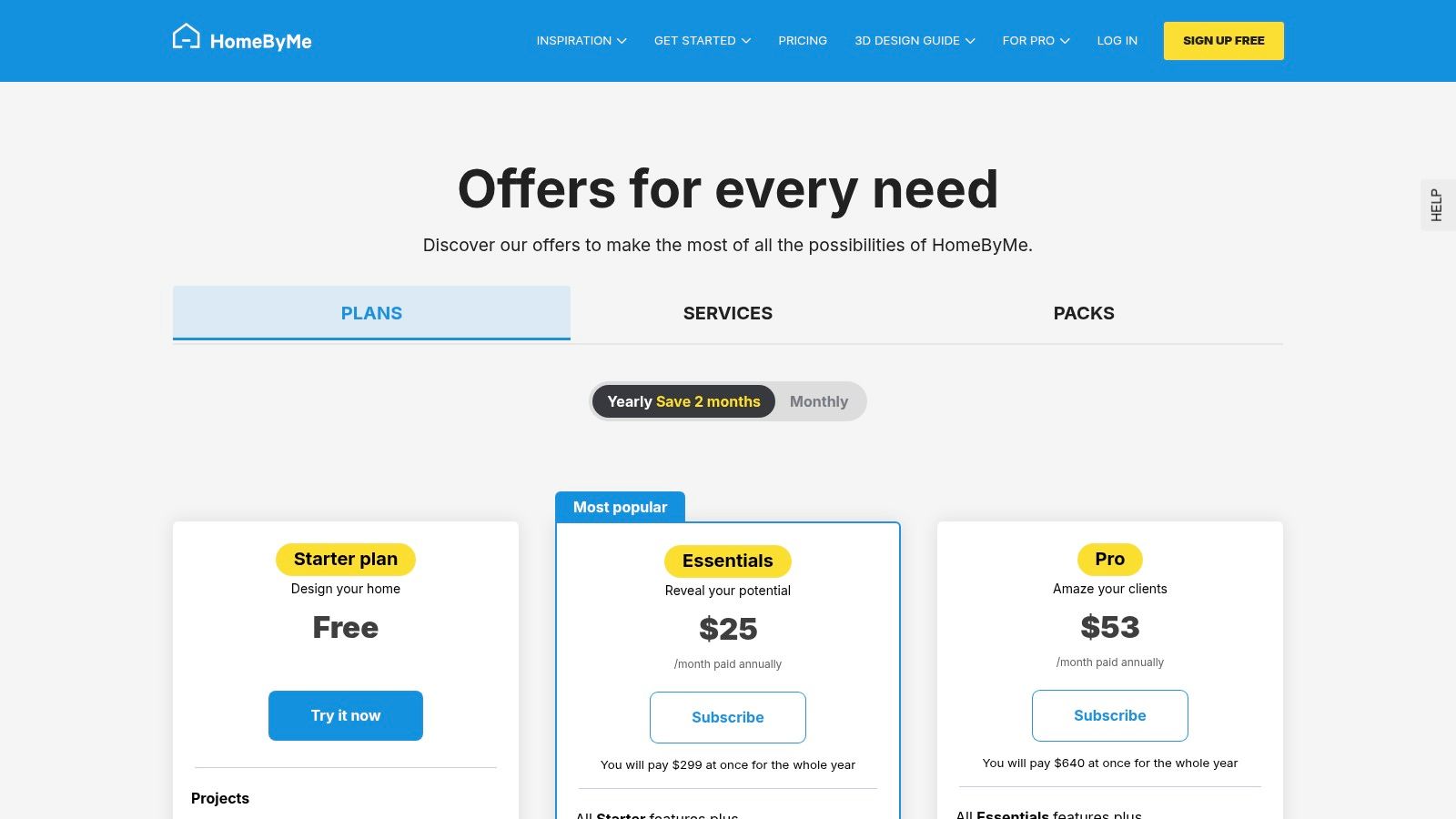
HomeByMe’s free "Starter" plan is generous, providing two projects and five Full HD renders—often enough for a homeowner to plan a single-room makeover. The ability to create custom-sized furniture with the "MakeByMe" tool adds incredible flexibility for tricky spaces or built-ins. While unlimited projects and higher-resolution images require a subscription, the free tier offers more than enough power to get started.
- Platform: Web browser
- Pricing: Free "Starter" plan available; paid subscriptions and one-off packs unlock unlimited projects, 4K renders, and 360° views.
- Best For: Homeowners and amateur designers who prioritize photorealistic visuals and want to use real-world products in their designs.
Pro Tip: Use HomeByMe to finalize the layout of your bedroom. Take a screenshot of the 3D model and use it with Interior Redesign AI to explore dozens of stylistic variations instantly. This allows you to perfect your functional layout in HomeByMe and then rapidly experiment with aesthetic choices like Scandinavian, Industrial, or Coastal decor before making a final decision.
6. RoomSketcher
RoomSketcher stands out as one of the best free interior design apps due to its true “no-strings-attached” free tier and flexible pay-as-you-go model. It allows you to create detailed 2D floor plans and visualize them with instant 3D snapshots without ever needing to enter credit card details. This makes it a fantastic, risk-free option for homeowners and renters who want to test out new layouts or furniture placements.
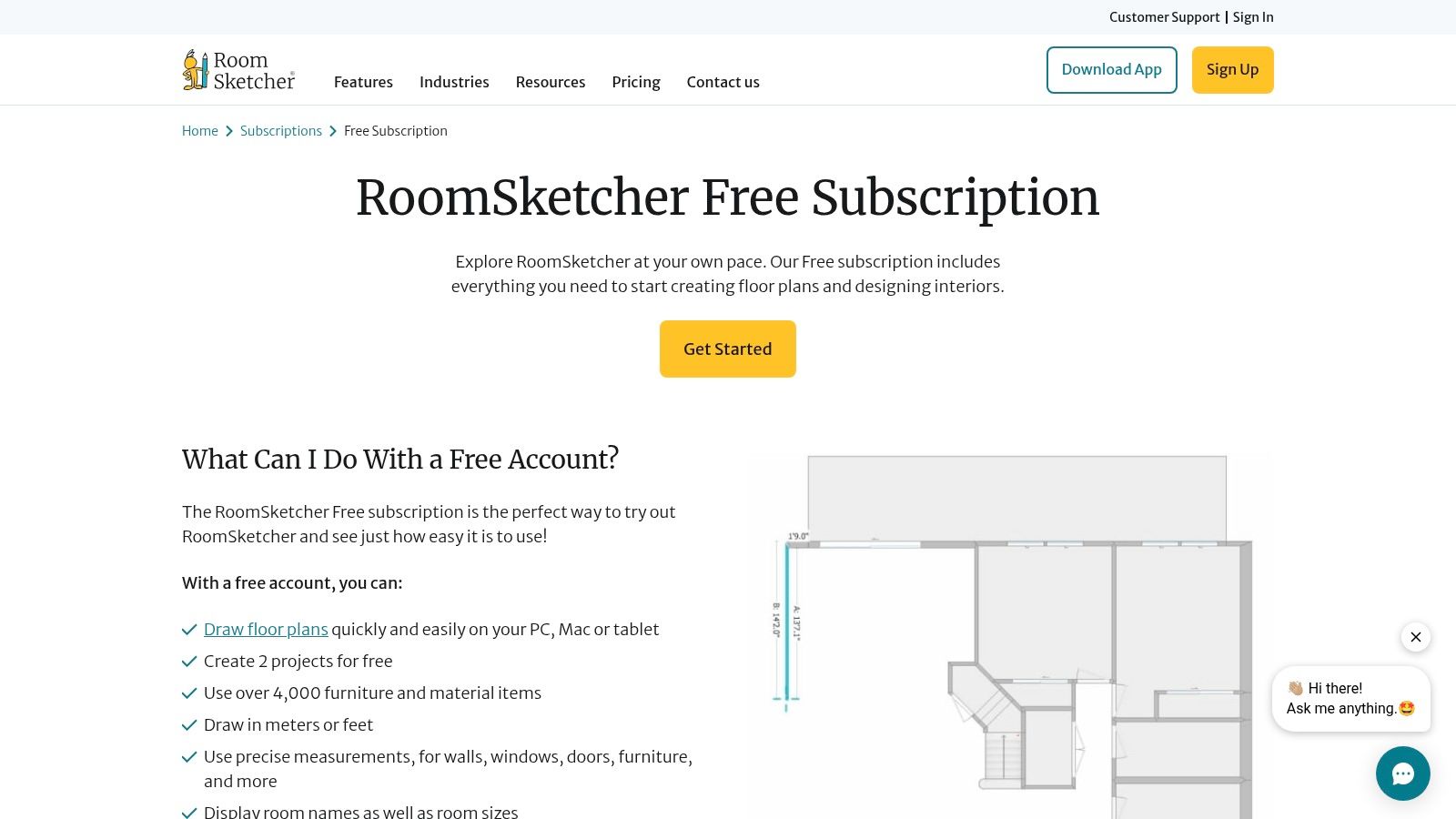
The platform provides a smooth transition from 2D drafting to 3D visualization. With a substantial library of over 4,000 items, you can furnish your space with precise measurements, making it ideal for checking if that new sofa will actually fit through the hallway. While the free version limits some advanced features, its core functionality is robust enough for most initial planning stages.
Why It's Great for Real Spaces
RoomSketcher’s free plan is genuinely useful, offering up to two projects and unlimited, low-resolution 3D snapshots. This is perfect for capturing quick ideas and sharing them with family or a contractor. When you need a higher-quality output for a final presentation, you can purchase credits for premium features like 3D Photos and 360 Views, avoiding a costly monthly subscription for a one-time project.
- Platform: Web browser, PC, Mac, Tablet
- Pricing: Free plan available; one-off credits or subscriptions (Premium/Pro) unlock high-quality renders, Live 3D, and more features.
- Best For: Homeowners needing a simple yet precise tool for planning and real estate agents who want a flexible, pay-as-you-go option for creating floor plans.
Pro Tip: Draft your floor plan in RoomSketcher to get the dimensions right, then take a 3D snapshot. Upload that image to Interior Redesign AI to experiment with dozens of aesthetic styles in seconds. This workflow helps you finalize both the layout and the look, and is a great strategy detailed in our guide to the best interior design software for beginners.
7. SketchUp for Web (SketchUp Free)
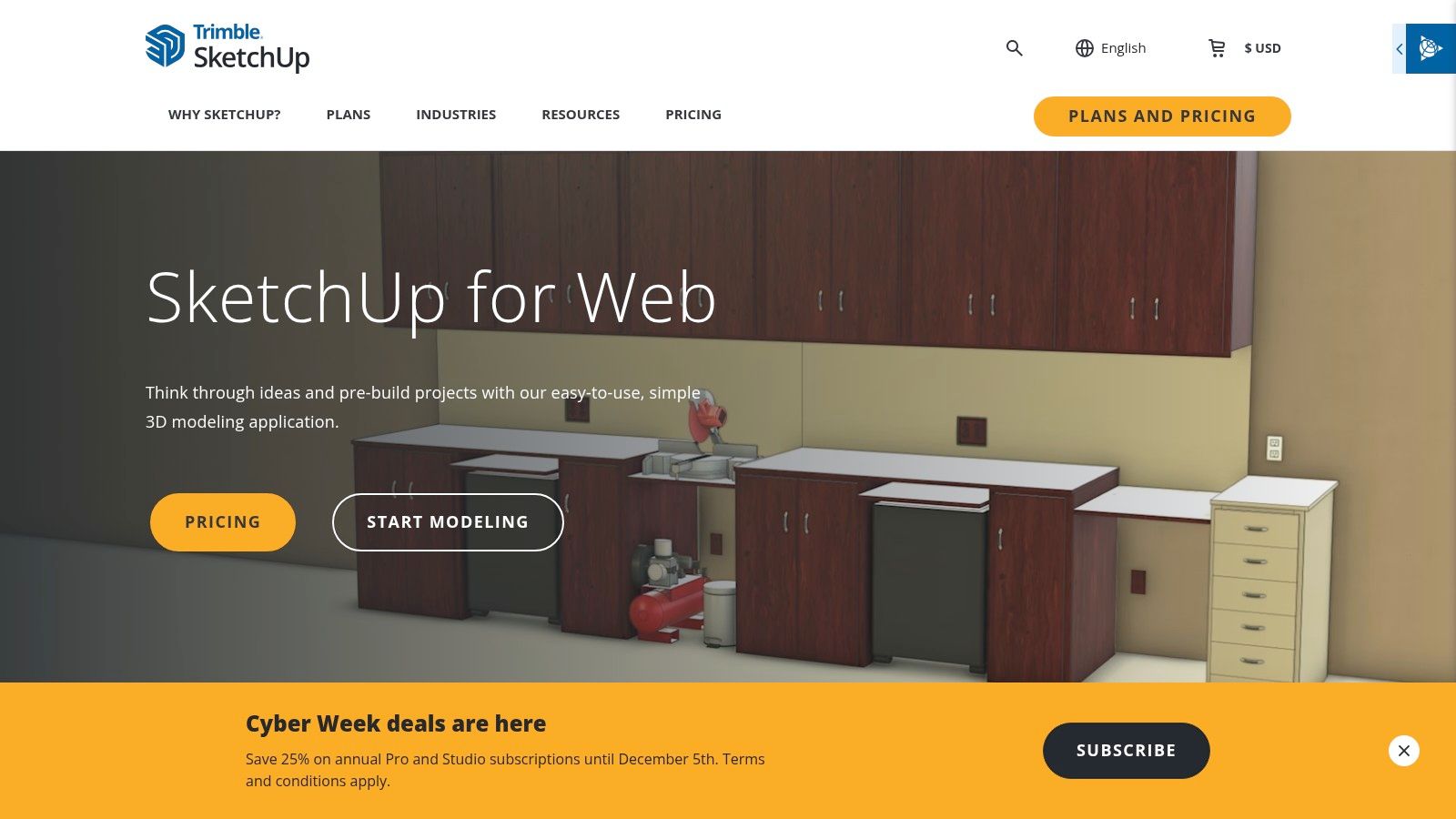
SketchUp for Web carves out its niche among the best free interior design apps by offering professional-grade 3D modeling directly in your browser. While many tools focus on drag-and-drop floor planning, SketchUp provides the precision needed for custom projects, like designing bespoke built-in shelving or visualizing a complex kitchen island from scratch. It is the go-to choice when you need to create unique architectural elements.
This web-based version brings the core power of the industry-standard desktop software to anyone with an internet connection. It also grants free access to the expansive 3D Warehouse, a massive library of user-generated models, from specific brand-name appliances to intricate window casings. This combination of precision modeling and a vast component library makes it exceptionally powerful.
Why It's Great for Real Spaces
SketchUp’s free plan is robust, offering 10 GB of cloud storage for your projects. However, it has a steeper learning curve than simple room planners. Be prepared to watch a few tutorials to master its workflow. The precision pays off for anyone planning detailed carpentry or custom furniture for their home, saving you from expensive mistakes during construction. Be aware that the free version is for non-commercial use only.
- Platform: Web browser
- Pricing: Free plan for non-commercial use; paid subscriptions unlock advanced features, desktop versions, and commercial rights.
- Best For: DIY enthusiasts, woodworkers, and design-savvy homeowners who need to model custom architectural details or furniture with high precision.
Pro Tip: Model the structural shell of your room or a custom piece of furniture in SketchUp, then export a simple 3D view. Upload this image to Interior Redesign AI to rapidly test how different materials, colors, and decor styles would look on your custom creation. This workflow bridges the gap between technical modeling and aesthetic visualization, a core strength of the best interior design rendering software.
8. Sweet Home 3D
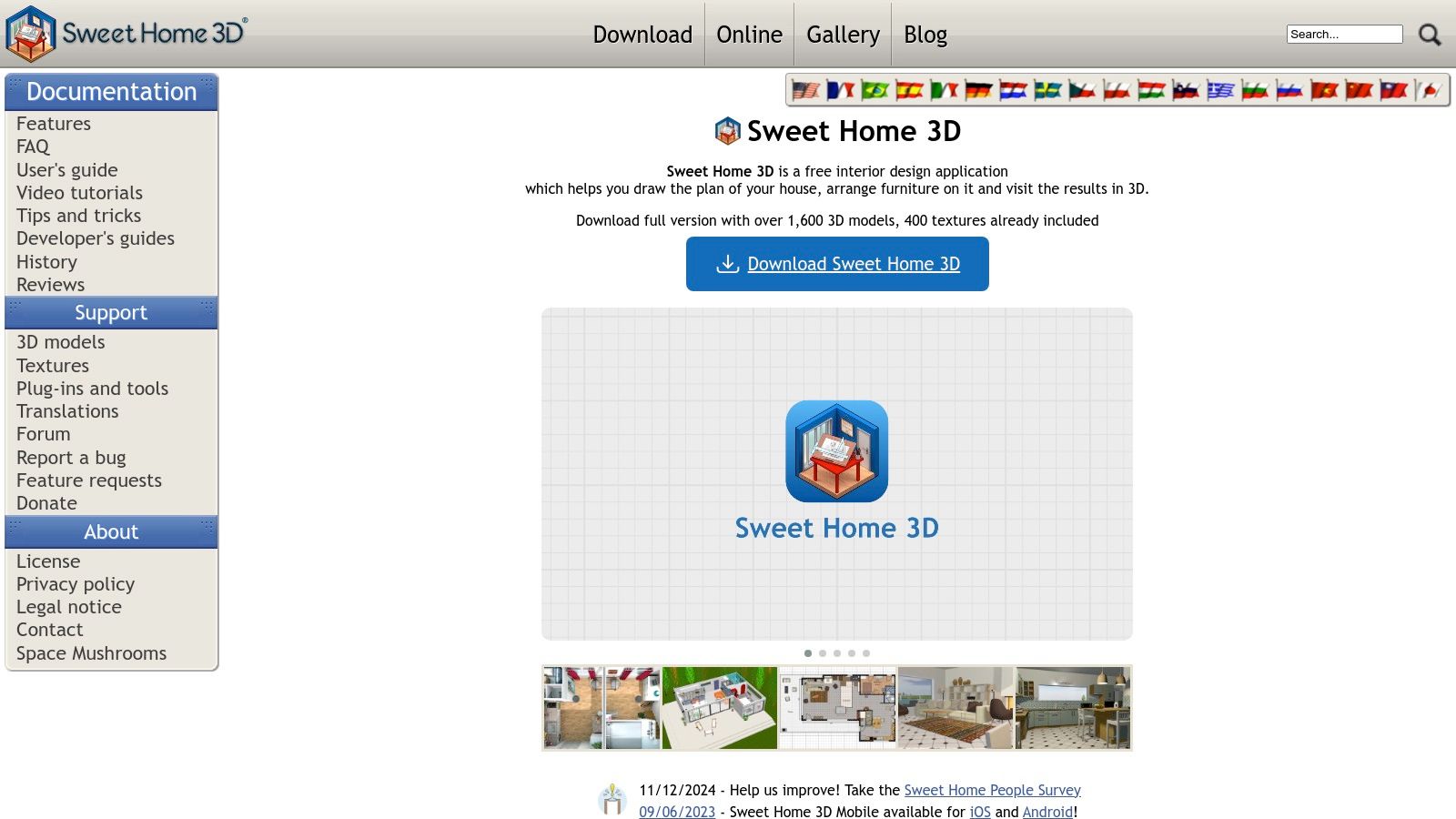
Sweet Home 3D is a powerful, open-source interior design app that has been a favorite among DIY enthusiasts for years. It stands out because it offers a completely free, downloadable application for offline use on Windows, macOS, and Linux. This makes it an incredibly reliable tool for detailed home planning without needing an internet connection or a subscription.
The software is geared toward users who appreciate technical control. You can import blueprints to trace over, create precise walls, and even import external 3D models to expand the furniture library. Its dual-view interface, showing the 2D plan and a live 3D view simultaneously, is a huge advantage for understanding spatial relationships as you design. While its interface may feel less modern, its power and cost-free access are unmatched.
Why It's Great for Real Spaces
Sweet Home 3D provides a robust set of features that are entirely free, making it one of the best free interior design apps for those on a tight budget. The ability to work offline is a huge plus for focused, in-depth projects. The learning curve is slightly steeper than simpler tools, but the precision it offers is well worth the effort for serious home planners who want to get every detail right.
- Platform: Web browser, Windows, macOS, Linux
- Pricing: Completely free; some versions on app stores may charge a small fee for bundled extras, but the core software from the official site is free.
- Best For: DIY home planners, students, and users who want a powerful, offline-capable tool without subscription fees.
Pro Tip: Use Sweet Home 3D to create a detailed and dimensionally accurate floor plan. Once finalized, take a simple 3D view. You can then upload this image to Interior Redesign AI to instantly generate high-quality, photorealistic visualizations in various decor styles, bridging the gap between technical planning and aesthetic reality.
9. IKEA Kreativ (IKEA Planners - US)
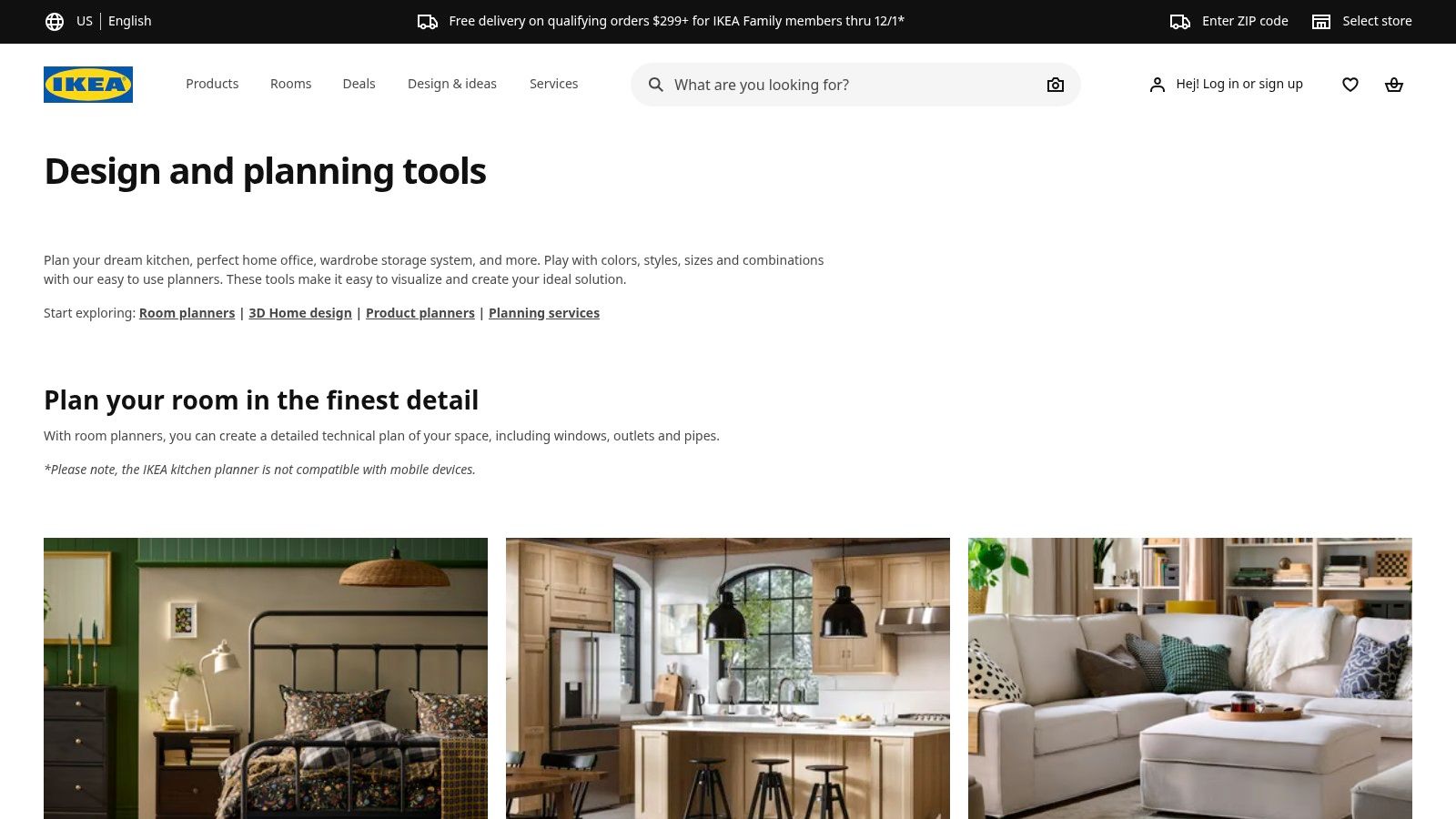
IKEA Kreativ is an essential tool for anyone furnishing their home with IKEA products. This free, web-based platform is designed to bridge the gap between browsing online and visualizing furniture in your actual space. You can either design within pre-made digital showrooms or use its mobile scanning feature to capture your own room, then realistically place true-to-scale IKEA furniture within it.
Its biggest strength is its seamless integration with the IKEA ecosystem. Every 3D model is a real product you can buy, complete with pricing and a direct link to add it to your cart. This makes it one of the most practical free interior design apps for budget-conscious decorators. It eliminates the guesswork of "will this fit?" and "how much will this layout cost?", helping you plan your shopping trip and stick to your budget.
Why It's Great for Real Spaces
Using IKEA Kreativ is straightforward and completely free for US-based customers. While its catalog is limited exclusively to IKEA items, its real-world utility is immense. The room scanner technology is particularly impressive, allowing you to virtually "erase" your existing furniture to get a blank canvas for your new design. This is perfect for planning a room makeover in a rented apartment where you can't make structural changes.
- Platform: Web browser (with mobile app for room scanning)
- Pricing: Completely free to use.
- Best For: Homeowners and renters planning to buy IKEA furniture and wanting a risk-free way to test products and layouts.
Pro Tip: Finalize your kitchen layout and cabinet choices using the IKEA Kitchen Planner. Before you buy, take a screenshot of your design and upload it to Interior Redesign AI to experiment with different countertop materials, backsplash styles, and paint colors that IKEA may not offer. This lets you combine IKEA's affordable framework with a more customized aesthetic, a strategy we explore in our guide to the best kitchen design software.
10. Coohom
Coohom stands out by offering incredibly fast rendering speeds and a suite of AI-assisted tools, even in its free tier. This web-based platform is designed to take you from a 2D floor plan to a fully furnished 3D visualization in minutes. Its focus on speed and efficiency makes it an excellent choice for users who need to generate multiple design concepts quickly without getting bogged down in complex software.
The platform provides a smooth drag-and-drop experience with a vast library of real-world furniture and material models. Coohom's main advantage is its cloud-rendering engine, which produces high-quality photorealistic images far faster than many competitors. This makes it a powerful tool for homeowners who want a realistic preview of their redecorated room or for designers needing to present concepts to clients promptly.

Why It's Great for Real Spaces
Coohom's free Basic plan is generous enough for individual projects, offering unlimited standard-quality renders. The user interface is clean and modern, making it easy for beginners to navigate from floor plan to final rendering. This speed is a huge benefit for Airbnb hosts or real estate agents who need to create virtual staging mockups quickly to boost a listing's appeal.
- Platform: Web browser
- Pricing: Free Basic plan available; Pro and Plus plans unlock higher render limits, 4K video, and advanced features.
- Best For: Homeowners, freelance designers, and students who need a fast, browser-based tool for creating photorealistic renders.
Pro Tip: After creating your ideal room layout in Coohom, export a standard render. You can then upload this image to Interior Redesign AI to experiment with stylistic variations that Coohom may not offer, such as Nautical or Eclectic. This helps you refine the aesthetic and color palette, a key topic in our guide on AI interior design for real estate.
11. Roomstyler
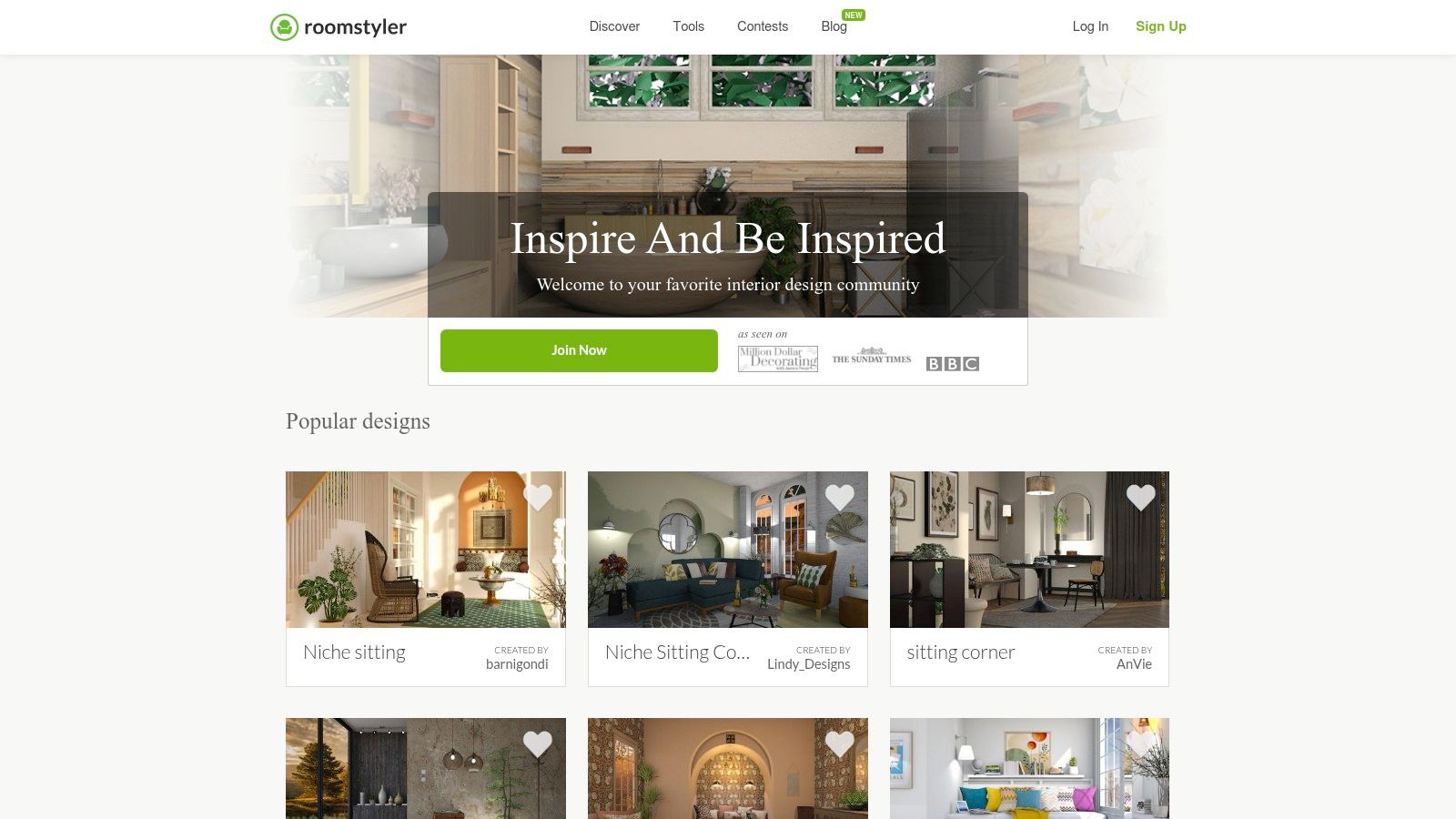
Roomstyler excels as a community-driven design tool that feels more like a styling game than a technical program. It focuses on the fun of decorating with an enormous library of real, branded furniture. This makes it one of the best free interior design apps for users who want to visualize how specific products from their favorite stores will look in their space before making a purchase.
The platform is built around inspiration and social sharing. You can browse thousands of designs created by other users and participate in design contests. Its drag-and-drop interface is incredibly simple, allowing you to quickly furnish a room from a 2D plan and then view it as a realistic 3D image. The emphasis is less on architectural precision and more on creating a mood board with actual items you can buy.
Why It's Great for Real Spaces
Roomstyler’s free access is generous, letting you create and render rooms without an upfront cost. The key draw is its catalog of over 120,000 real-world products, which helps bridge the gap between digital design and real-life shopping. This is perfect for anyone trying to pull together a cohesive look for a living room or outdoor patio on a specific budget.
- Platform: Web browser
- Pricing: Free to use; credits can be purchased for higher-quality renders and additional features.
- Best For: Homeowners and design enthusiasts who want to experiment with real furniture and get community feedback.
Pro Tip: Use Roomstyler to create a mood board with specific furniture pieces you love. Take a screenshot of your finished 3D room and upload it to Interior Redesign AI. From there, the AI can test how that furniture works with different wall colors, flooring types, and overall design styles like Japandi (a blend of Japanese minimalism and Scandinavian function) or Coastal, helping you finalize the complete room aesthetic.
12. Live Home 3D
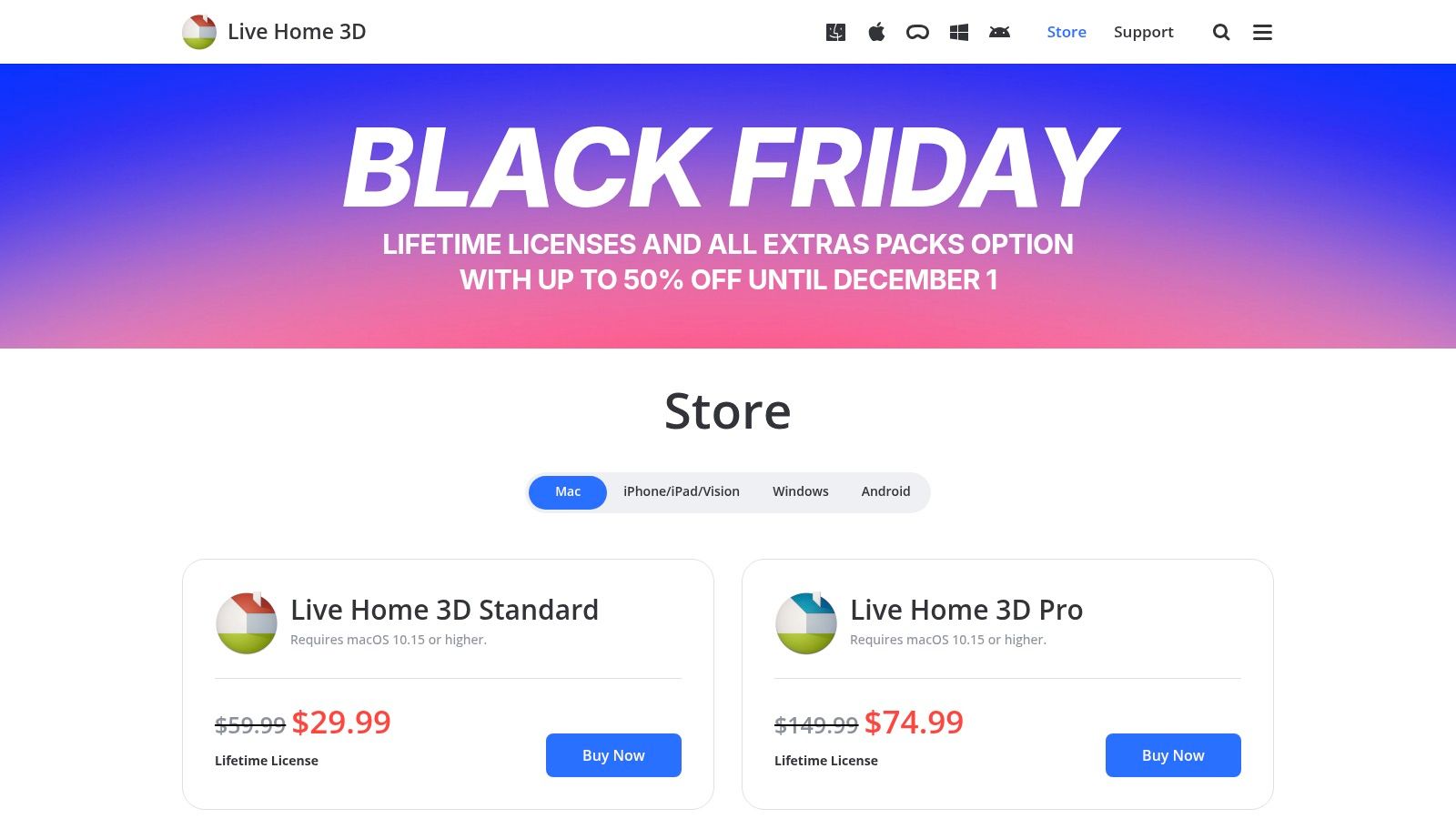
Live Home 3D stands out as one of the best free interior design apps for those who prefer native desktop software over browser-based tools. Available for Mac, iOS, and Windows, it delivers a polished, high-performance experience that works offline, which is ideal for complex projects. Its free tier provides powerful 2D and 3D design tools, making it an excellent starting point for detailed home modeling.
The application allows you to create intricate floor plans and then visualize them in stunning, real-time 3D. Users can furnish spaces from a large built-in library or import models directly from Trimble’s 3D Warehouse, offering nearly limitless customization. While advanced features are reserved for the paid versions, the free app is incredibly capable for initial planning and layout experimentation.
Why It's Great for Real Spaces
Live Home 3D’s free version allows for one active project at a time and includes watermarks on exports—a fair trade-off for its professional-grade engine. The interface is highly approachable, balancing advanced capabilities with user-friendly controls. It excels at creating realistic lighting and textures, helping you get a true feel for your space, which is critical when planning a bathroom or kitchen renovation.
- Platform: Mac, Windows, iOS
- Pricing: Free app available; paid upgrades to Standard or Pro versions unlock advanced features and remove watermarks.
- Best For: Users who want a powerful, native desktop application for detailed home design that can scale with their needs.
Pro Tip: Use the free version of Live Home 3D to build a dimensionally accurate model of your room. Once you have a 3D view you like, take a clear screenshot and upload it to Interior Redesign AI. This lets you apply professional design styles like Organic Modern or Industrial to your precise layout, bridging the gap between technical planning and aesthetic visualization without paying for high-end rendering.
Top 12 Free Interior Design Apps — Feature Comparison
| Tool | Core features | Render & quality | Target audience | Pricing & limits | Unique selling point |
|---|---|---|---|---|---|
| Floorplanner | Browser 2D/3D, furniture library, multi-floor | SD free (watermarked); HD/4K/8K via credits | Casual users, space planning | Free (5 projects), credit-based upgrades | No install, one-off credit purchases |
| Homestyler | Cloud 2D/3D, templates, brand models, mobile app | Unlimited 1K free; 4K via subscription/credits | Homeowners, aspiring designers | Free Basic; subscription or credits for pro outputs | Large model catalog + active community |
| Planner 5D | 2D/3D editor, AI room generation, cross-platform sync | Photorealistic "Snapshot"; advanced renders paid | Mobile-first users, quick concepting | Free basic; subscription for catalog & features | AI-assisted room generation, mobile convenience |
| Home Planner (Room Planner) | Mobile scanner, measurement tools, 2D/3D editing | Mobile-focused renders; premium for higher quality | Phone/tablet users needing fast drafts | Free with premium unlocks | On-device scanning and measurements |
| HomeByMe | Web 3D planner, large catalog, custom furniture tool | Starter: 2 projects + 5 Full HD; 4K/360 paid | Users wanting photoreal renders, homeowners | Free Starter; upgrade packs for more HD/4K | High-quality visuals on entry tiers |
| RoomSketcher | Cross-platform floor plans, precise measurements | Free low-res snapshots; high-res purchasable | Beginners, occasional users | True free (2 projects), pay-as-you-go or subs | No card required, flexible purchase options |
| SketchUp for Web | Web 3D modeling, 3D Warehouse, precision tools | Precise modeling; 10 GB cloud, non-commercial free | Pros needing CAD-level precision, architects | Free for non-commercial web use; paid tiers | Industry-standard modeling workflows |
| Sweet Home 3D | Open-source 2D/3D editor, desktop & web, import blueprints | Free editor with live 3D view and walkthroughs | DIYers, budget-conscious users | Completely free (some paid extras in stores) | Open-source, offline desktop option |
| IKEA Kreativ | Room scanning, IKEA product catalog, interactive showrooms | Scanned-room visualizations with SKU details | IKEA shoppers planning purchases | Free with IKEA account (US availability) | Direct links to IKEA SKUs and pricing |
| Coohom | Browser 2D/3D, AI-assisted tools, materials library | Decent free renders; Pro for HD/exports | Homeowners, creators scaling to pro | Free Basic; Pro/Plus tiers for higher limits | Scales from quick designs to pro workflows |
| Roomstyler | Browser drag-and-drop, branded item library, community | Quick mockups; higher-quality outputs may cost | Mood-board creators, stylists, community users | Free to start; some premium features/credits | Huge branded-item library and community gallery |
| Live Home 3D | Desktop & mobile apps, AR, import 3D Warehouse | Free with watermarks; ray-traced & ultra-HD in Pro | Mac/Windows users wanting offline power | Free with limits; Standard/Pro paid options | Offline desktop app with professional renders |
Ready to Bring Your Vision to Life?
Embarking on a design project, whether it's a simple room refresh or a full-scale renovation, doesn't have to be stressful. The digital tools we've explored remove the guesswork, transforming abstract ideas into tangible plans. We've navigated the best free interior design apps, from the architectural precision of Floorplanner to the user-friendly styling of Homestyler and IKEA Kreativ.
Each application offers a unique strength. Your choice depends on your project's goal. Are you mapping out a new kitchen layout where every inch matters? A tool like RoomSketcher will be your most reliable starting point. Or are you trying to find the perfect sofa and color palette for your living room? In that case, apps with real-product libraries like HomeByMe are invaluable.
Practical Steps for Your Design Journey
As you move forward, keep these practical tips in mind to get the most out of these free resources:
- Define Your Goal First: Before you start clicking, decide what you need to accomplish. Are you checking furniture clearance, planning electrical outlets, or creating a mood board? This clarity will guide you to the right tool and prevent wasted time. For example, a real estate agent staging a vacant property needs a different tool (like Homestyler for quick renders) than a homeowner planning a structural change (who would benefit from SketchUp's precision).
- Embrace the Hybrid Workflow: The most effective design process combines the strengths of different tools. No single free app does everything perfectly. Use one for precise 2D floor planning, then leverage AI to explore styles and finishes. This synergy is your secret weapon for creating professional-level results on a budget.
- Combine AI with Your Own Taste: These apps are fantastic for generating ideas, but always ground your digital designs in reality. Order fabric and paint swatches to see how colors look in your actual space. AI can give you a brilliant starting point, but the final decisions should reflect your personal style. Remember that AI doesn't know your family's needs or your emotional connection to a space, so use its suggestions as inspiration, not a strict blueprint.
From Blueprint to Beautiful: Making the Final Leap
The critical step is moving from a functional floor plan to an inspiring room. A 2D layout shows you where things go, but it doesn't convey the feeling of the space. This is where an AI tool becomes a game-changer.
Think of the apps in this list as your project's "architect." They help you build the solid foundation, ensuring the layout works. Once that is done, you can use an AI tool like Interior Redesign AI as your personal "stylist."
Instead of spending hours manually adding decor and testing paint colors in a 3D model, you can simply take a screenshot of your floor plan from Floorplanner or a basic 3D view from Planner 5D. Upload that image, select a style like "Japandi" (a calming blend of Japanese minimalism and Scandinavian function), and receive a photorealistic concept in seconds. This approach bridges the gap between technical planning and creative expression, helping you visualize the final outcome with incredible speed and clarity. It empowers you to explore bold ideas without risk, ensuring the final result is a space you truly love.
Ready to see how your meticulously planned layout can transform into a stunning, fully-styled room? Stop guessing and start visualizing. Upload a photo of your current space, a sketch, or even a floor plan you created with one of these apps to Interior Redesign AI and watch your vision come to life in seconds.