
Planning a home renovation can feel overwhelming. Juggling ideas, budgets, contractors, and timelines is a huge task for anyone—whether you're a homeowner refreshing a living room, an Airbnb host aiming for five-star reviews, or a real estate agent staging a property for a quick sale. The good news? You can ditch the spreadsheets and sticky notes. The right app can turn a stressful project into a smooth and even enjoyable process.
This guide cuts through the clutter to bring you the definitive list of the best home renovation apps available. We've organized our roundup to help you find the perfect tool for every stage of your remodel, from dreaming up ideas to hiring the right pros. You'll get a clear breakdown of each app's key features, who it's for, and how it can save you time, money, and decision-making stress.
We'll also show you how an AI tool like an AI Interior Designer can be a game-changer. Imagine visualizing dozens of different styles and layouts in your actual space before you buy a single thing or pick up a paintbrush. It’s the secret to making sure the final result is exactly what you envisioned. Let's build your ultimate digital toolkit and tackle your next project with confidence.
1. Interior Redesign AI
Best for: Instantly visualizing design ideas in your own space
An AI Interior Designer like Interior Redesign AI is an essential tool for anyone needing to see a new look for a room—fast. It’s a powerful design engine that turns a simple photo or sketch of your room into a realistic redesign in seconds. This makes it one of the best home renovation apps for making confident decisions without the commitment. It’s perfect for homeowners stuck on a style choice, real estate agents staging a vacant property, or interior designers who want to show clients ideas on the spot.
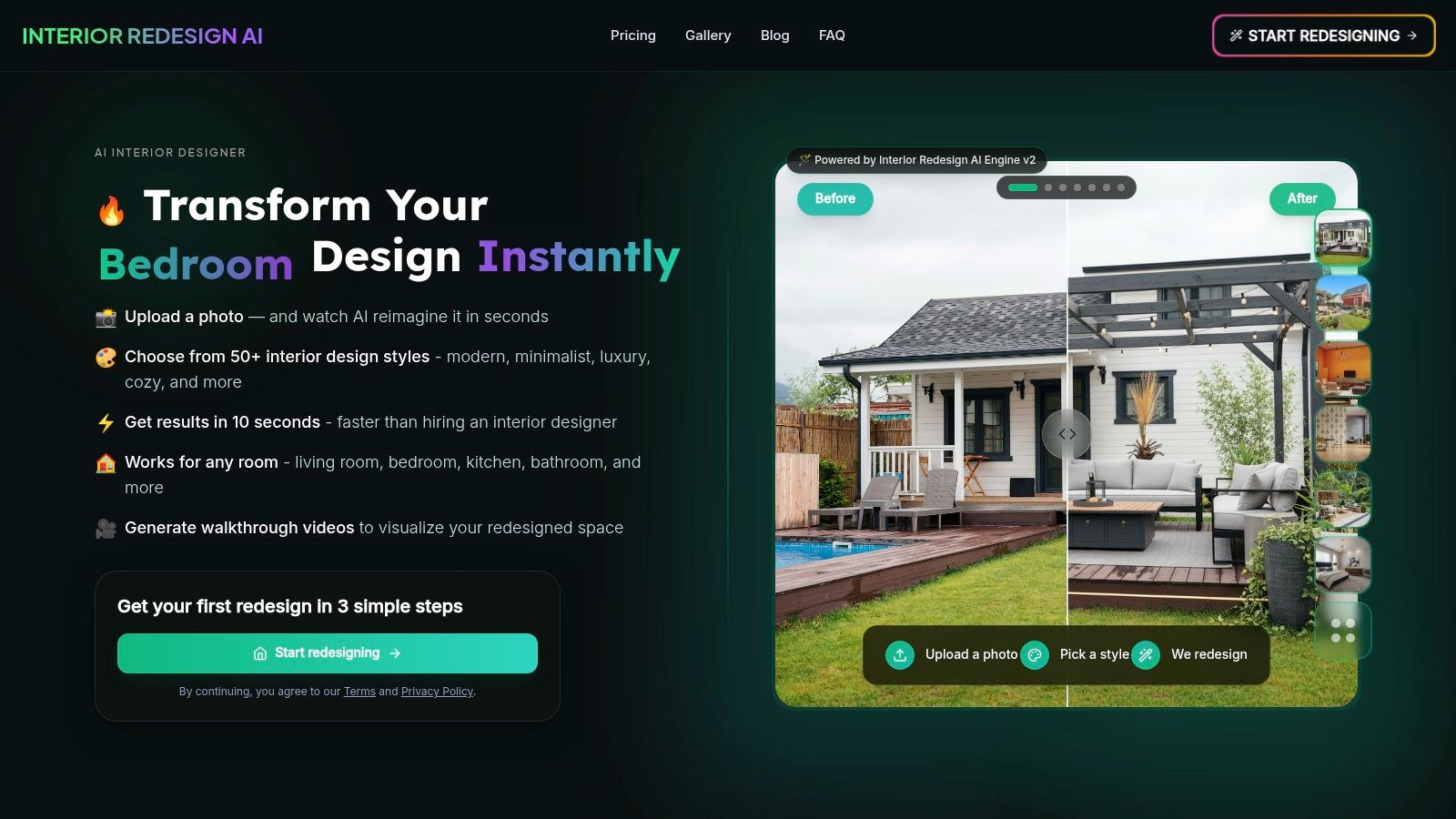
What makes this platform so helpful is its mix of speed and creative control. Instead of learning complex 3D modeling software, you can upload a photo of your living room, select from over 50 styles (like Japandi, a calming blend of Japanese minimalism and Scandinavian function), and get multiple design concepts right away. This speed helps you try out bold ideas, like dark paint or a new furniture layout, preventing costly mistakes before you start. For Airbnb hosts, it's a fast way to visualize changes that can boost your listing's appeal.
Standout Features & Practical Use Cases
This tool is designed to help you at every stage, from brainstorming to final decision-making.
- Try Different Styles Instantly: Upload a photo of your kitchen and see it transformed in styles from Modern Farmhouse to Industrial. This is a huge time-saver that helps you and your family agree on a look.
- Visualize Before You Buy: Use the AI to test different materials, like a quartz countertop versus butcher block, or see how a different furniture layout would work in a small apartment bedroom.
- Precision Editing with Canvas Editor: Love the AI-generated sofa but not the wall color? Use the brush editor to select just the wall and regenerate only that part. It’s perfect for fine-tuning your vision.
- Walkthrough Video Creation: Create a short video that pans through your newly designed space. This is fantastic for understanding the flow of a kitchen or living room layout in a more dynamic way.
How to Use It Effectively
For homeowners, start by taking a well-lit photo of your room. Don't be afraid to experiment with styles you wouldn't normally consider—it’s a great way to find new inspiration! For professionals, use it during client meetings to get instant feedback and faster approvals. You can learn more about AI for room design on their blog.
Keep in mind that while AI provides amazing visual ideas, it’s not a substitute for architectural plans. It's best used at the beginning of your project to define your style. From there, you can share the visuals with a contractor or designer to bring it to life.
Website: https://www.interiorredesignai.com
2. Apple App Store
For iPhone and iPad users, the Apple App Store is your trusted gateway to finding the best home renovation apps. While not an app itself, it's the secure marketplace where you’ll download essential tools like Houzz, magicplan, and Planner 5D. Its role is crucial for ensuring the apps you use are safe and high-quality.
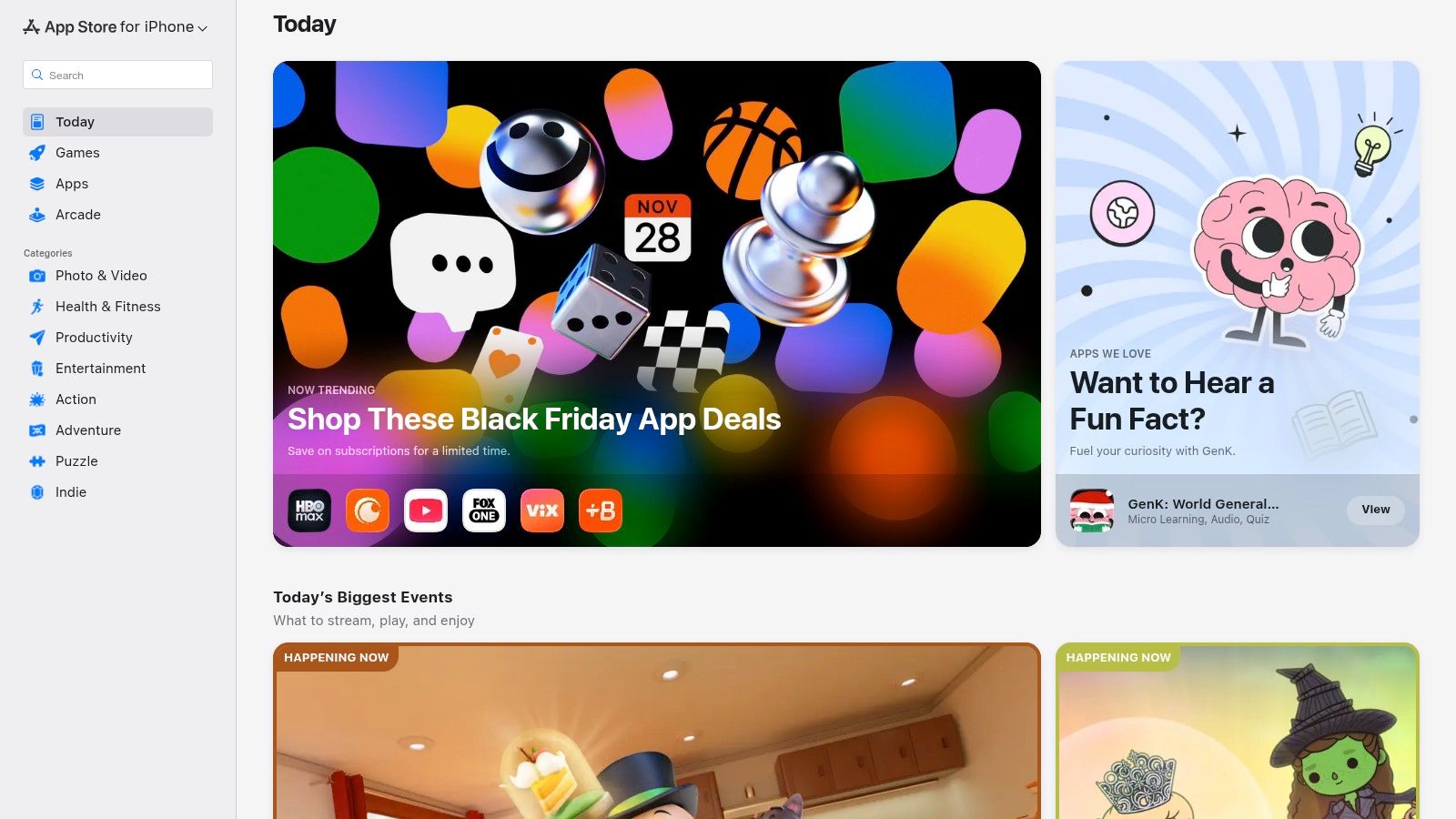
The App Store stands out for its strict review process. Each app listing gives you detailed descriptions, screenshots, and tons of user reviews and ratings. This feedback is priceless for understanding how an app works in the real world before you download it. It also clearly displays any in-app purchase options or subscription costs, helping you stick to your reno budget.
Key Platform Features
- Vetted and Secure: Every app is reviewed, reducing security risks and ensuring a good user experience.
- User Reviews and Ratings: Real-world feedback helps you decide if an app is worth your time and money.
- Centralized Management: Easily manage all your subscriptions through your Apple ID, so there are no surprise charges.
- Curated Collections: The App Store often features helpful lists like "Apps for Home Design," making it easy to discover new tools.
The main limitation is that it's only for Apple devices. But for iOS users, it’s the safest and most streamlined way to build your renovation app toolkit.
Website: https://apps.apple.com
3. Google Play Store
For Android users, the Google Play Store is the go-to source for the best home renovation apps. It's the central hub for discovering and downloading a huge library of tools for your Android phone or tablet. From powerful 3D modelers to project management aids, its open platform offers a diverse selection for any renovation task.
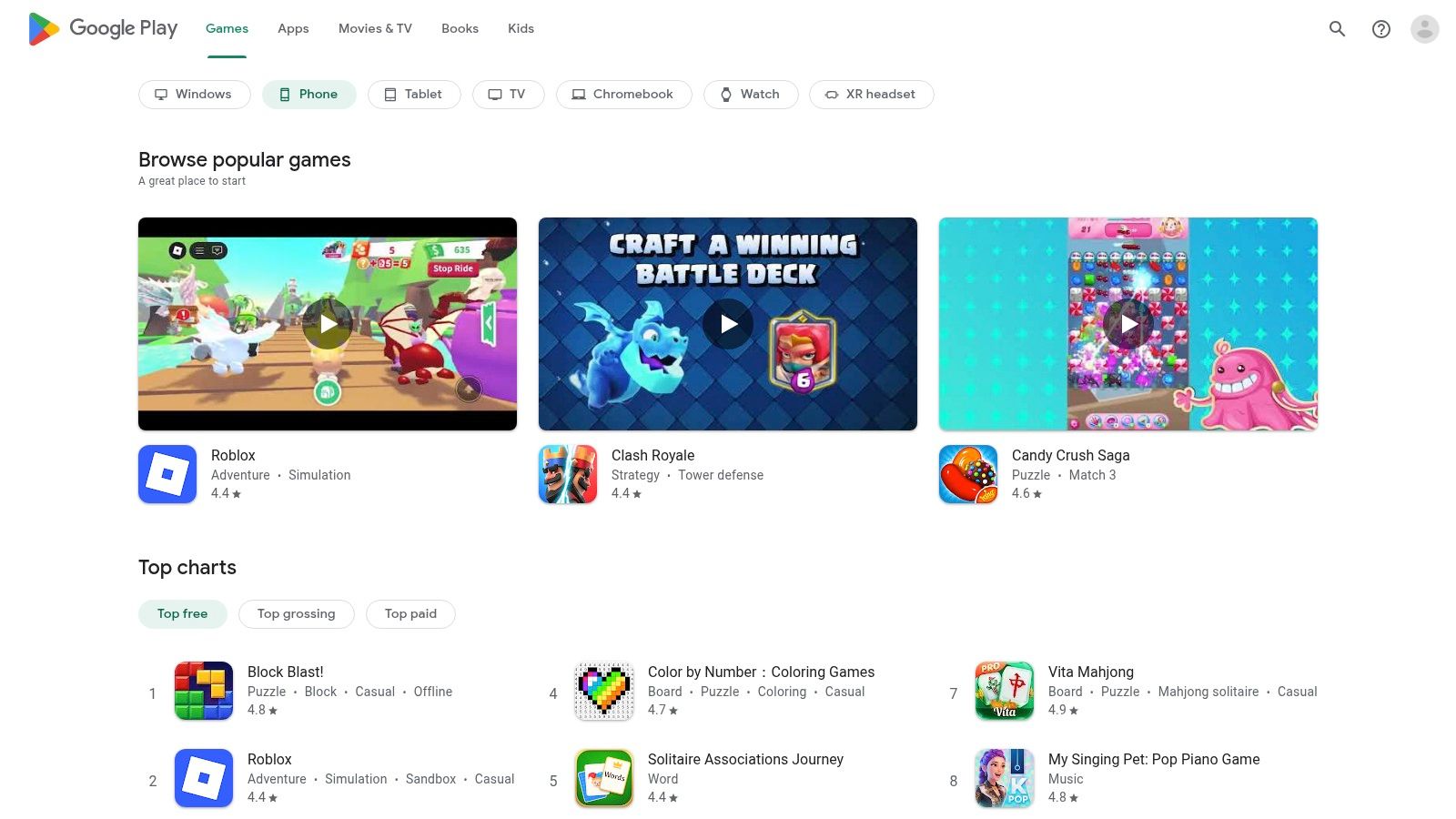
The Google Play Store offers a massive choice of apps and quick updates. Each app page provides key info, including user ratings, detailed descriptions, and clear labeling for any in-app purchases. This transparency helps you check an app's cost and real-world performance before you install it. The review system is particularly useful for seeing how an app works on different Android phones.
Key Platform Features
- Broad App Selection: Access a huge library of renovation and design apps, with both free and paid options.
- User-Driven Ratings: In-depth user reviews provide practical insights into an app's stability and usefulness.
- Clear Pricing: In-app purchase and subscription costs are clearly displayed, helping you manage your budget.
- Unified Account Management: All your downloads, updates, and subscriptions are tied to your Google account for easy management.
The main thing to watch for is that app performance, especially for AR features, can vary depending on your device. However, for Android users, the Google Play Store is the essential marketplace for your renovation toolkit.
Website: https://play.google.com
4. Houzz
Houzz is an all-in-one powerhouse, blending inspiration, shopping, and professional services into one of the best home renovation apps available. It’s a complete ecosystem where you can start by browsing millions of high-resolution photos for ideas, save them to "Ideabooks," and then take action—all in one place.

What makes Houzz special is how it connects community, content, and shopping. You can read articles for advice, use the "View in My Room 3D" feature to see furniture in your space using augmented reality, and then buy those items directly. When you're ready for a bigger project, its directory of vetted local architects, contractors, and designers lets you find and hire the right pro for the job. This is great for homeowners who want one place to manage everything from kitchen inspiration to hiring a contractor.
Key Platform Features
- Inspiration Ideabooks: Collect and organize millions of professional photos to define your style and plan your space.
- View in My Room 3D: Use augmented reality to see how furniture and decor from the Houzz marketplace will look in your actual room.
- Integrated Marketplace: Shop for millions of home products, from lighting to sofas, directly within the app.
- Professional Directory: Find and hire local home professionals, including architects and interior designers, complete with reviews.
While the integrated marketplace is super convenient, product availability can vary. But for users who want a single hub for inspiration, shopping, and hiring, it’s an indispensable tool.
Website: https://www.houzz.com/downloadApp
5. Thumbtack
When your renovation moves from digital ideas to physical work, Thumbtack becomes essential. It’s a huge online marketplace that connects you with local, skilled professionals for almost any home project. Whether you need a general contractor for a kitchen remodel, an electrician for new lighting, or a painter for the living room, Thumbtack simplifies the hiring process.
The app's strength is its user-friendly workflow and transparent reviews. You simply describe your project, and Thumbtack matches you with qualified pros in your area. You can then compare their profiles, read customer reviews, and see project photos to make an informed decision. Managing conversations, quotes, and scheduling all in one app makes it one of the best home renovation apps for getting the job done, saving you time and reducing stress.
Key Platform Features
- Nationwide Network: Access a wide variety of local professionals, from painters and plumbers to architects.
- Verified Reviews: Read detailed feedback from previous customers to gauge a pro's reliability and quality of work.
- In-App Communication: Easily message professionals and get estimates directly through the platform to keep things organized.
- Thumbtack Guarantee: Qualifying projects are backed by a guarantee, offering peace of mind on your investment.
While Thumbtack makes finding help easier, it's still smart to verify a professional’s licensing and insurance yourself. For anyone ready to bring their AI-generated designs to life, this platform is the crucial next step.
Website: https://www.thumbtack.com/app/
6. Angi
Once you’ve finalized your design, Angi is the next step for turning plans into reality. It’s one of the most established online marketplaces for finding and hiring local contractors. Instead of just visualizing changes, Angi connects you with the skilled people needed to do everything from a simple paint job to a full-scale outdoor space remodel.
The platform shines by simplifying the often-overwhelming process of finding reliable tradespeople. You can post your job details, compare quotes from multiple professionals, and read verified reviews from other homeowners. This empowers you to make a smart hiring decision based on cost, experience, and feedback. Angi also provides helpful cost guides and project management tools, making it an essential resource for budgeting and communication. For more tips, explore this guide on how to plan your home renovation.
Key Platform Features
- Job Posting and Quote Comparison: Submit your project details and receive competitive bids from local, qualified pros.
- Verified Reviews and Ratings: Read feedback from other homeowners to vet contractors and ensure quality work.
- Cost Guides and Articles: Access cost estimates for various projects to help you create a realistic budget.
- In-App Project Management: Communicate with your hired pro, track progress, and manage payments all in one place.
While Angi offers a huge network, the quality of pros can vary. It's still important to do your own due diligence. For homeowners ready to move from design to construction, Angi is one of the best home renovation apps for finding the right team.
Website: https://www.angi.com/app
7. magicplan
For homeowners and professionals who need accurate floor plans, magicplan is a powerful solution that works right from your phone. This app lets you use your device's camera to instantly create 2D and 3D plans. It bridges the gap between a quick idea and a contractor-ready document, making it one of the best home renovation apps for serious project planning. This is especially useful for planning furniture layouts in small apartments or rental spaces where every inch counts.

What makes magicplan stand out is its efficiency. You can walk through a room, scan it, and have a usable floor plan in minutes. From there, you can add photos and notes, creating a comprehensive record for your renovation team. The built-in estimation tools also help you generate material lists and cost reports, streamlining the early stages of project budgeting.
Key Platform Features
- AR Scanning: Instantly capture room dimensions to generate accurate 2D and 3D floor plans without a tape measure.
- Detailed Job Documentation: Attach photos and notes directly to your floor plans for clear communication with your contractor.
- Built-in Estimating: Create material takeoffs and cost estimates to keep your budget on track from day one.
- Professional Exports: Export plans to formats like PDF for easy sharing with contractors, architects, or designers.
While its subscription pricing is geared more toward professionals, its precision and documentation features make it invaluable for complex renovation projects where accuracy is key.
Website: https://www.magicplan.app
8. RoomSketcher
For those who need more than a simple floor plan but less than complex architectural software, RoomSketcher is an excellent choice. It empowers homeowners and real estate professionals to create detailed 2D and 3D floor plans, complete with furniture, materials, and even interactive walkthroughs. This platform is one of the best home renovation apps for producing professional-quality visuals without a steep learning curve.
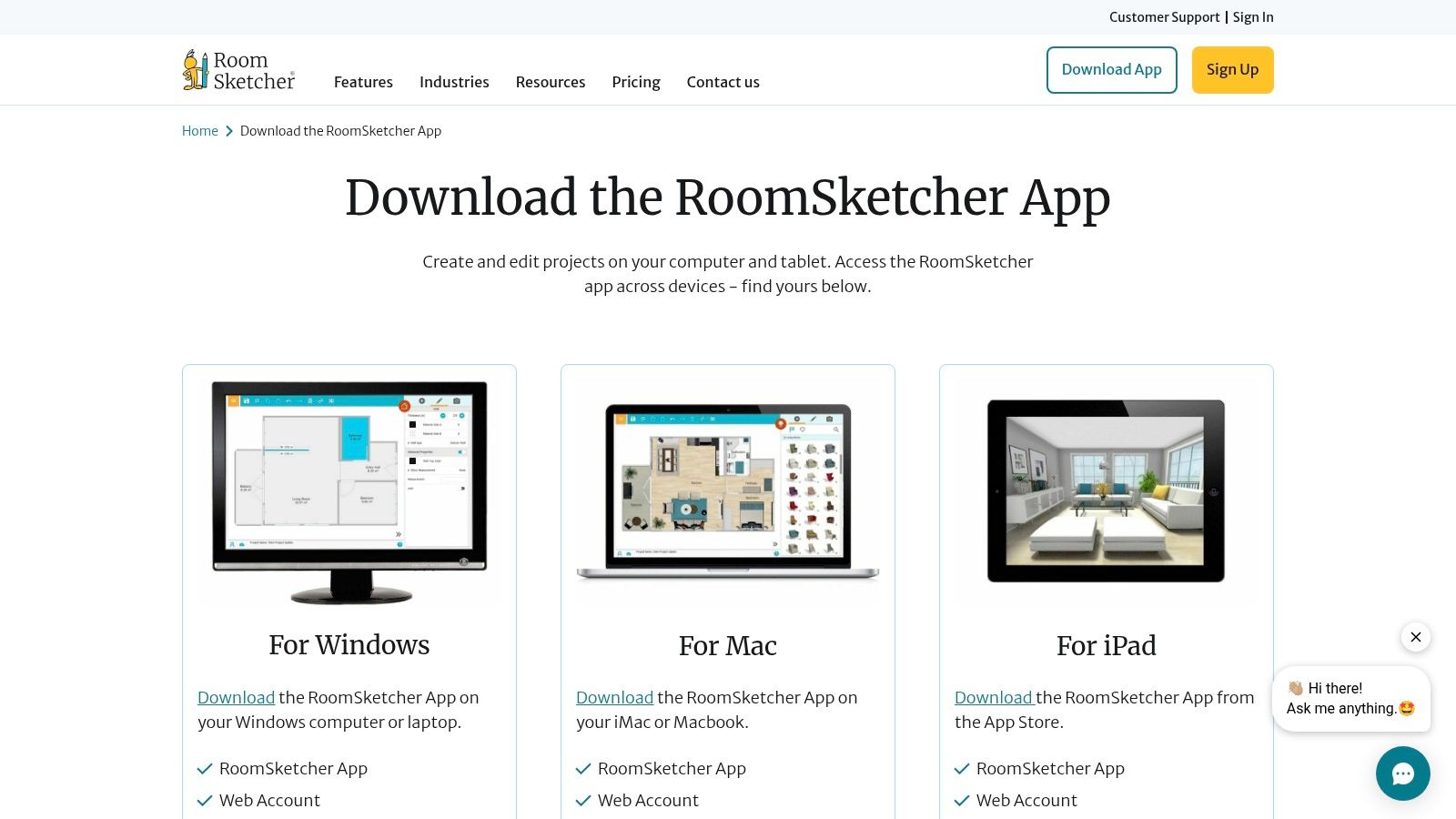
RoomSketcher excels at creating high-quality visuals that are perfect for contractors, real estate listings, or personal planning. You can start a design on a desktop computer for precision and then view or tweak it on a tablet while on-site. The ability to generate stunning 3D photos and floor plans gives your project a polished, professional edge that is crucial for communicating your vision effectively. For a family, seeing a 3D walkthrough can help everyone get on the same page about a new kitchen layout.
Key Platform Features
- 2D/3D Floor Plans: Draw accurate layouts and instantly visualize them in 3D.
- Live 3D Walkthroughs: Navigate your designed space interactively, providing a true sense of scale and flow.
- Extensive Product Library: Furnish your plans with a vast selection of furniture, fixtures, and materials.
- Professional Outputs: Generate high-resolution 3D photos and print-ready floor plans, ideal for presentations and property listings.
The best features, like high-quality 3D renders, are locked behind a subscription. Also, the smartphone app is mainly for viewing, not creating. However, for users who need professional visuals from an accessible tool, RoomSketcher is a top choice.
Website: https://www.roomsketcher.com/download-app/
9. Planner 5D
Planner 5D is an AI-assisted design tool that makes creating detailed 2D and 3D floor plans accessible to everyone. It excels as one of the best home renovation apps for homeowners who want to visualize changes with realistic renders before committing. Its powerful features allow you to build a room from scratch or upload an existing floor plan, then furnish it using a huge catalog of objects.
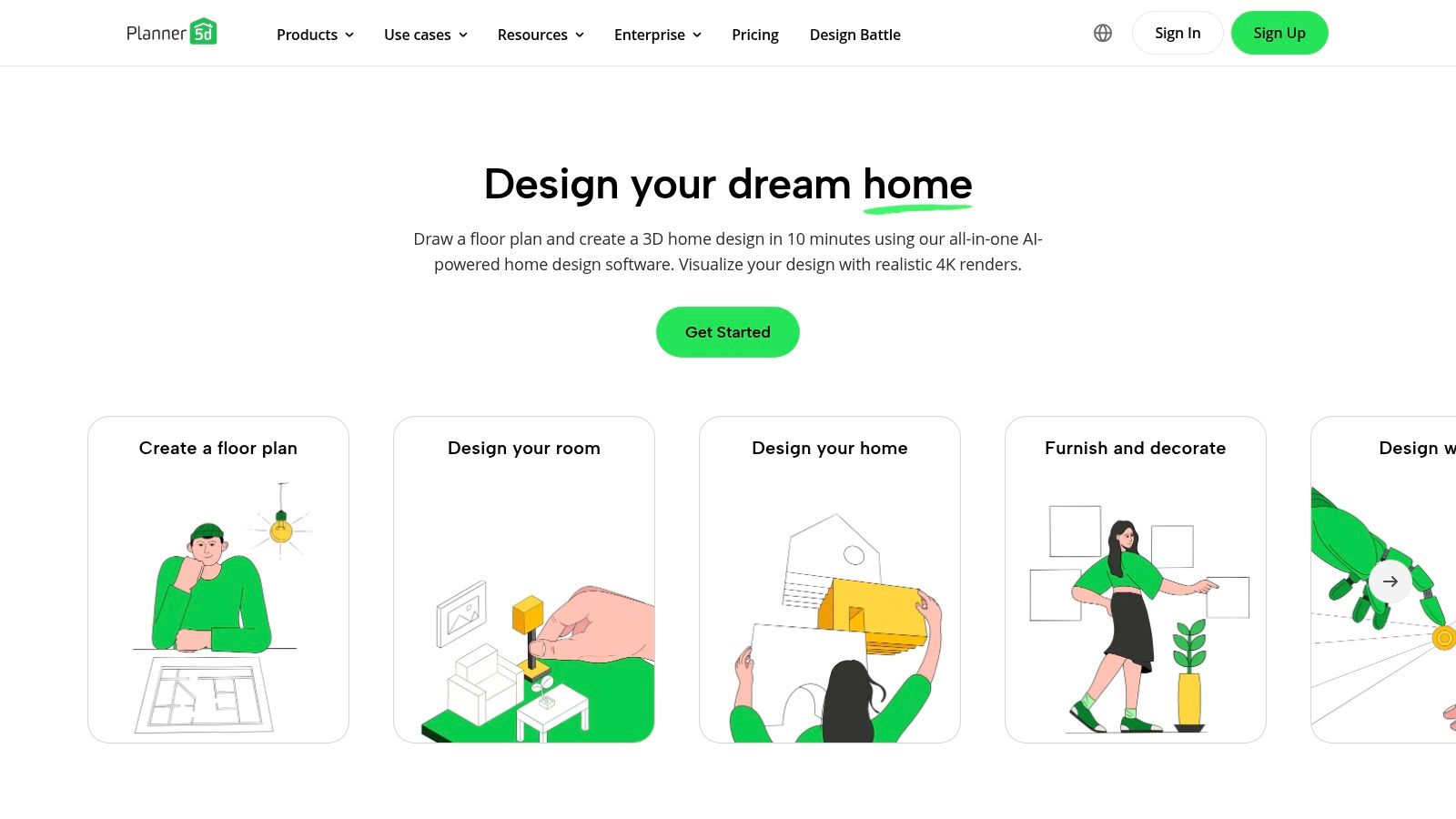
The platform stands out for its beginner-friendly interface and impressive AI capabilities, like its floor-plan recognition and automated design generator. This makes it ideal for rapidly testing different layouts and furniture placements in spaces like a living room or bedroom. The cross-platform sync is a major plus, allowing you to start a project on your desktop and continue editing on your phone.
Key Platform Features
- 2D/3D Floor Planning: Switch seamlessly between 2D blueprints and immersive 3D views to get a complete picture of your space.
- AI Design Tools: Use AI to automatically generate floor plans from a sketch or create design concepts based on your style.
- Large Object Catalog: Access over 8,000 items, including furniture and decor, to create realistic interior mockups.
- Photorealistic Renders: Generate high-quality images that show how your finished room will look with realistic lighting and textures.
While the free version is great for basic layouts, most advanced features and the full object catalog require a Premium subscription.
Website: https://planner5d.com
10. Homestyler
For homeowners and aspiring designers who want to quickly visualize new interior concepts, Homestyler is one of the most accessible and community-driven best home renovation apps. It excels at letting you build 2D floor plans, furnish them in 3D with real branded products, and generate high-quality renderings. Its unique blend of a design tool and a social platform provides endless inspiration.
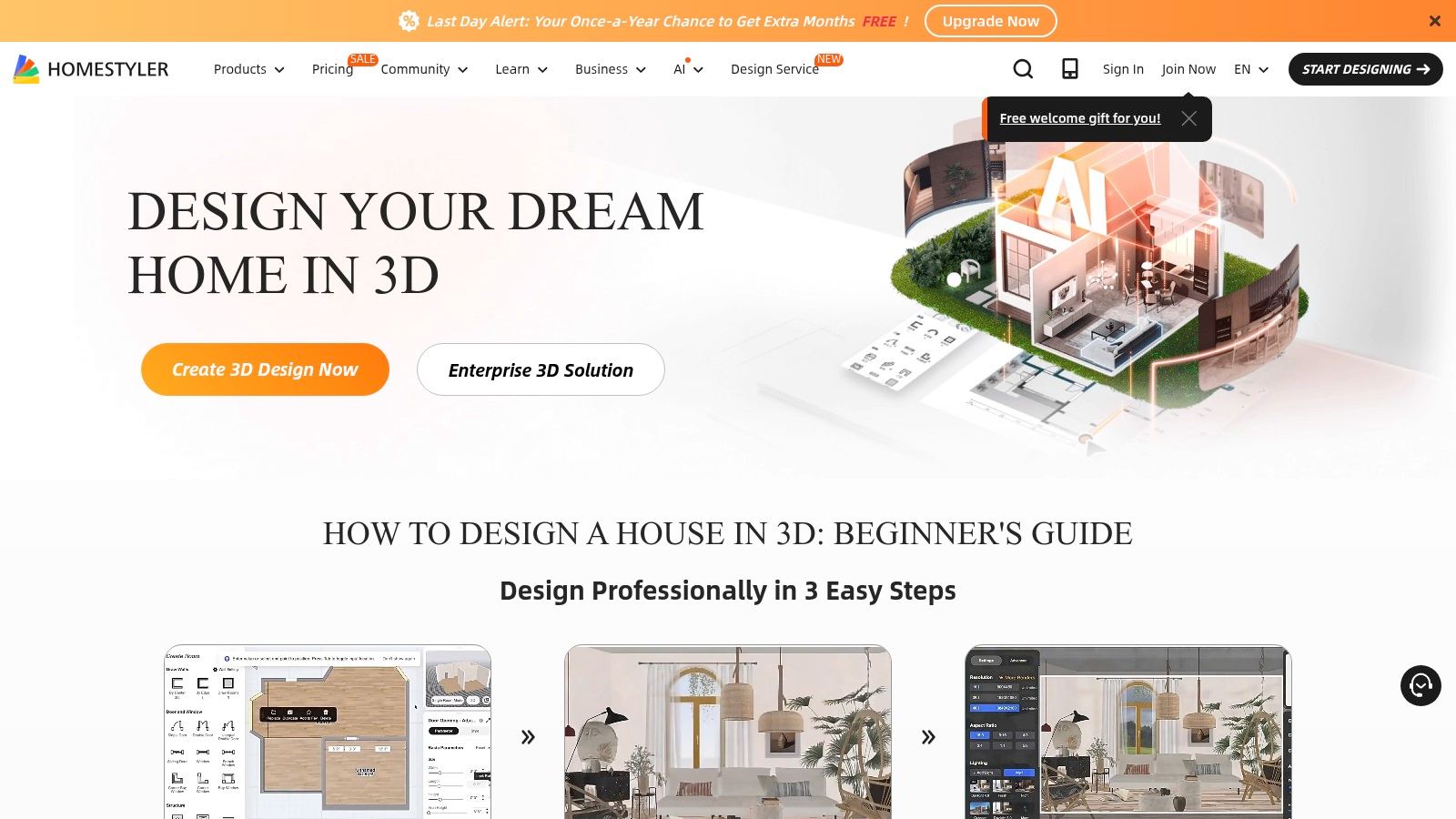
Homestyler stands out with its huge library of 3D models from actual brands, letting you place specific furniture in your virtual room. The augmented reality (AR) feature lets you preview how these pieces will look in your physical space using your phone’s camera—perfect for checking if that new sofa will overwhelm your small living room. The app also has a vibrant community where users share designs and get feedback, making it a great place to refine your ideas.
Key Platform Features
- 3D/AR Furniture Previews: Use a massive library of branded models to virtually stage rooms and preview items in your home with AR.
- Cloud Sync and High-Quality Renders: Work on your designs across devices and create photorealistic images. For more advanced visuals, consider exploring the best interior design rendering software.
- Community Feed and Design Challenges: Get inspiration from other users and participate in contests to hone your skills.
- Pro Portfolio Tools: Professionals can use the platform to build a portfolio and collaborate with clients.
A paid membership is required to unlock its most advanced features, but the free version offers more than enough power for most homeowners to plan a room makeover.
Website: https://www.homestyler.com
11. IKEA Design & Planning
For anyone planning a renovation involving IKEA products, the company's suite of IKEA Design & Planning tools is an essential resource. This collection of free, web-based planners lets you design your exact space and fill it with real items from their catalog. It brilliantly closes the gap between abstract design and practical purchasing for your home renovation, saving you time and money.
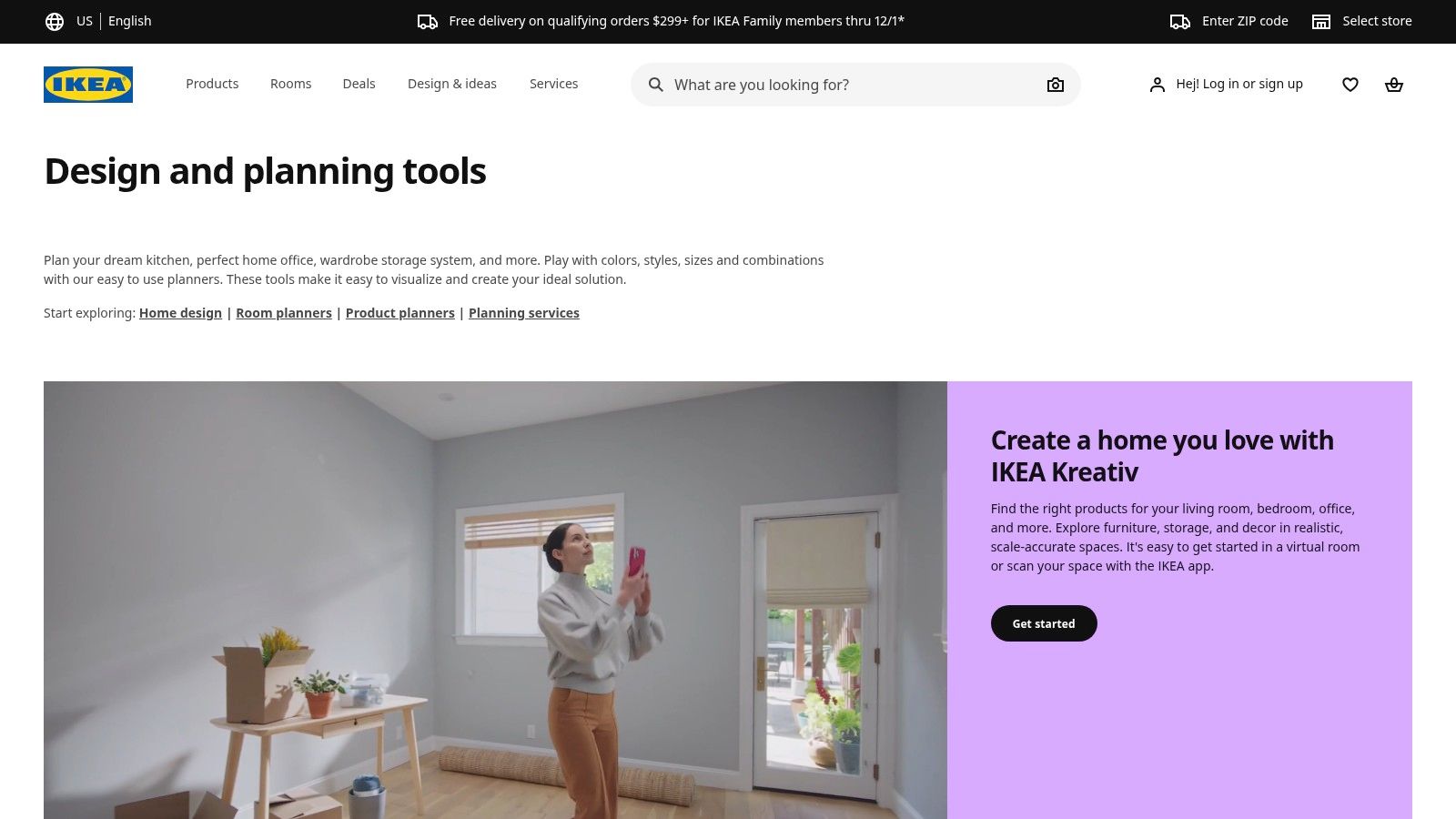
Unlike general design apps, IKEA’s platform is built around its products. You can use dedicated planners for complex systems like kitchens or PAX wardrobes, ensuring every component fits perfectly. The platform's real power is its ability to generate a complete shopping list with accurate pricing as you design. This makes it one of the best home renovation apps for those committed to the IKEA ecosystem, especially for a budget-friendly kitchen makeover. You can explore more options in our guide to the best kitchen design software.
Key Platform Features
- Retailer-Integrated Design: Plan your room using the actual IKEA products you intend to buy, with accurate dimensions and pricing.
- Dedicated System Planners: Specialized tools for complex projects like kitchens, bathrooms, and wardrobes simplify the process.
- Direct-to-Cart Functionality: Seamlessly turn your finished design into a pre-populated shopping cart, saving time and reducing errors.
- IKEA Kreativ Room Scan: Use your phone's camera to scan your room and create an interactive 3D replica to test furniture.
The main limitation is that you're restricted to the IKEA catalog. However, for a budget-conscious renovation, no other tool provides such a streamlined path from idea to execution.
Website: https://www.ikea.com/us/en/planners/
12. Sherwin‑Williams ColorSnap Visualizer
Choosing the right paint color is one of the most impactful yet stressful parts of a renovation. The Sherwin‑Williams ColorSnap Visualizer is a specialized app designed to eliminate guesswork by letting you virtually test their entire paint catalog on your own walls. Using augmented reality, it turns your phone into a powerful color-testing tool, helping you see how shades will look in your space before you even buy a sample pot.
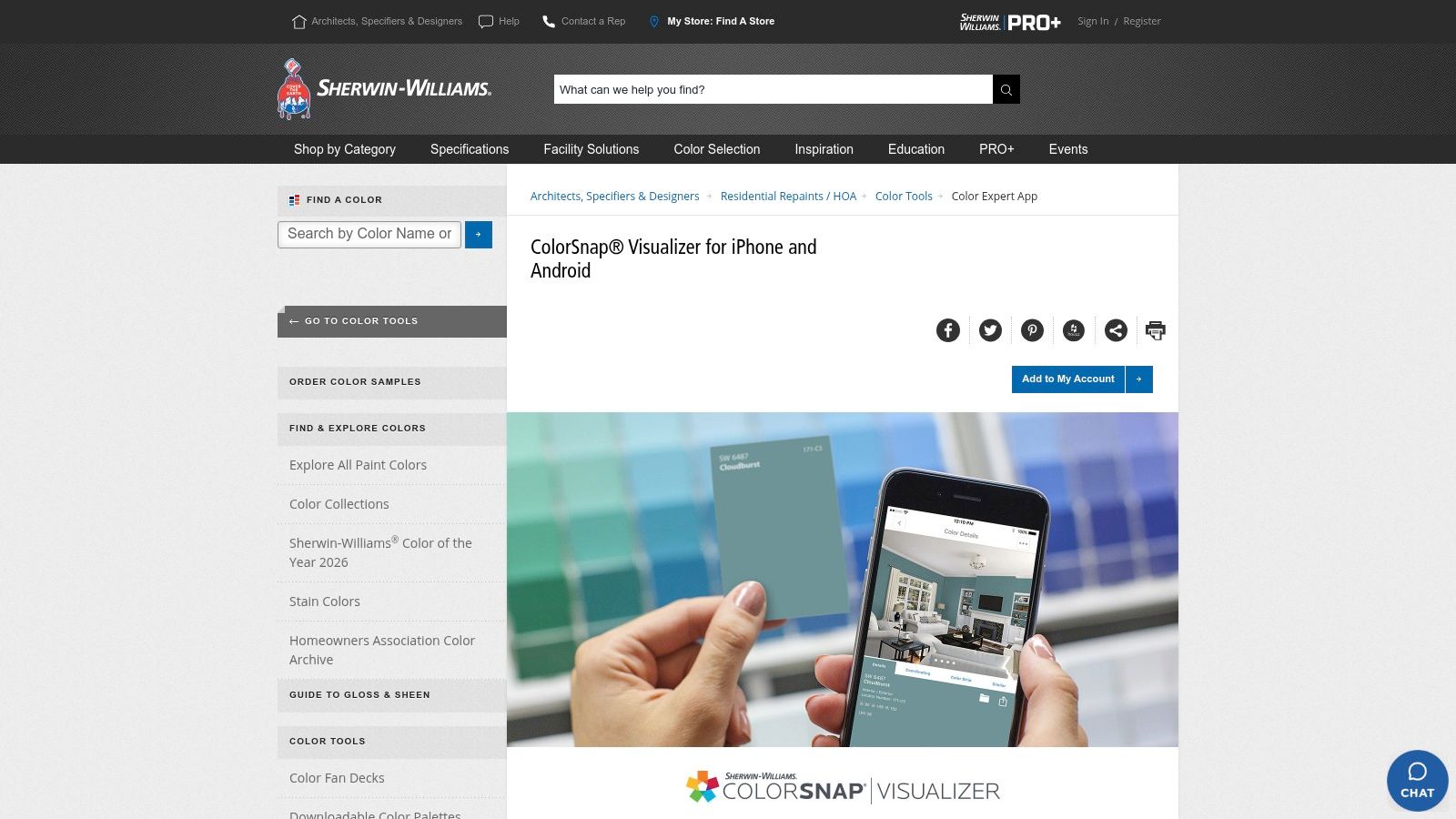
This app stands out by integrating directly with Sherwin-Williams' products. You can instantly paint walls in a live AR view, capture a color from a photo to find a matching paint, and explore professionally curated color palettes. It even includes a paint calculator to estimate how much you'll need, saving you from buying too much or too little. This is a perfect final step for a bedroom or bathroom refresh. If you're struggling, learn more about how to choose paint colors for rooms.
Key Platform Features
- Instant Paint with AR: Use the "Paint a Scene" feature to apply any color to your walls in real time through your phone’s camera.
- Color Matching: Take a photo of furniture or art that inspires you, and the app will find the closest Sherwin-Williams paint color.
- Palette Creation: Explore coordinating colors to ensure a cohesive look throughout your room or home.
- Paint Calculator & Store Locator: Once you've chosen a color, the app helps you calculate how much you need and find the nearest store.
While its AR accuracy can be affected by lighting, its biggest limitation is its brand exclusivity. However, for anyone using Sherwin-Williams paint, it is an indispensable free tool for making confident color decisions.
Top 12 Home Renovation Apps: Features & Services
| Tool | Core features | UX & quality | Value proposition | Target audience | Price & USP |
|---|---|---|---|---|---|
| Interior Redesign AI | Photo/sketch → realistic redesigns, 50+ styles, Canvas Editor, 4K, walkthrough videos | Photo‑real renders in seconds, precision brush edits, v2 engine, enterprise clients | Rapid, high‑quality visualizations for staging, ideation & client presentations | Homeowners, designers, real estate pros, architects | Paid plans/credits (see site); USP: speed, style range, Canvas Editor, privacy |
| Apple App Store | Curated app pages, reviews, screenshots, subscription management | Vetted apps, rich reviews, Apple ecosystem consistency | Discover and manage vetted iOS renovation/design apps | iPhone/iPad users | Free to browse; apps/in‑app purchases vary |
| Google Play Store | Developer pages, ratings, changelogs, device filters | Broad selection, fast updates, Google account integration | Discover Android renovation/design apps across devices | Android users | Free to browse; apps/in‑app purchases vary, some refunds |
| Houzz | Millions of project photos, ideabooks, AR product preview, marketplace | Large photo library, strong community content, shopping flow | Inspiration + shopping + hire pros in one place | Homeowners, renovators, designers | Free app; purchases via listings, product availability varies |
| Thumbtack | Pro marketplace, profiles, messaging, quotes, scheduling | Transparent reviews, simple matching workflow | Find & book local contractors fast | Homeowners needing local pros | Free to use; lead quality varies by region |
| Angi | Job posting, quote comparison, cost guides, project messaging | Helpful budgeting resources, project tracking tools | Post jobs, compare quotes, manage projects | Homeowners posting renovation jobs | Free to use; contractor quality varies |
| magicplan | AR/LiDAR scans → 2D/3D floor plans, estimates, exports | Fast on‑site capture, robust documentation | Accurate floor plans & estimates for scoping and claims | Contractors, estimators, pros | Subscription for heavy use; pro exports may cost extra |
| RoomSketcher | 2D/3D plans, Live 3D walkthroughs, cloud sync | Pro outputs with accessible tools, cross‑device editing | Create professional floor plans & 3D visuals | Homeowners, designers, small firms | Freemium; premium for high-quality 3D photos/features |
| Planner 5D | AI design generator, 2D/3D plans, photoreal Snapshot renders | Beginner‑friendly, fast AI assists | Quick concepting with AI and large catalog | Beginners, homeowners, hobbyists | Freemium; many assets behind Premium |
| Homestyler | 3D/AR furniture previews, community feed, pro tools | Active community, quick concepting, social features | Visualize interiors, join community challenges, build portfolios | Hobbyists, designers, influencers | Free with paid membership for advanced assets |
| IKEA Design & Planning | Room scanning, IKEA product placement, dedicated planners | Easy product pricing & purchase flow, account sync | Design with real IKEA products and direct purchase | IKEA shoppers and planners | Free tools; tied to IKEA product catalog |
| Sherwin‑Williams ColorSnap Visualizer | AR paint previews, photo color match, palette creation | Fast color testing, day/night previews | Paint selection and matching within Sherwin‑Williams range | Homeowners, painters, designers | Free; brand‑specific color ecosystem |
Bringing Your Vision to Life with the Right Tools
Navigating a home renovation can feel complex, but you don't have to do it alone. The digital toolkit available today is more powerful than ever, transforming a daunting process into an exciting, manageable journey. From the first spark of an idea to the final coat of paint, the best home renovation apps act as your personal architect, project manager, and interior designer, all on your phone or tablet.
We’ve covered tools for every step. Platforms like an AI Interior Designer can instantly break creative blocks, allowing you to visualize dozens of styles in your own room. Practical apps like magicplan replace tape measures with precise digital floor plans. And when it's time to find reliable pros, marketplaces like Houzz and Thumbtack connect you with a vetted network of contractors, boosting your confidence.
The secret to success is that there is no single "magic" app. The real power comes from creating a custom workflow by combining the strengths of several tools to fit your project's needs.
Building Your Personal Renovation App Toolkit
Think of these apps as specialists on your project team. A successful renovation depends on using the right tool at the right time. Here’s a practical, step-by-step approach:
- Step 1: The Vision Phase. Start with inspiration. Use an AI tool to explore aesthetics you hadn't considered. This is your low-risk sandbox for testing different concepts, from a calming Japandi living room to a bold, industrial kitchen, just by uploading a photo.
- Step 2: The Planning & Measurement Phase. Once you have a direction, get technical. Use an app like magicplan to create an accurate 2D and 3D model of your space. This digital blueprint is essential for making sure your design choices work in reality.
- Step 3: The Sourcing & Hiring Phase. With a clear vision and a precise plan, bring in the experts. Use Houzz or Thumbtack to find and vet contractors, sharing your AI visuals and digital floor plans to get more accurate quotes. Use brand-specific apps like IKEA Planner or ColorSnap to finalize materials.
- Step 4: The Management Phase. Throughout the project, keep using your tools. Refer back to your Houzz ideabooks to stay consistent, use your digital floor plan to confirm furniture placement, and revisit your initial AI renderings to stay motivated.
Your Vision, Amplified by Technology
While this guide showcases the best home renovation apps, remember they are tools to support your vision. The most successful projects happen when your taste and practical needs guide the technology. Use AI to generate a dozen kitchen layouts, but trust your gut on which one best suits your family. Let an app suggest a color palette, but choose the final shade based on the light in your home.
These tools empower you to make informed decisions, communicate your ideas clearly, and avoid costly mistakes. They bridge the gap between imagination and execution, giving you the confidence to transform your space.
Ready to stop guessing and start visualizing? Instantly reimagine your room from a photo or sketch.
Try Interior Redesign AI to see what’s possible for your home and kickstart your renovation journey with clarity and confidence.