
Feeling stuck on a room makeover? You're not alone. Choosing the right paint, furniture, and layout can feel like a high-stakes puzzle with an expensive price tag. But what if you could visualize your dream room before spending a dime or lifting a paintbrush? That's exactly where the best online interior design tools come in, transforming a stressful process into an exciting, creative one. These platforms help you see your space’s potential, test ideas, and make confident decisions—all without the guesswork.
Before we dive in, let’s quickly cover what an online interior design tool is. Think of them as a digital sandbox for your home. They let you experiment with everything from floor plans to wall colors and furniture arrangements. For a homeowner, this means seeing how that bold wallpaper looks before buying it. For an Airbnb host or real estate agent, it's a powerful way to create stunning listing photos or virtually stage a property, boosting its appeal and helping it sell faster.
This guide cuts through the clutter to bring you the top online interior design tools for any project. We'll explore everything from AI visualizers that generate ideas from a single photo to professional-grade 3D modeling software. For each tool, we’ll explain its key features, who it’s best for, and why it matters for real spaces—whether you’re working with a tight budget, a small apartment, or a client’s vision. You'll find direct links and screenshots to help you choose the perfect tool to bring your ideas to life.
1. Interior Redesign AI: Best for Instant, AI-Powered Inspiration
Ever stared at a room, completely unsure where to start? Interior Redesign AI is a game-changer. It breaks through creative blocks by turning a simple photo of your space into dozens of professional design concepts in seconds. This makes it the perfect starting point for homeowners, designers, and real estate professionals who need ideas fast.
Instead of spending hours building a 3D model, you just upload a picture, select a style like 'Japandi' (a calm, minimalist blend of Japanese and Scandinavian design), and let the AI generate high-quality images. It’s an incredibly efficient way to visualize potential. For example, you can see how your living room would look as a Moody, Industrial, or Coastal space before committing to a single purchase, saving you time and money.
Why It Matters for Your Space
- Visualize Before You Buy: See how different styles, colors, and materials look in your actual room. This drastically reduces the stress of making expensive decisions.
- Boost Listing Appeal: Airbnb hosts and real estate agents can use it to virtually stage properties. A beautifully styled photo can attract more bookings and higher offers.
- Save Time for Professionals: Interior designers can present clients with multiple concepts in minutes, not hours, speeding up the approval process.
AI Interior Designer helps you try multiple styles quickly. A practical tip: upload a photo of your bedroom and ask the AI to generate it in "Bohemian" and "Minimalist" styles. This simple step can instantly clarify which direction you want to go.
Practical Considerations
While Interior Redesign AI is fantastic for visual ideas, it's a starting point, not a blueprint. It excels at aesthetics but isn't a substitute for architectural plans. For projects involving construction or moving walls, you'll still need a professional. Remember that AI is a creative partner; combine its ideas with your personal taste. Sometimes, getting the perfect image requires trying a few different photos or prompts. To see more examples, you can explore an AI interior designs gallery for inspiration.
Website: https://www.interiorredesignai.com
2. SketchUp (Trimble)
SketchUp is a powerhouse in the world of 3D modeling, earning its reputation as an industry-standard tool for architects, interior designers, and serious DIY enthusiasts. Far more than a simple room planner, it offers a robust suite of features for creating detailed, to-scale models of everything from a single piece of custom furniture to an entire house. Its precision makes it one of the most capable online interior design tools for projects requiring exact measurements and complex structural details.

Why It Matters for Your Space
SketchUp's strength is its flexibility and vast library. The 3D Warehouse contains millions of free, pre-made models (think specific sofa models from real brands or exact window types) that you can drop into your design, saving huge amounts of time.
- Who it's for: Interior designers creating construction documents, homeowners planning a custom kitchen with precise cabinet layouts, or real estate developers visualizing architectural changes.
- Pricing: A free, web-based version is available for basic use. Paid tiers (Go, Pro, Studio) range from approximately $119 to $749 per year, unlocking advanced features and layout documentation tools.
- Practical Use Example: Planning a bathroom remodel? Use SketchUp to create an exact model to ensure your new vanity, toilet, and shower will fit perfectly, avoiding costly measurement errors.
Strengths and Weaknesses
SketchUp's main advantage is its professional-grade precision. However, this power comes with a steeper learning curve compared to drag-and-drop tools. While the free version is great for getting started, casual users may find the pro subscription a big investment for a single-room makeover. You can learn more about how SketchUp (Trimble) compares to other tools to find the best fit for your project.
3. Floorplanner
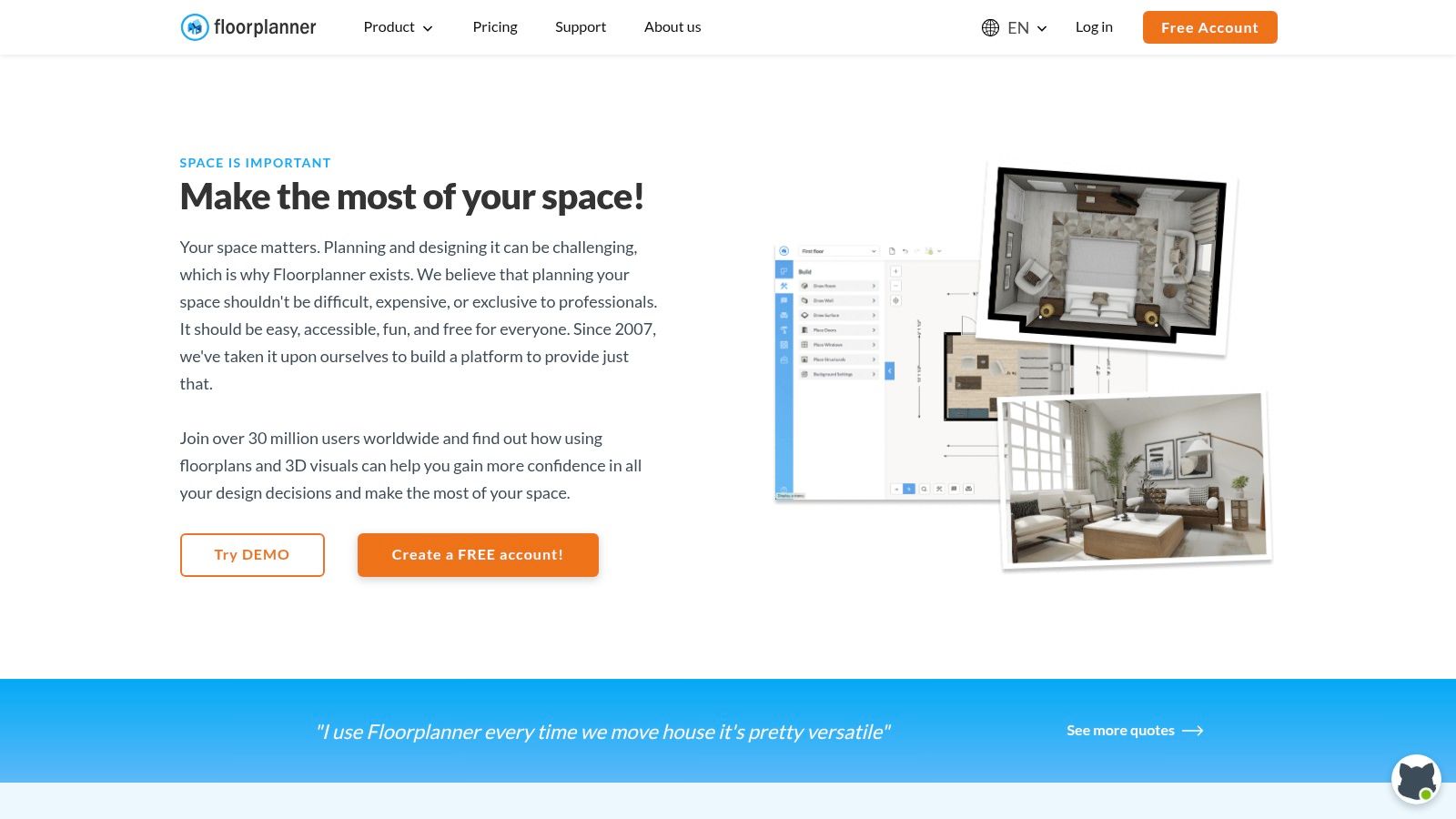
Floorplanner strikes an excellent balance between simplicity and capability, making it a go-to tool for anyone who needs to create detailed 2D and 3D floor plans quickly. Its browser-based interface means there's no software to install, so you can jump straight into designing. Whether you're mapping out a single room or an entire house, Floorplanner provides an intuitive drag-and-drop system that’s easy for beginners but deep enough for professionals.
Why It Matters for Your Space
The platform's standout feature is its massive library of over 260,000 3D models. The ability to switch between a 2D drawing and a live 3D view helps you instantly understand how your layout will feel.
- Who it's for: Real estate agents creating listing visuals, homeowners planning a renovation, and interior designers needing quick concept layouts for clients.
- Pricing: A free plan is available for basic projects. Paid tiers include subscriptions (starting around $5/month) or a flexible credit system for upgrading individual projects to high-resolution exports.
- Practical Use Example: If you're renting an apartment, use Floorplanner to check if your existing furniture will fit before you move. This simple step can save you the headache and cost of moving items that won't work in the new space.
Strengths and Weaknesses
Floorplanner’s main strength is its user-friendly interface. You can create a respectable floor plan in minutes. However, the free version's exports are watermarked and low-resolution, and achieving photorealistic quality requires buying credits or a subscription. For those interested in seeing how different tools approach layout creation, see how Floorplanner compares to other online home design software.
4. Planner 5D
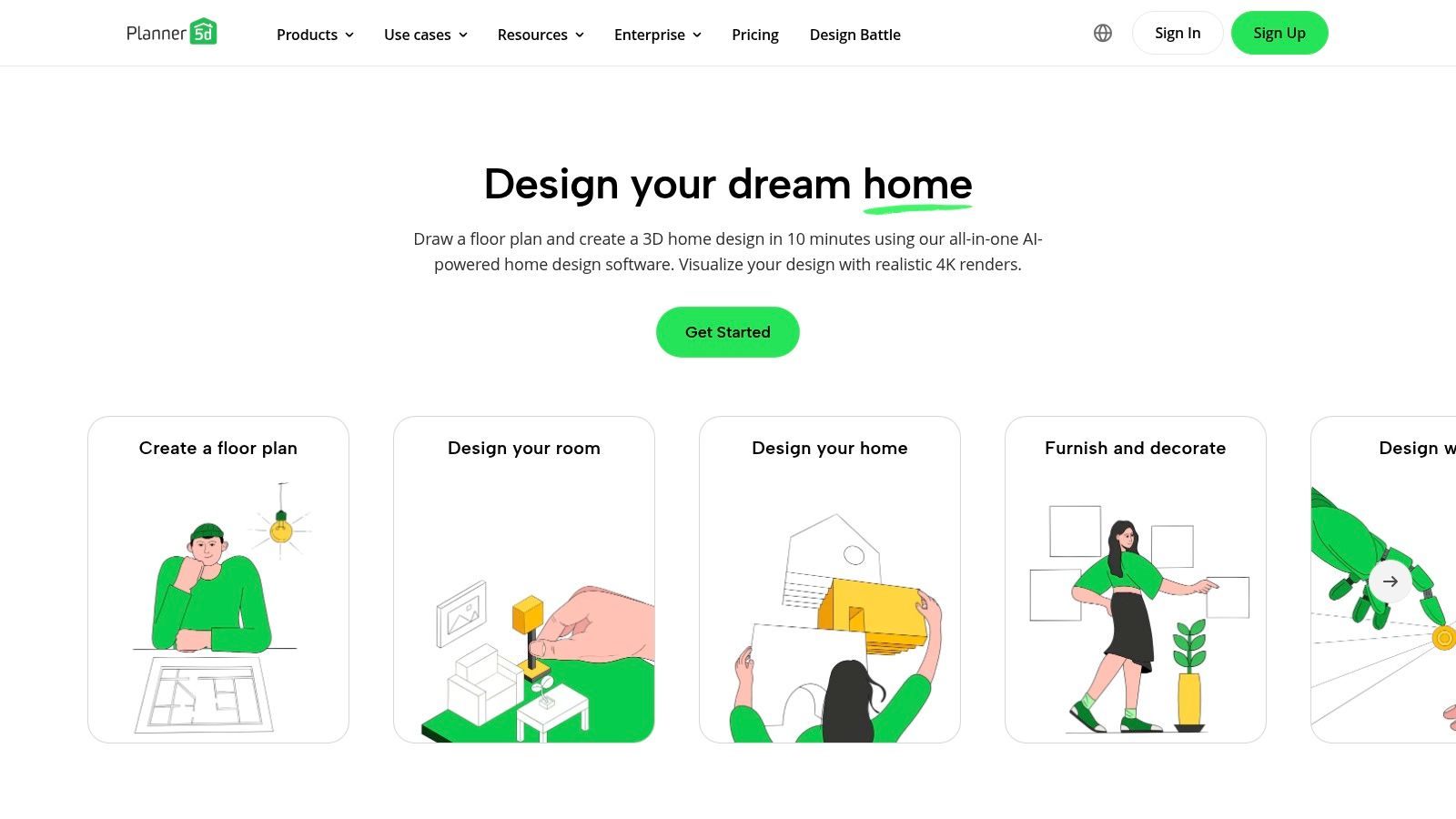
Planner 5D is an accessible and user-friendly home design tool that bridges the gap between simple floor planners and more complex 3D modeling software. It empowers homeowners and aspiring designers to visualize spaces quickly in both 2D and 3D, making it one of the most popular online interior design tools for rapid concept development. Its intuitive drag-and-drop interface and cross-device availability make it perfect for planning on the go.
Why It Matters for Your Space
Planner 5D's appeal lies in its simplicity and powerful visualization features, including an AI tool that can automatically generate a floor plan from an uploaded image. This is perfect for getting a quick start on a room makeover.
- Who it's for: Homeowners planning a room refresh, renters experimenting with furniture layouts, and anyone needing a quick, visual way to explore design ideas without a steep learning curve.
- Pricing: A free version is available with a limited item catalog. Paid plans (starting around $9.99/month) unlock the full catalog, AI features, and high-quality 4K renders.
- Practical Use Example: Use Planner 5D to design an outdoor patio. You can drag and drop different arrangements of patio furniture, planters, and even a grill to find the best layout for entertaining before buying anything.
Strengths and Weaknesses
The main strength of Planner 5D is its gentle learning curve and excellent rendering quality for its price. The community design challenges also provide great inspiration. However, the best features and the extensive item catalog are locked behind a subscription. You can discover more about how Planner 5D compares to other free design apps.
5. Homestyler
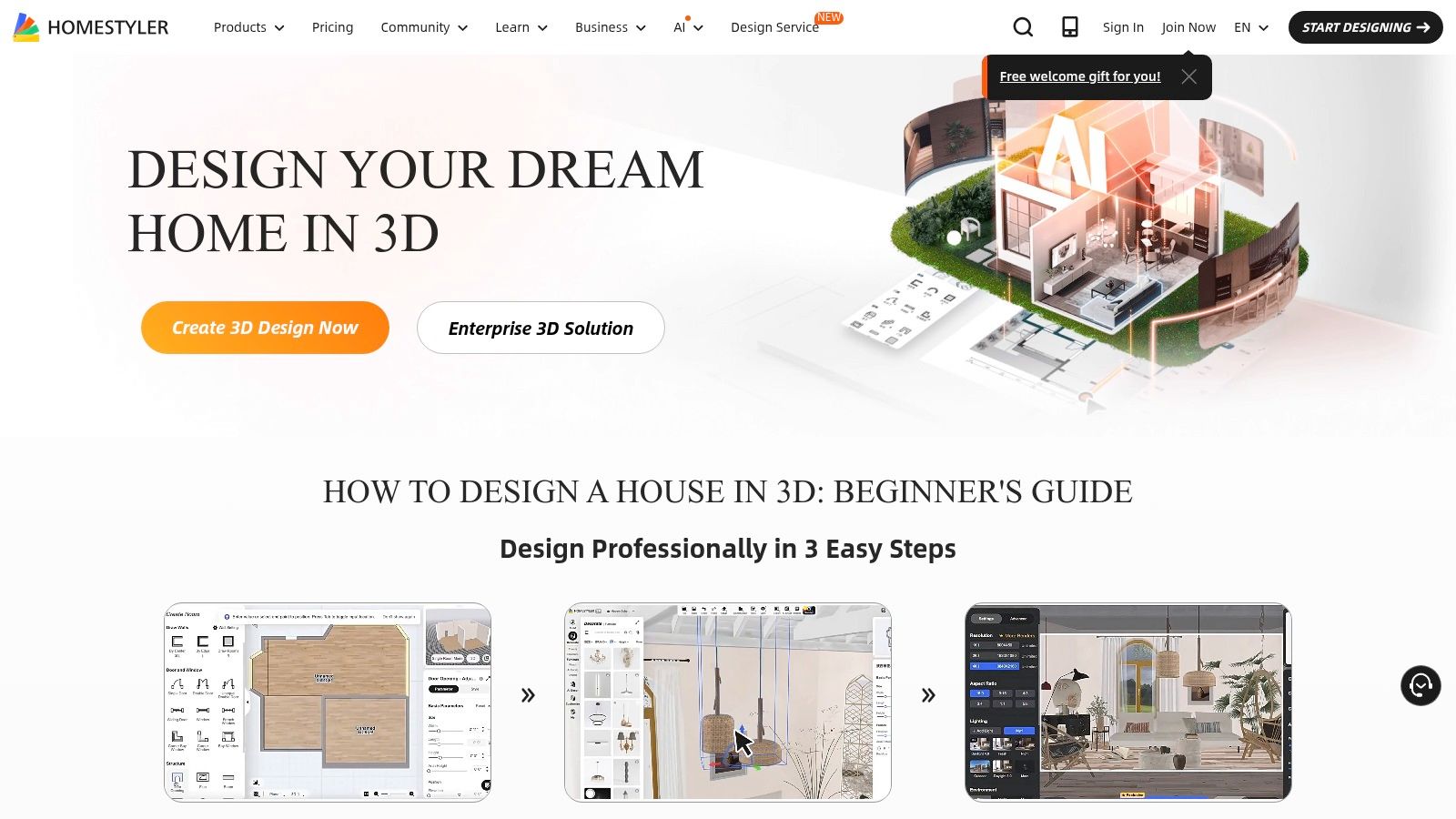
Homestyler is a powerful cloud-based platform that expertly balances user-friendly design with professional-grade rendering capabilities, making it one of the most versatile online interior design tools available. It excels at producing high-quality photorealistic visuals, allowing users to transform simple floor plans into stunning, lifelike 3D scenes with remarkable speed.
Why It Matters for Your Space
Homestyler's key differentiator is its accessibility to high-quality rendering. It includes a massive, constantly updated library of real-world furniture, and its AI-powered "Home Copilot" can help generate design concepts. This is great for getting a realistic preview of your ideas.
- Who it's for: Interior designers needing fast, high-quality client visuals, real estate agents creating virtual staging, or homeowners who want photorealistic previews before committing to a design.
- Pricing: A generous free plan includes unlimited 1K renders. Paid tiers range from approximately $25 to $100 per user/month, unlocking 4K+ renders and video animations.
- Practical Use Example: Remodeling your kitchen? Use Homestyler to test different cabinet finishes, countertop materials, and backsplash tiles. The realistic renders will show you exactly how the lighting will interact with your choices.
Strengths and Weaknesses
The platform's primary strength is the incredible value it offers for photorealistic rendering. However, while the free tier is excellent, some advanced features like multi-floor design are locked behind subscriptions. The credit system for certain renders can also become costly for users with high-volume needs. You can explore Homestyler's features directly on their site.
6. HomeByMe
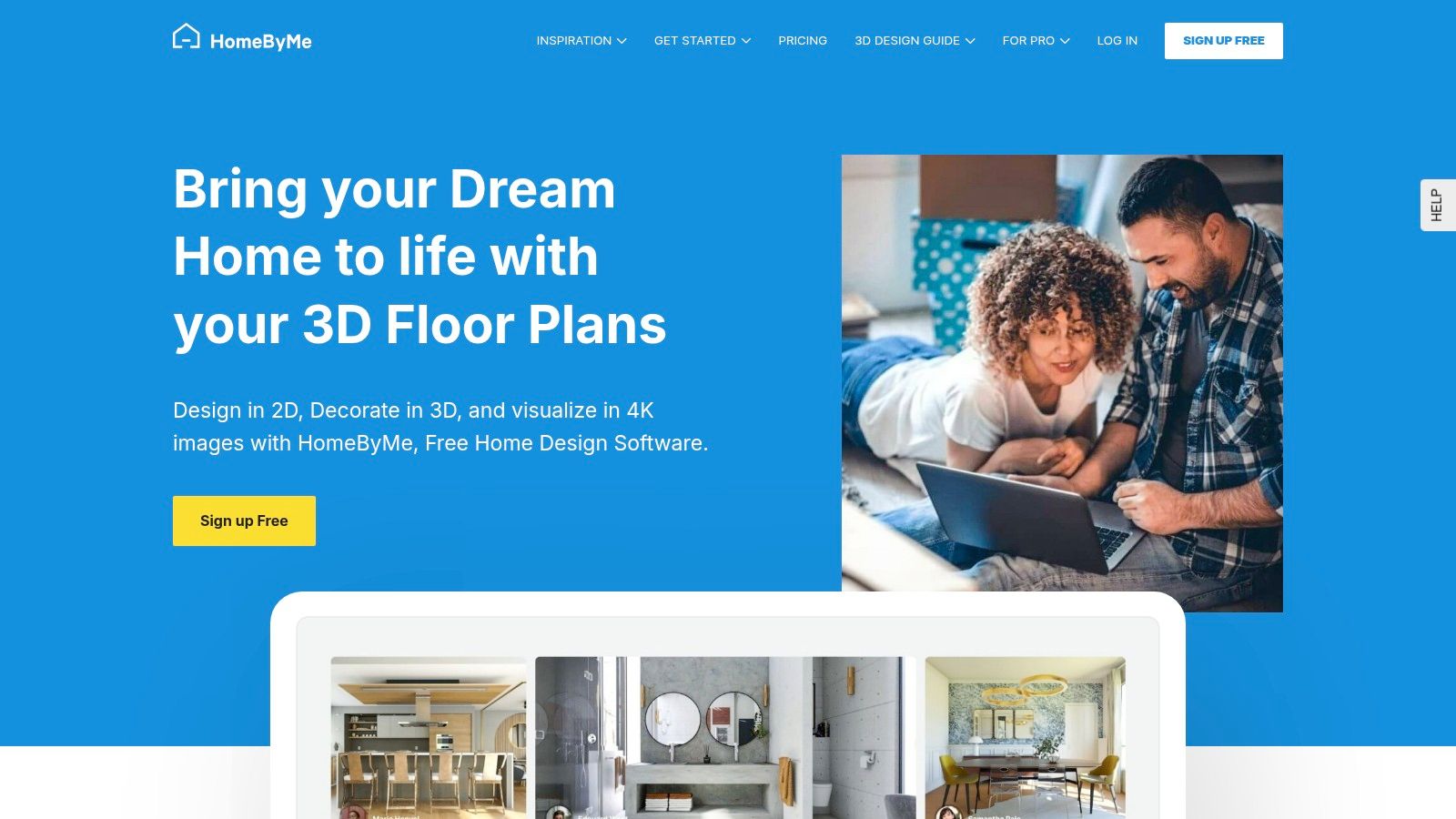
HomeByMe excels at bridging the gap between a basic floor plan and a stunningly realistic 3D visualization. This web-based platform is built around creating high-quality, photorealistic images and immersive walkthroughs. By integrating a vast catalog of real, branded furniture, it allows you to design a space with actual products you can purchase, turning your virtual creation into a tangible reality.
Why It Matters for Your Space
The platform's standout feature is its rendering engine, which produces beautiful images perfect for finalizing your home renovation plans. The ability to switch seamlessly between 2D floor plans and 3D views helps you understand the flow of your space from every angle.
- Who it's for: Homeowners who want to visualize their space with real-world products, interior designers preparing client mood boards, and real estate agents creating virtual staging concepts.
- Pricing: HomeByMe offers a free starter plan for up to five projects. Paid plans (starting at around $25/month) unlock unlimited projects and more HD image credits.
- Practical Use Example: Designing a nursery? Use HomeByMe to place specific cribs, changing tables, and rockers from real brands into your room's layout to ensure everything fits comfortably and safely.
Strengths and Weaknesses
HomeByMe’s greatest strength is its ability to produce high-impact, realistic visuals with a user-friendly interface. However, the business model relies on a credit system for high-resolution renders, which can become costly if you need many professional-quality exports. You can explore more at https://home.by.me.
7. Roomstyler (powered by Floorplanner)
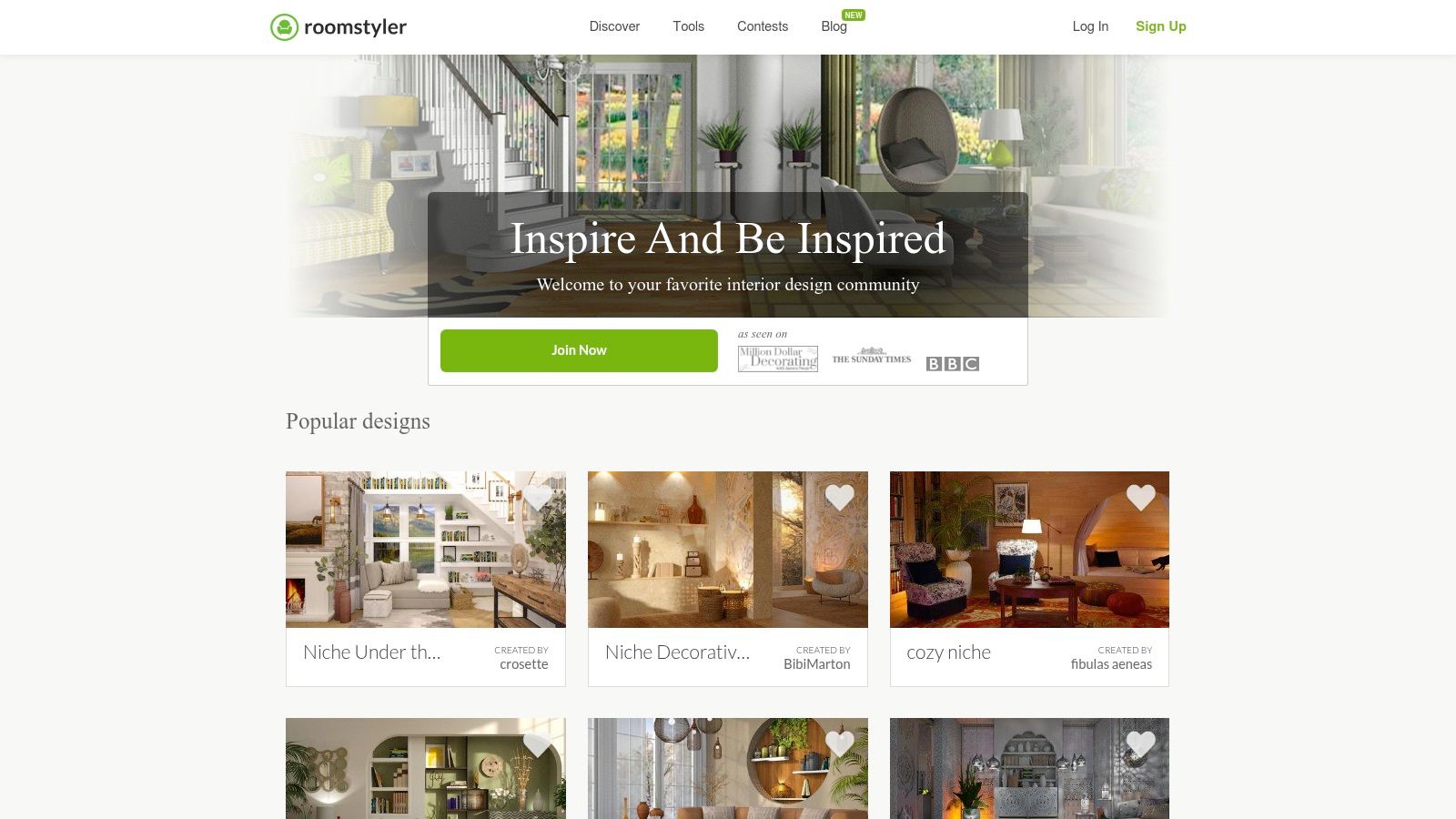
Roomstyler offers an approachable and socially-driven 3D home planning experience, making it a fantastic entry point for those new to digital design. Its strength lies in a massive catalog of real-brand products and a vibrant community, allowing users to decorate with actual furniture and draw inspiration from thousands of fellow designers. This platform is one of the more accessible online interior design tools for users who want to focus more on decorating and less on complex architectural modeling.
Why It Matters for Your Space
The platform's core is its drag-and-drop interface and an extensive library of over 120,000 decor items. The community aspect is central, with design contests providing a constant stream of fresh ideas.
- Who it's for: Homeowners and renters wanting to visualize furniture from real brands in their space, design enthusiasts looking for a fun and creative community, and anyone needing a simple tool for quick decorating mockups.
- Pricing: Free to use for basic 3D planning and low-resolution renders. Photorealistic renders are available by purchasing credits, with packages starting around $10.
- Practical Use Example: Want a new sofa but not sure if it will work with your existing decor? Find a similar model in Roomstyler’s library and drop it into a recreation of your living room to see how it looks before you buy.
Strengths and Weaknesses
Roomstyler's main advantage is its simplicity and vast, real-world product library. However, its free renders are low-resolution and watermarked, and achieving high-quality photorealism requires purchasing render credits. You can learn more about its features at Roomstyler.
8. Houzz Pro
Houzz Pro is a comprehensive business management system for design and construction professionals. It integrates a capable 3D floor planner directly into a suite of tools for client management, proposals, invoicing, and project timelines. This all-in-one approach makes it one of the most powerful online interior design tools for professionals who need to manage the entire lifecycle of a project, from initial concept to final payment.
Why It Matters for Professionals
Houzz Pro's strength is its seamless integration of design visualization with business operations. It allows designers to create detailed 3D floor plans, share them through a client portal for feedback, and then generate estimates tied directly to the design.
- Who it's for: Interior design firms, remodelers, and architects who need an end-to-end solution for managing client projects, from lead generation to final billing.
- Pricing: Pricing is subscription-based, aimed at professionals, with plans starting around $65-$99 per month. A free trial is available.
- Practical Use Example: An interior designer can use Houzz Pro to create a living room design, share it with the client for approval, and then instantly convert the approved items into a purchase order and invoice, all within one platform.
Strengths and Weaknesses
The primary advantage of Houzz Pro is its all-in-one business management capability. However, its professional focus means the pricing is a significant investment for hobbyists or homeowners planning a single project.
9. IKEA Design & Planning Tools (incl. IKEA Kreativ)
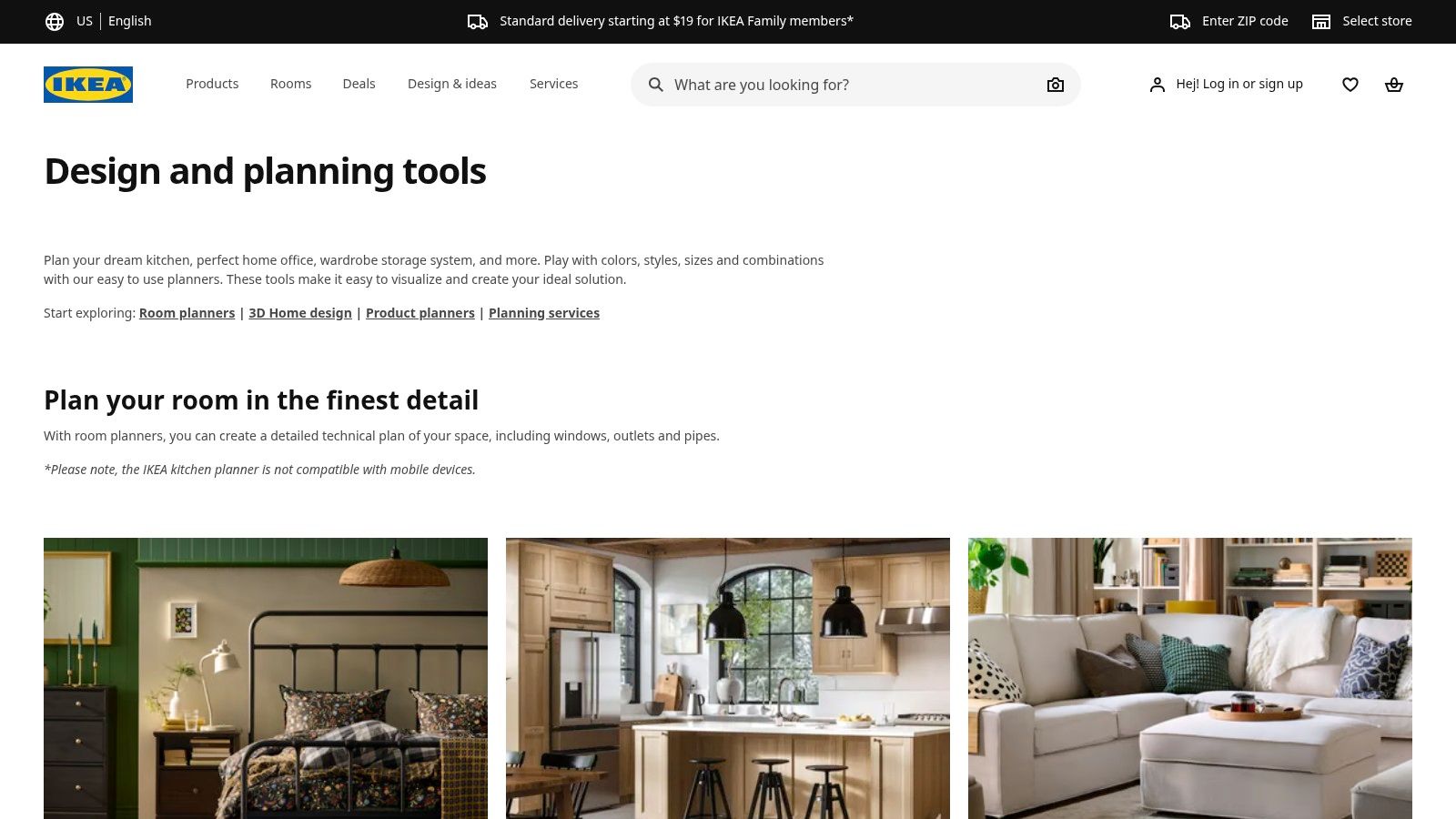
For anyone planning a home project on a practical budget, the IKEA suite of design tools is an invaluable resource. Rather than offering a generic design space, these tools are built specifically around IKEA's product catalog, allowing you to plan complex spaces like kitchens or wardrobes with exact items you can actually purchase. This makes them some of the most practical online interior design tools for anyone committed to the IKEA ecosystem.
Why It Matters for Your Space
The primary advantage of IKEA's planners is the direct link between design and purchase. As you design your kitchen, the tool generates a precise shopping list, complete with article numbers and prices. This removes the guesswork from budgeting.
- Who it's for: Homeowners and renters planning a kitchen, bathroom, or storage renovation using IKEA products. It’s also great for DIYers who need an exact parts list.
- Pricing: Completely free to use.
- Practical Use Example: Use the IKEA kitchen planner to lay out your entire kitchen, from cabinets to appliances. The tool ensures all components are compatible and provides a final price, so there are no surprises at checkout.
Strengths and Weaknesses
The biggest strength is its perfect integration with the IKEA retail experience. The major weakness, however, is that you are entirely limited to the IKEA catalog; you cannot add products from other brands.
10. Wayfair Decorify (virtual room styler)
Wayfair Decorify is an innovative, AI-powered tool designed for rapid style exploration. Instead of building a room from scratch, Decorify reimagines your existing space. You upload a photo of your room, and the AI re-styles it in various aesthetics, from "Bohemian" to "Industrial," in seconds. This makes it one of the fastest online interior design tools for anyone seeking immediate visual inspiration tied directly to a shoppable catalog.
Why It Matters for Your Space
Decorify’s main appeal is its simplicity and direct integration with Wayfair's massive product inventory. After the AI generates new designs, you can explore and purchase the items featured in the virtual mockups directly from the site.
- Who it's for: Homeowners and renters feeling stuck on a style, shoppers wanting to see how specific types of furniture would look in their room, and anyone needing a quick, no-fuss dose of design inspiration.
- Pricing: Free to use.
- Practical Use Example: Unsure what style to choose for your new apartment’s living room? Upload a photo to Decorify and see it instantly restyled as Mid-Century Modern, Farmhouse, and Glam to discover which look you prefer.
Strengths and Weaknesses
The primary strength is its speed and ease of use. However, it is not a technical design tool. It lacks floor planning or precise measurement capabilities, focusing entirely on aesthetic transformation. Discover how Wayfair Decorify (virtual room styler) compares to other platforms to see if it meets your needs.
11. Havenly
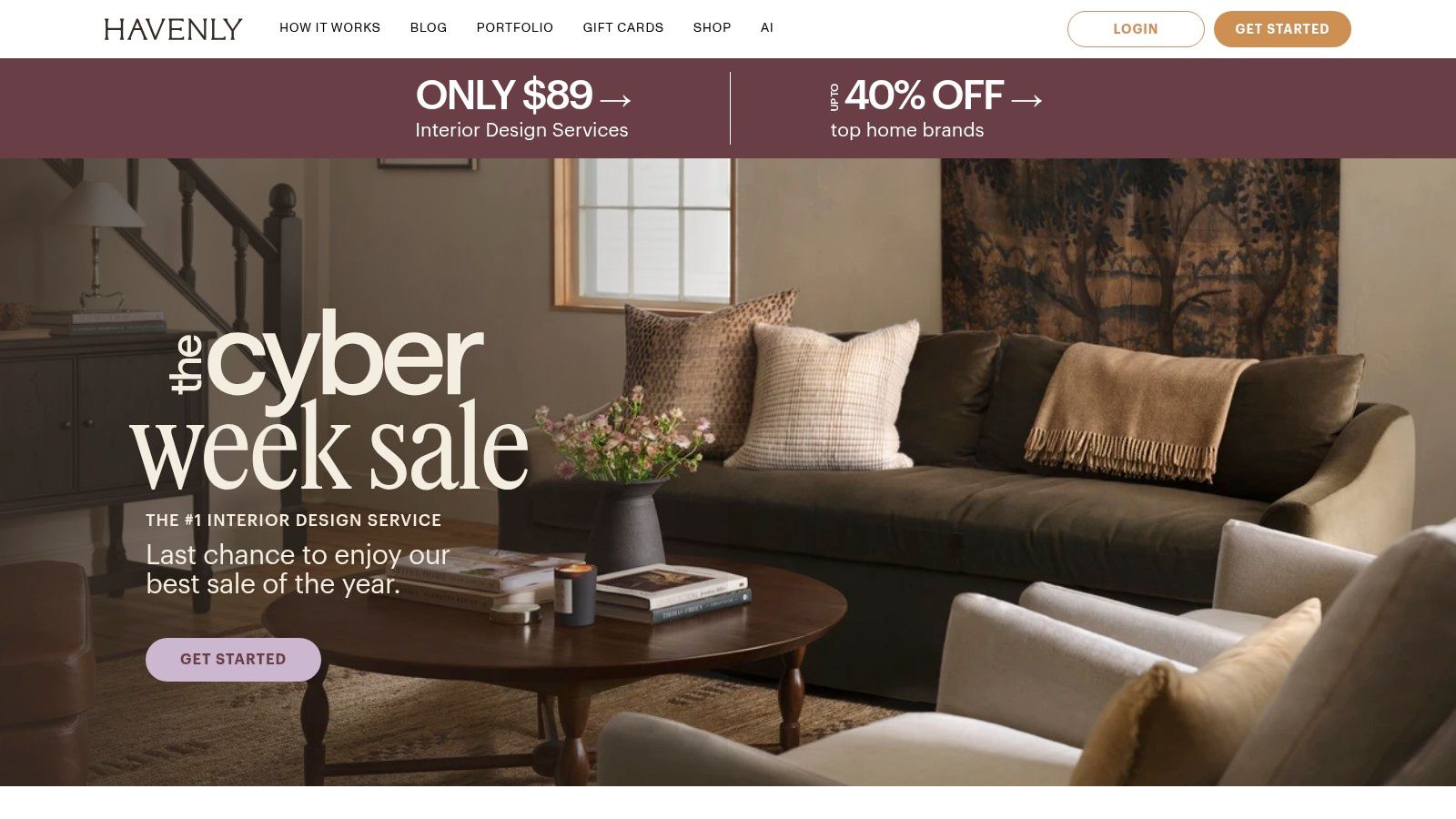
Havenly takes a different approach by shifting the focus from DIY software to a personalized, designer-led service. Instead of you creating the model, Havenly pairs you with a professional interior designer who does the heavy lifting. This service-based model is perfect for anyone who wants expert guidance without the high cost of a traditional designer.
Why It Matters for Your Space
The core of the Havenly experience is the 1:1 collaboration with your designer. You provide photos and inspiration, and they deliver concept boards, a 3D visualization of your new space, and a curated shopping list.
- Who it's for: Busy homeowners who lack the time or confidence to design a room from scratch, renters looking for decor guidance, or anyone needing a clear, actionable plan to follow.
- Pricing: The service is offered through fixed-fee packages. The Mini package starts around $159 for decor updates, while the Full package for a complete room makeover is priced from $299.
- Practical Use Example: If you have an awkward-shaped living room and don't know how to arrange furniture, a Havenly designer can provide a professional layout and product suggestions tailored to your space and budget.
Strengths and Weaknesses
Havenly's main strength is its convenience and affordability. The primary weakness is that it isn't a DIY tool; you cannot freely experiment with layouts or products yourself. You can explore more about Havenly at havenly.com.
12. Amazon (Interior Design Software Category)
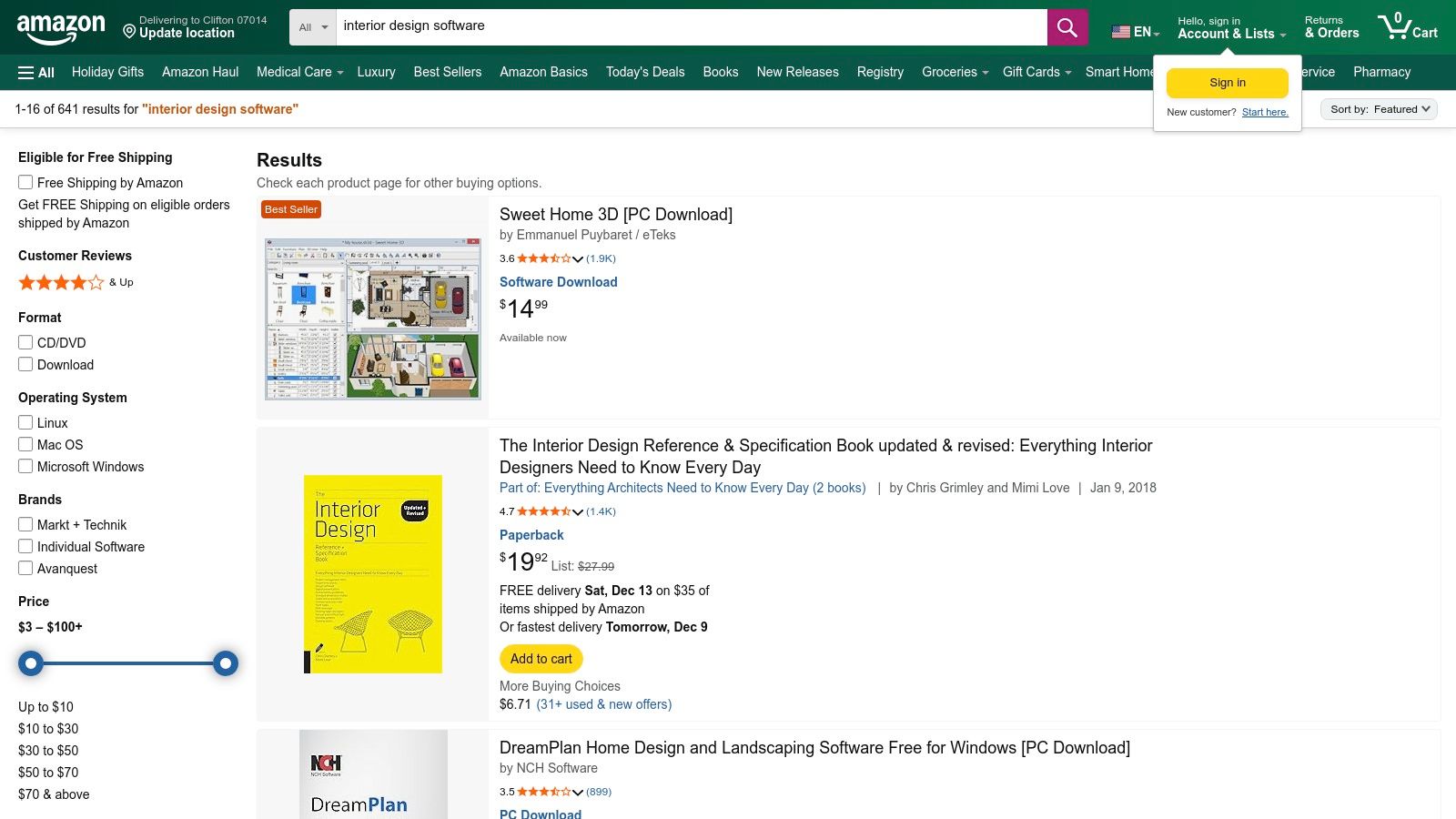
While not a design tool itself, Amazon serves as a critical marketplace for purchasing downloadable interior design software. It functions as a one-stop shop where you can compare different software brands, read user reviews, and find competitive pricing on everything from professional-grade programs to consumer-friendly tools.
Why It Matters for Your Project
Amazon’s primary value lies in its vast selection and consolidated user feedback. You can buy software and simultaneously order a laser measure or a new tablet to run it on.
- Who it's for: Anyone looking to purchase perpetual licenses or physical copies of design software, or professionals and homeowners needing supporting hardware like laser measures or drawing tablets.
- Pricing: Varies dramatically from under $50 for basic software to several thousand for professional suites.
- Practical Tip: Always read the most recent user reviews before purchasing software on Amazon to ensure compatibility with your computer and to check for any known issues.
Strengths and Weaknesses
The main advantage is convenience and competitive pricing. However, quality and support can be inconsistent with third-party sellers. Unlike dedicated software platforms, Amazon does not offer direct technical support. You can explore a wide range of software on Amazon, but be prepared to seek support from the original developer.
Top 12 Online Interior Design Tools — Feature Comparison
| Tool | Core features | UX & output quality | Value / Unique selling point | Target audience | Price & notes |
|---|---|---|---|---|---|
| Interior Redesign AI (Recommended) | AI photo/sketch → photoreal redesigns; 50+ styles; Canvas Editor; walkthrough video; up to 4K | Blazing-fast (seconds); photoreal; granular controls; privacy-conscious | Rapid ideation & staging; precise edits + video previews for client pitches | Homeowners, designers, real estate pros, Airbnb hosts, architects | Pricing on site (plans/credits); secure payments |
| SketchUp (Trimble) | Full 3D modeling (web/iPad/desktop); 3D Warehouse; extensions; AR/XR viewers | Industry-standard outputs; powerful but steeper learning curve | Professional modeling and documentation with large ecosystem | Architects, pro designers, woodworkers, advanced hobbyists | Free/basic; Pro/Studio paid annual subscriptions |
| Floorplanner | Fast 2D plan drawing with live 3D; 260k+ models; HD/4K/8K exports via credits | Easy, browser-based; quick layouts and visuals | Fast floor plans & furniture placement for quick decisions | Realtors, homeowners, small pros, DIY users | Free tier (SD/watermark); credits or subscription for HD exports |
| Planner 5D | AI plan generation & image recognition; 8k+ item catalog; cross-device; 4K renders (paid) | Gentle learning curve; solid renders for concepting | Fast consumer-friendly concept exploration with AI help | Consumers, hobbyists, students | Free core; paid tiers for premium items & high-res renders |
| Homestyler | Cloud 3D planner; Home Copilot AI; panoramas/video up to 12K; custom textures | Strong rendering value; large, updated model library | Scales from hobbyists to enterprise; white-label options | Hobbyists, designers, teams, enterprises | Free tier; paid tiers and a la carte render purchases |
| HomeByMe | 2D/3D editing and walkthroughs; branded catalogs; import custom models | Presentation-grade photoreal renders | High-quality visuals for client presentations and sales | Designers, marketers, realtors | Free starter; credits for high-res stills/video |
| Roomstyler (powered by Floorplanner) | Drag-and-drop room builder; 120k+ decor items; community galleries | Very approachable; social galleries inspire designs | Easy decorating + community sharing | Beginners, social users, casual planners | Free low-res/watermark; credits for HD renders |
| Houzz Pro | 3D planner + rendering; CRM, estimates, invoicing, client portals | End-to-end business UX for firms | Integrated project workflow & client management | Design businesses, remodelers, contractors | Paid professional plans; additional user costs |
| IKEA Design & Planning Tools | Room planners (kitchen, bath, wardrobes); IKEA Kreativ scan/virtual rooms; product-linked planning | Simple, product-accurate planning; shopping flow to checkout | Direct plan → buy workflow with IKEA catalog | Budget-conscious shoppers, planners | Free to use; limited to IKEA products |
| Wayfair Decorify | Upload photo → styled photoreal variations; shoppable product links | Fast inspiration using real room photos | Direct product discovery from styled scenes | Shoppers, style explorers | Free pilot experience; features may change |
| Havenly | Designer matching; 1:1 collaboration; concept boards, 3D visuals, shopping list | Guided service; easy for non-experts | Designer-led, fixed-fee room makeovers | Homeowners wanting professional help | Paid fixed-fee packages; timelines vary |
| Amazon (software & hardware) | Marketplace for interior design software, tools, peripherals; reviews & shipping | Wide selection; variable quality depending on seller | Consolidated place to buy tools and devices with delivery options | Buyers comparing software/hardware | Prices vary; frequent deals; vet third-party sellers |
Choosing the Right Tool to Bring Your Vision to Life
Navigating the world of online interior design tools can feel as tricky as picking the perfect paint color, but it doesn't have to be. The "best" tool really depends on your project goals, your comfort with technology, and your budget. The great news is that the digital toolbox for creating beautiful, functional spaces has never been more powerful or accessible.
This list was designed to be a practical roadmap. For a homeowner planning a living room refresh, a tool like Floorplanner offers an ideal balance of user-friendliness and detailed planning. For a real estate agent needing to quickly stage a vacant apartment, an AI tool like Interior Redesign AI provides nearly instant visuals that can captivate buyers without the cost of physical furniture. Meanwhile, a professional designer will likely lean on the technical precision of SketchUp or the all-in-one project management of Houzz Pro.
Key Takeaways for Your Design Journey
To choose the right tool, start by asking yourself a few simple questions:
- What is my main goal? Do you need quick style inspiration, a precise floor plan for a contractor, or a way to manage a full-scale client renovation? An inspiration-seeker needs a different tool than a technical planner.
- What is my skill level? Be honest. If you're new to design software, starting with an intuitive, photo-based AI generator or a simple planner will be much less frustrating.
- How much time and money can I invest? Free tools are fantastic for specific use cases, while subscription-based models are better for ongoing, complex projects.
A Practical Workflow for Any Project
The most effective approach often involves combining the strengths of different tools. Think of it as a simple, three-step process.
- Start with AI for Inspiration: Begin with an AI tool like Interior Redesign AI. Upload a photo of your actual room to instantly see it transformed into dozens of styles. This is the fastest way to discover what you love and overcome the fear of a blank canvas.
- Move to a Planner for Layout: Once you have a style in mind, use a tool like Floorplanner to create a to-scale 2D/3D model. This is crucial for making sure your dream layout actually works. Does that sectional sofa block the doorway? This is where you solve practical, spatial puzzles.
- Use Retailer Tools for Sourcing: Finally, use platforms like Wayfair's Decorify or the IKEA Kreativ tool to find and visualize specific products in your space. This connects your plan to real, purchasable items, helping you finalize your budget and shopping list.
By using this workflow, you make smarter decisions at every stage. You confirm your aesthetic taste before you plan, validate your layout before you buy, and visualize products before you commit. This strategic use of technology saves time, prevents costly mistakes, and gives you the confidence to create a space you'll love.
Ready to stop guessing and start visualizing? Instantly reimagine your room from a photo or sketch with Interior Redesign AI.
Start reimagining your space with Interior Redesign AI today!